Colorize a Black and White Photo
GoStudio.ai colourises black-and-white and sepia photos with era-accurate palettes, painting skin tones, skies, and clothing each on its own. No manual work.
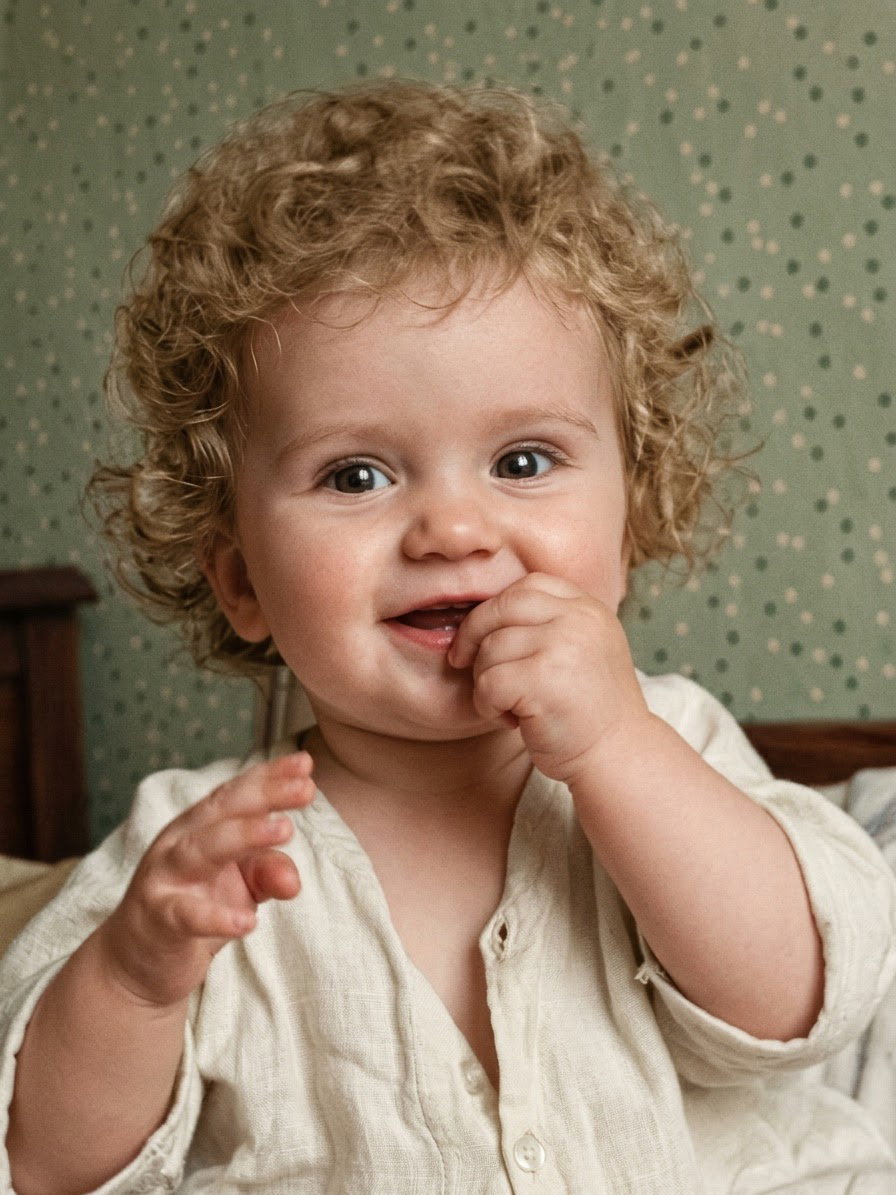
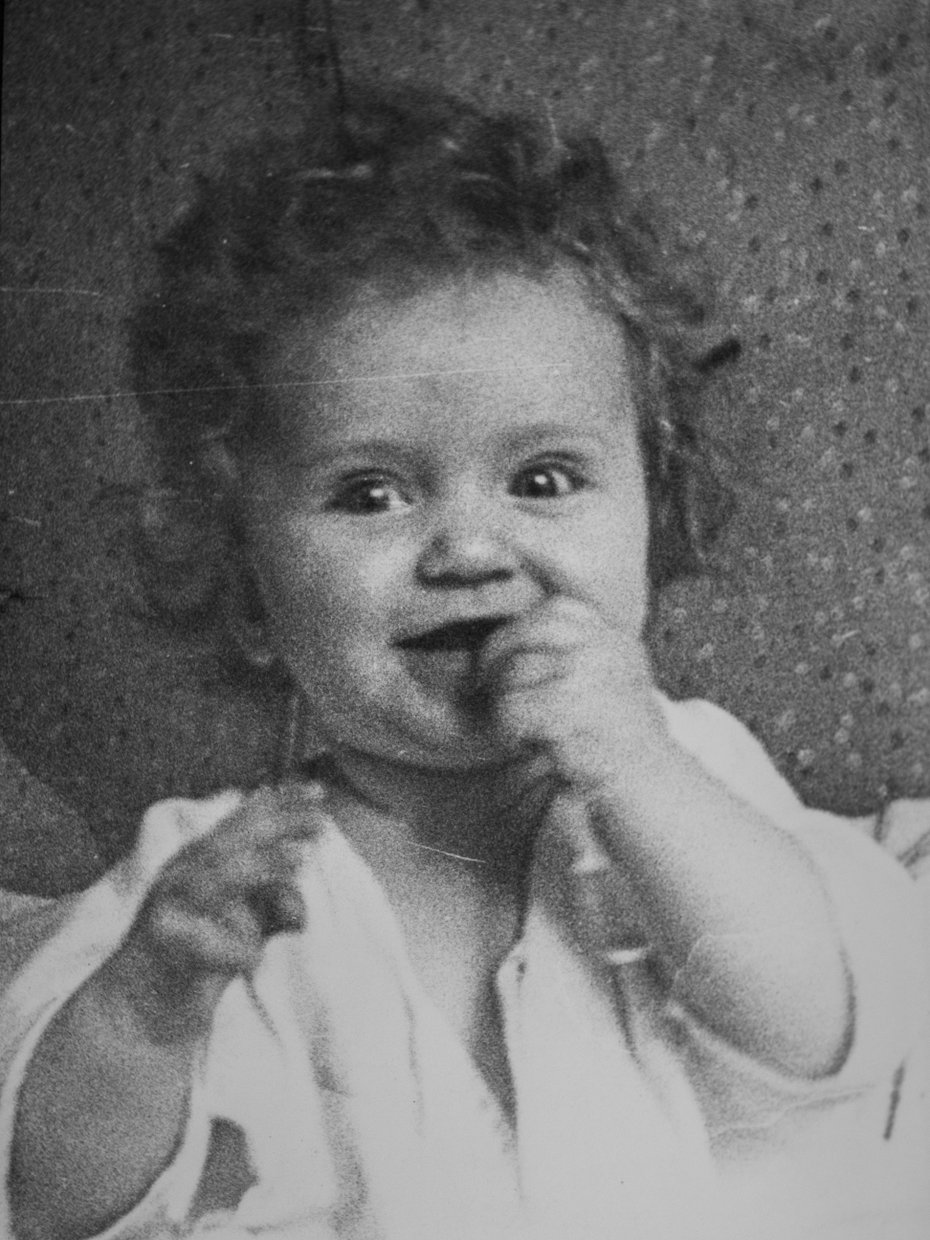
Drop your photo here
PNG, JPG, JPEG, WEBP, HEIC — up to 10MB
No image to test? Try one of our samples
How to Colorize a Black and White Photo in 3 Steps
The GoStudio.ai AI Photo Colorizer turns black-and-white or sepia photos into full colour with a period-accurate palette — region by region, so skin, skies, and clothing each get the right tone.
or drag & drop here
PNG, JPG, WEBP up to 10MB
Upload your B&W photo
Drop any PNG, JPG, WEBP, or HEIC up to 10MB. Scanned family photos, newspaper clippings, and sepia prints all work.
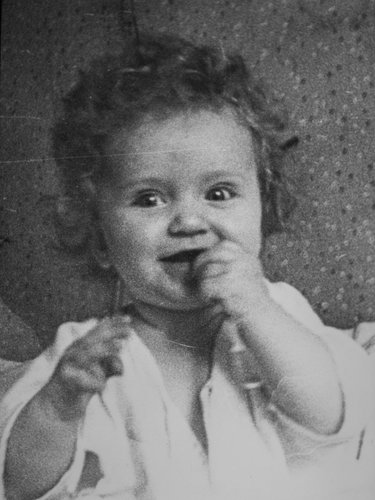
AI reads the era
The model picks up clothing style, architecture, and film-grain signatures to decide if this is a 1920s jazz-age portrait, a 1950s colour-era print, or a 1970s snapshot, and paints accordingly.
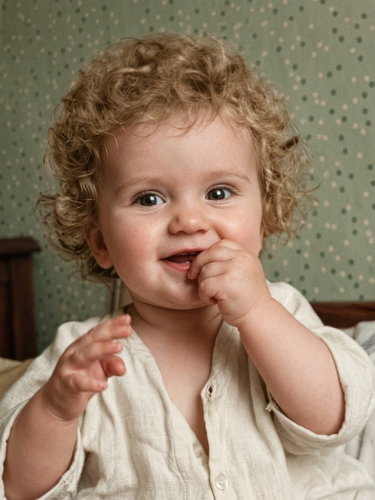
Colour, rendered
Every region gets its own palette, realistic skin tones, period-accurate clothing, and natural skies. Download in full resolution with no watermark.
The right colours for every generation
Every decade had its own film stock and colour range. Our AI detects the era and paints with the palette that actually existed, not a modern filter dropped over history.
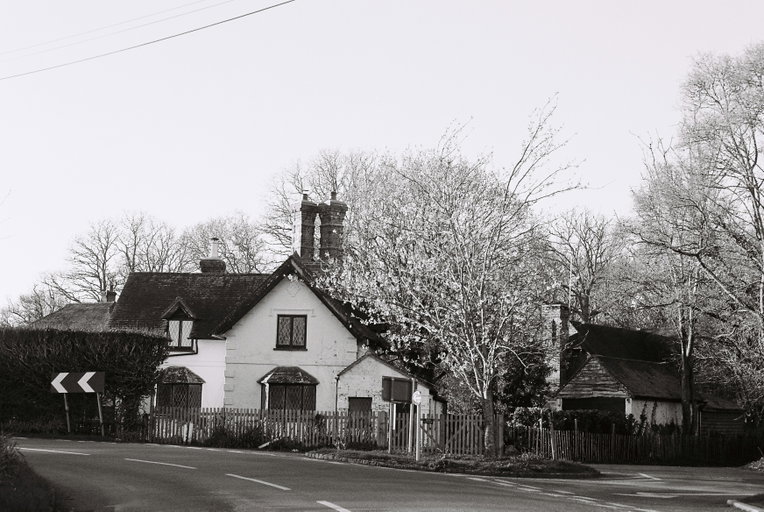
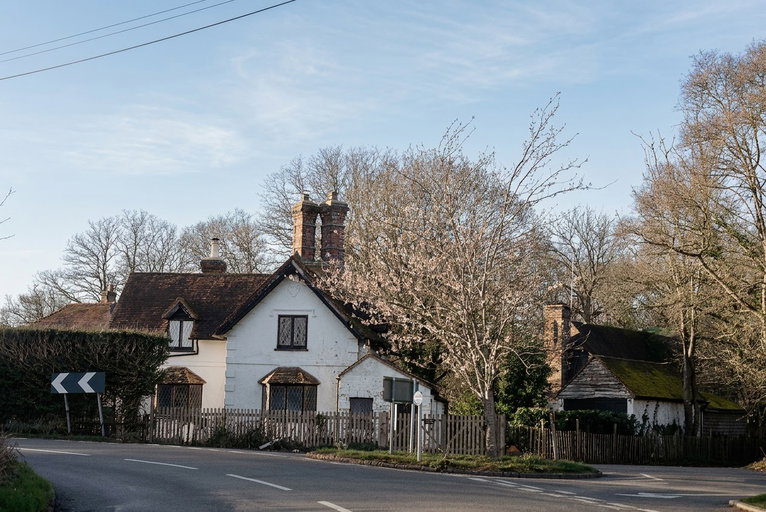
Block parties, school picture day, and church portraits from the most optimistic decade of the century. Our AI brings back the pastel-mint walls, cherry-red cardigans, and clear-sky blues of a post-war suburb seeing colour for the first time.
Which era is your photo from?
What our AI actually gets right
Generic colourisers paint everyone orange. Our model runs four region-specific passes so every part of the photo ends up in the right palette.
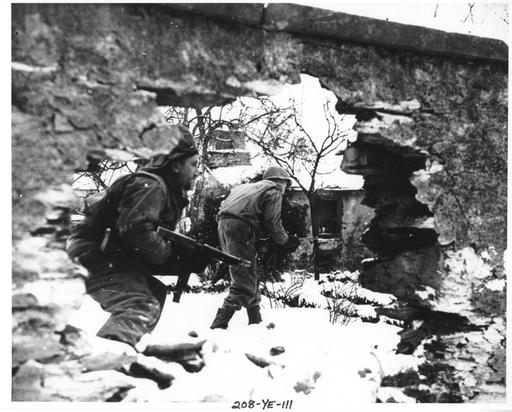
.jpg?width=880&height=512&quality=85 "Military & wartime archives after")
Military & wartime archives
Uniforms, insignia and period kit are read in context, so a WW1 or WW2 portrait gets plausible regimental colour rather than a generic wash. Where you know better than the model — cap badge, strap, tunic facings — re-run naming the colour and keep the version that matches the record.
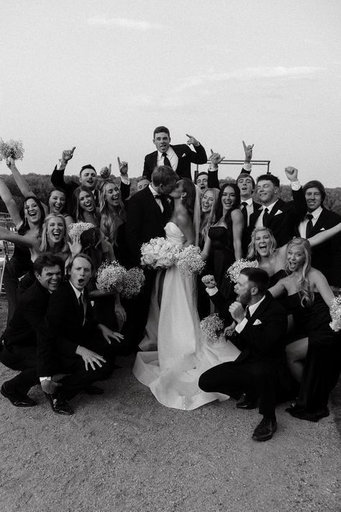
.jpg?width=880&height=512&quality=85 "Weddings & group photos after")
Weddings & group photos
Every face in a group shot is colourised in the same pass, with skin tones handled per person rather than one average across the frame. Dresses, bouquets and suits get period-appropriate colour.
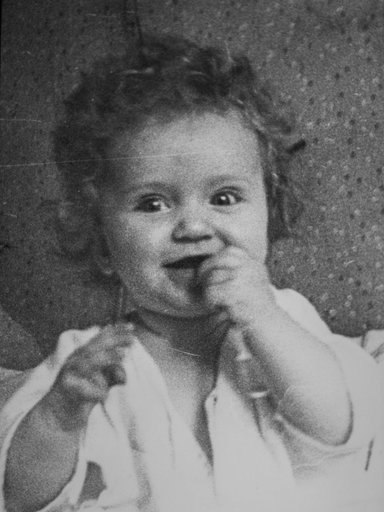
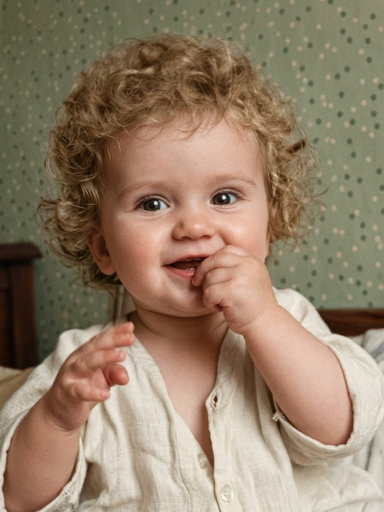
Faces & skin tones
See how the AI handles mixed skin tones across a group without flattening anyone to a generic hue. Facial landmarks are sampled individually, the result looks like a colour photo taken on the day, not a filter applied over it.
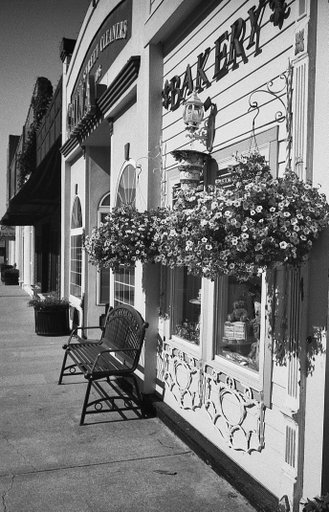
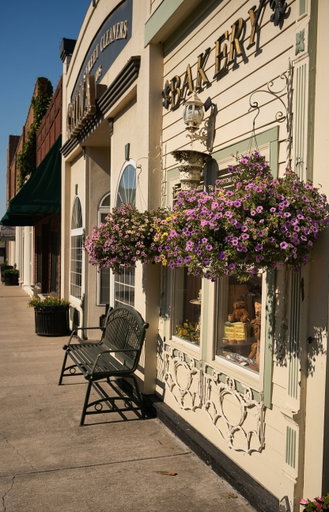
Outdoor scenes
Skies graduate from deep blue at the zenith to pale at the horizon, no flat fill. Grass reads as green without bleeding into the clothing beside it, and the brick or stonework in the background gets its own warm, gritty palette.
Old homes & buildings
The family home in 1952. A farmhouse passed down through three generations. A row of townhouses on a street that barely exists anymore. Our AI restores the painted timber, weathered brick, and garden greenery so the house looks exactly as it did on the day the photo was taken.
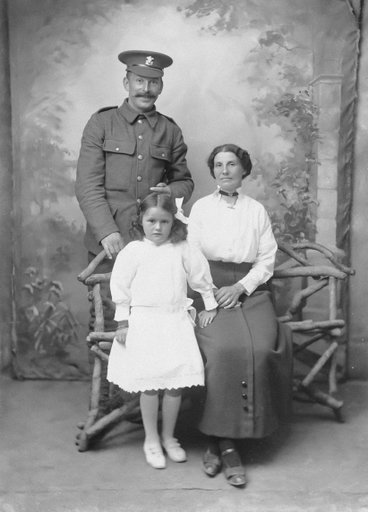
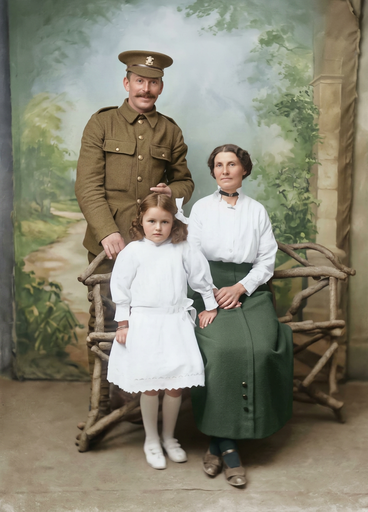
Veterans & family portraits
A grandfather in dress uniform on the front lawn. A serviceman's homecoming with his wife and children at the door. Our AI restores the precise olive of a military uniform, the gleaming brass of medals, and the natural skin tones of every family member, doing justice to photos that deserve to last forever.
Simple pricing.
Pay only for what you use.
Every plan unlocks every AI model and every editing tool. Pick the credit pack that fits.
Lite
Billed monthly
80 credits/month
GPT Image 2 · 8 images
Nano Banana 2 · 10 photos
Wan 2.7 · 1 video
Seedance 2 · 1 video (5s)
Full access to all AI image & video models
Pro
Billed monthly
160 credits/month
GPT Image 2 · 16 images
Nano Banana 2 · 20 photos
Wan 2.7 · 2 videos
Seedance 2 · 2 videos (5s)
Full access to all AI image & video models
Max
Billed monthly
500 credits/month
GPT Image 2 · 50 images
Nano Banana 2 · 62 photos
Wan 2.7 · 9 videos
Seedance 2 · 8 videos (5s)
Full access to all AI image & video models
Sign up for 10 free credits — no credit card required. Free credits go to eligible new accounts. Seeing wrong pricing? Contact us
Related Tools
Tools that pair well with this one.
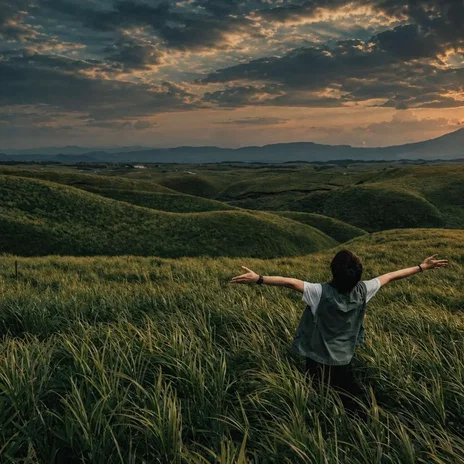
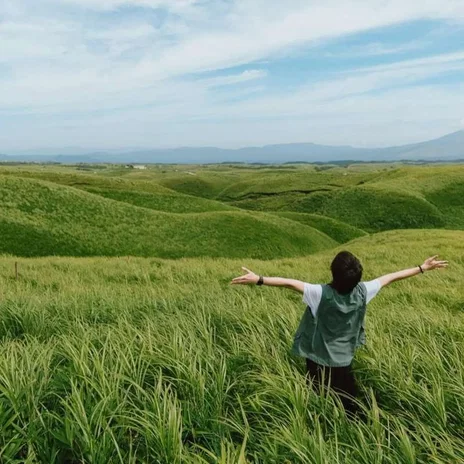
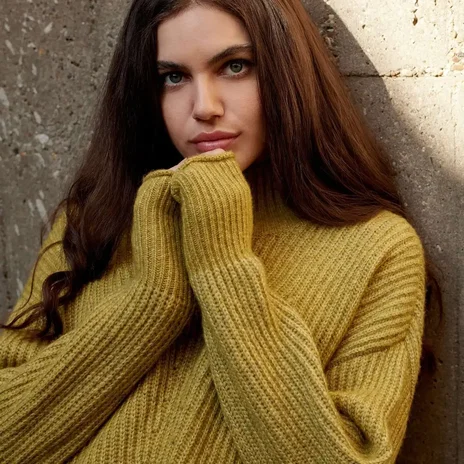
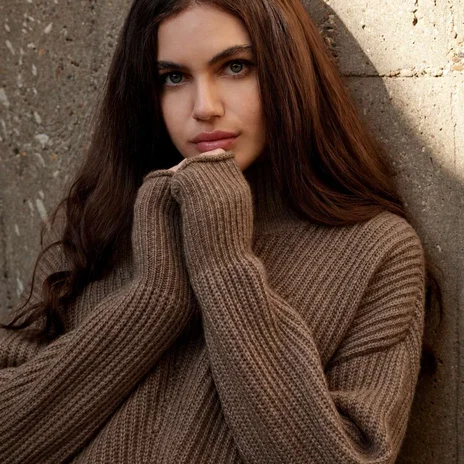
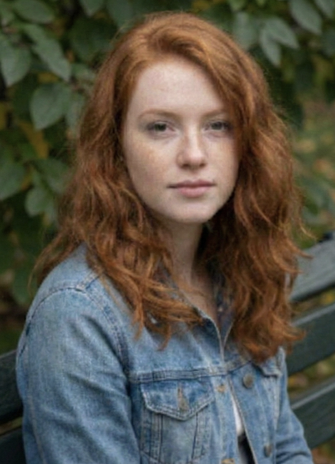
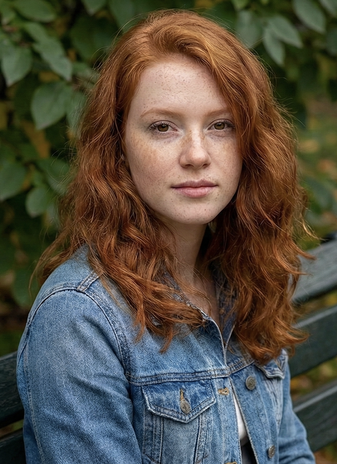
Our Best Tools
The tools creators and businesses use most on GoStudio.
.png?width=620&height=464&quality=85 "AI Outpaint after")

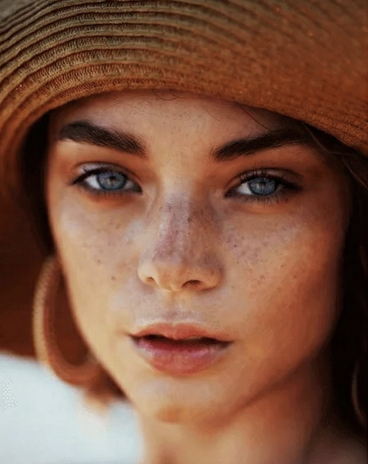
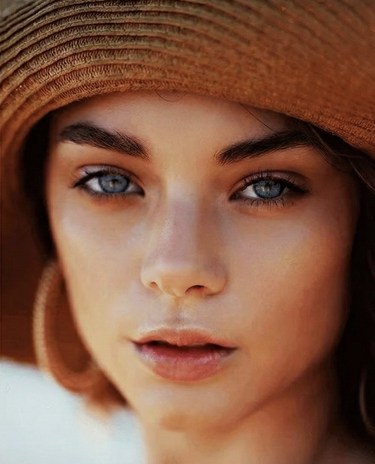
TESTIMONIALS
Real customers.
Real reviews.
Real people, real posts. Every review below is written by a GoStudio.ai customer on social media — not edited, not paid for. Click any review to read the original.
Two years ago we spent thousands on branded images and professional headshots. Then I found GoStudio.ai — it helps you look like yourself, just on your best, most confident day.

Sometimes, you don't need a photo shoot to look like your future self. You just need a visual story that says, 'I made it.' That's where GoStudio.ai can help.
The founder personally fixed all of my photos. Her commitment to giving everyone an excellent experience makes her a cut above many others. I have to give the experience 5 stars.
The images look so close to my original that if I didn't tell you they were AI-generated, you'd probably never notice. AI is your assistant — not your identity.

Kanika personally hopped on a call to help. That level of professionalism and kindness really impressed me. The AI photo is beautiful — GoStudio.ai makes professional identity accessible.
GoStudio.ai helped me show up as who I'm actually becoming — not who I thought I was supposed to be. It replaced two photographers and a retoucher for our catalog.
Kanika built GoStudio.ai — an app that turns your daily selfies into professional photos. She built it solo, and it's jaw-droppingly good.

I've seen other companies do AI headshots, but I've found her images to be the best. Dozens of images in 30 minutes — why do this yourself?

Two years ago we spent thousands on branded images and professional headshots. Then I found GoStudio.ai — it helps you look like yourself, just on your best, most confident day.
Sometimes, you don't need a photo shoot to look like your future self. You just need a visual story that says, 'I made it.' That's where GoStudio.ai can help.
The founder personally fixed all of my photos. Her commitment to giving everyone an excellent experience makes her a cut above many others. I have to give the experience 5 stars.
The images look so close to my original that if I didn't tell you they were AI-generated, you'd probably never notice. AI is your assistant — not your identity.
Kanika personally hopped on a call to help. That level of professionalism and kindness really impressed me. The AI photo is beautiful — GoStudio.ai makes professional identity accessible.
GoStudio.ai helped me show up as who I'm actually becoming — not who I thought I was supposed to be. It replaced two photographers and a retoucher for our catalog.
Kanika built GoStudio.ai — an app that turns your daily selfies into professional photos. She built it solo, and it's jaw-droppingly good.
About AI Photo Colorization
AI Photo Colorizer, FAQ
Everything about colourising old photos with AI.
STILL LOOKING?
Didn't find what you came for? Tell us.
You scrolled the whole way so tell us what you're trying to create. A real person on our team will help you make it, point you to the right tool, or build it if it doesn't exist yet. Every GoStudio feature started exactly like this.