Watermark removers: what each GoStudio mode removes besides the watermark
.jpeg)
Last verified: September 28, 2026
In a 2026 test of 58 watermarked photos in 13 categories, GoStudio’s Lite mode changed real content in only one photo, but left part of the mark behind in seven categories. Pro and Advanced cleared more marks, and both changed real content along the way: Pro in four of the 13 categories — a registrar’s block of text on a certificate, a printed list of names under a team photo, a handwritten date under an old portrait, a child’s hair colour — and Advanced in three, including one cruise photo it returned wrecked.
Every watermark remover says it removes watermarks. What decides whether you can use the result is what else it removes. So we ran 58 watermarked photos — proofs, event shots, screenshots, social reposts, stock art, certificates, children’s portraits, group photos, headshots, graduation photos, product shots, property listings and cruise and travel galleries — through the three modes of GoStudio’s AI watermark remover, and published every result next to the original. Look at the marks, and then look at everything around them.
Contents
The short version
The three modes fail in opposite directions, and that is the useful finding. One is careful and sometimes incomplete; the other two clear more and sometimes remove things that were never watermarks.
- Lite — removes the mark and very little else. It never touched a face, a stamp or a line of text in 58 photos; the one thing it removed that it should not have was a line-drawing mural behind a headshot. It did leave part of the mark behind in seven categories: a small star logo, corner flourishes, an app logo, an artist’s signature, a site address, a SALE badge, a corner handle with its date stamp, and the ghost of a diagonal band across a yacht.
- Pro — changed the most. It took the registrar’s block of text off a degree certificate, removed the printed list of names under a team photo, faded the handwritten date under an old portrait, and changed a child’s hair colour. It was also the only mode that was clean on every headshot and every product photo.
- Advanced — scored Clean in nine of the 13 categories and was the only mode to clear every social-media logo. On screenshots it redrew the whole screen, in one case returning a plain photo with the app interface gone, and on product close-ups it added cracks to a clock’s enamel dial and changed the words printed on a watch. Its worst result in the set is a cruise ship at sunset that came back broken — the hull mirrored into the sky and the horizon gone. It also removed the border and club badges on one team photo.
- Where to start — if everything except the mark has to stay exactly as it is (a document, a screenshot, a proof you are checking), start with Lite and check the corners; if a mark survives, try Advanced, which was clean in more categories than either other mode. The right mode depends on the photo, not on which one sounds strongest.
When removing a watermark is fine, and when it is not
A watermark usually marks ownership, and removing it does not change who owns the photo. Removing one is reasonable when the photo is yours: an old upload of your own work with a logo you no longer use, a photo you bought or licensed, a scan with a date stamp, a picture you took that an app stamped with its own badge. It is not reasonable to remove a photographer’s or a stock library’s mark from a photo you have not paid for, and in many countries removing ownership information to hide an infringement is itself unlawful. The same goes for a "for verification only" line on an ID: it is there so a copy cannot be reused, and it belongs on any copy that is not your own. GoStudio’s watermark remover is for photos you own or have the rights to.
How we tested
- Same input — each mode received the identical watermarked file, with no pre-cropping and no retouching.
- Default settings — each mode ran as /watermark-remover runs it. Lite takes no instruction at all; Pro and Advanced take an optional hint, and none was typed.
- One attempt — the first result each mode returned is the one shown.
- Unedited output — results are shown as returned, resized only to fit the page.
- Judged on the whole frame — a result counts against a mode when anything other than the watermark changed, not only when the mark survived.
The set: 59 photos in 13 categories, chosen for the marks people actually ask to remove — tiled "PROOF" text, studio and photographer logos, @handles and app badges, library marks, artists’ signatures, camera date stamps, reseller SALE badges, agency logos and listing lines, the stamps printed on a certificate, and the diagonal SPECIMEN bands operators put across gallery shots. All three modes returned a result for every photo. One thing has changed since the run: Advanced now uses a newer model than the one that produced the results here, so its frames show what that mode did at the time of the test.
What to look at
Three words cover every result below.
- Clean — the mark is gone and nothing else changed.
- Missed — part of the mark is still visible.
- Altered — real content was changed or removed along with the mark.
Altered is the one to watch for, because it looks like a better result. A certificate with no watermark and no registrar’s text looks tidier than one with both; it is also no longer the certificate. A screenshot with the interface gone is a nicer picture; it is no longer a screenshot. On a portrait, a changed hair colour is a changed person.
Portrait proofs
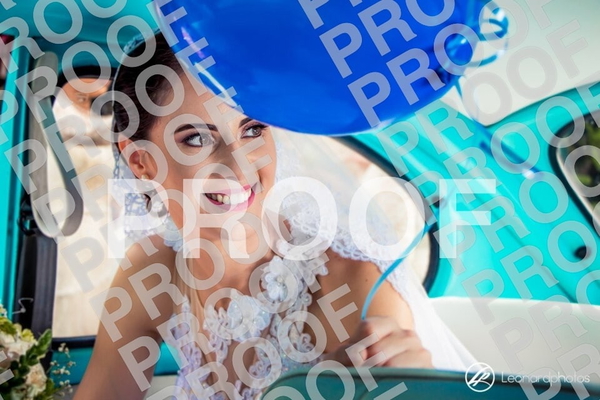
The classic photographer’s proof: a word tiled across the whole frame, over a face, so every pass has to rebuild skin and hair underneath it.

Part of the mark is still visible.

The mark is gone and nothing else changed.

The mark is gone and nothing else changed.


Part of the mark is still visible.

The mark is gone and nothing else changed.

The mark is gone and nothing else changed.

Part of the mark is still visible.

The mark is gone and nothing else changed.

The mark is gone and nothing else changed.

Part of the mark is still visible.
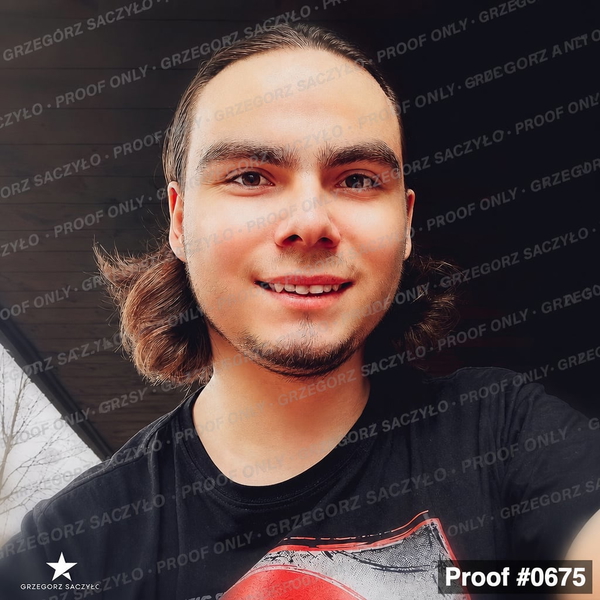
Left the photographer’s star logo in the bottom-left corner.

The mark is gone and nothing else changed.

The mark is gone and nothing else changed.


Part of the mark is still visible.

The mark is gone and nothing else changed.

The mark is gone and nothing else changed.

What this one tests: Large "PROOF" text tiled over a light dress and a face.
Event photos
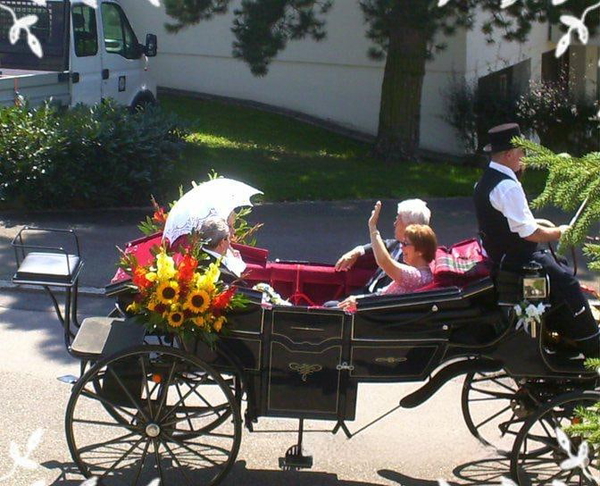
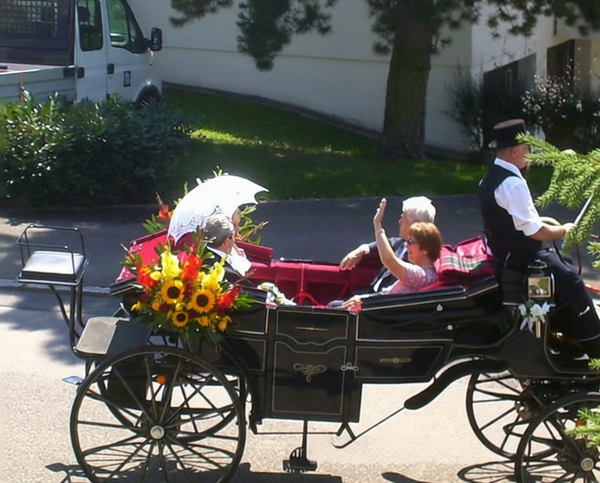
Photographers’ logos and handles in a corner — small, but sitting on busy detail that has to be continued, not smeared.

Part of the mark is still visible.
Removed the handle but left the white corner flourishes.
The mark is gone and nothing else changed.
The mark is gone and nothing else changed.
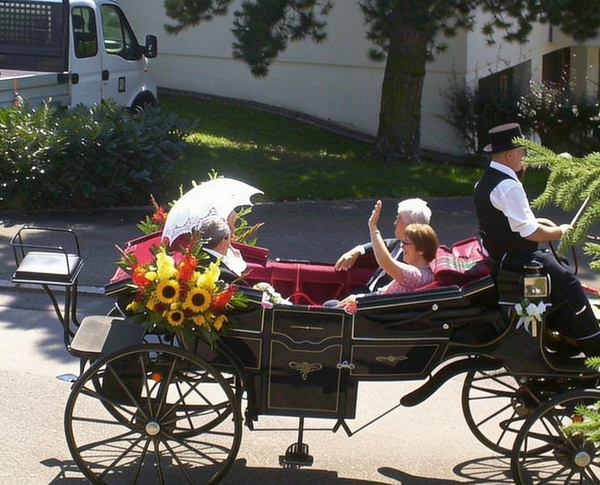

Part of the mark is still visible.
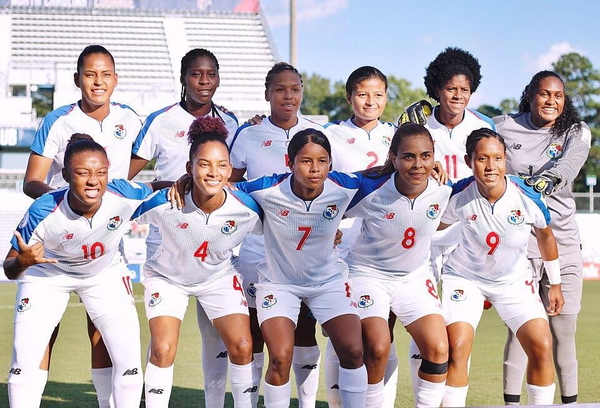
The mark is gone and nothing else changed.

The mark is gone and nothing else changed.


Part of the mark is still visible.

The mark is gone and nothing else changed.

The mark is gone and nothing else changed.


Part of the mark is still visible.

The mark is gone and nothing else changed.

The mark is gone and nothing else changed.


Part of the mark is still visible.

The mark is gone and nothing else changed.

The mark is gone and nothing else changed.

What this one tests: A handle in stylised script plus white decorative corner flourishes.
Screenshots
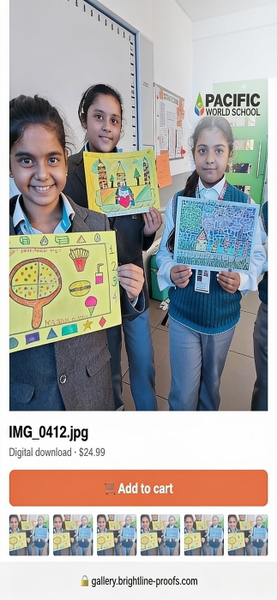
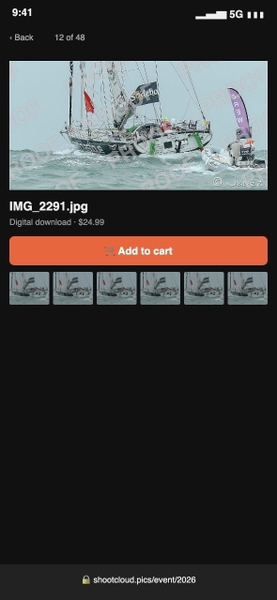
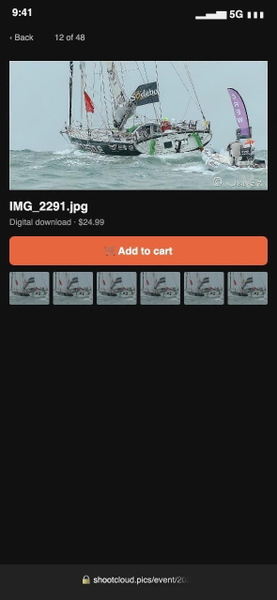
A photo on a proofing-gallery screen: the mark sits on the picture, and everything around it — the interface, the text, the layout — has to survive untouched.
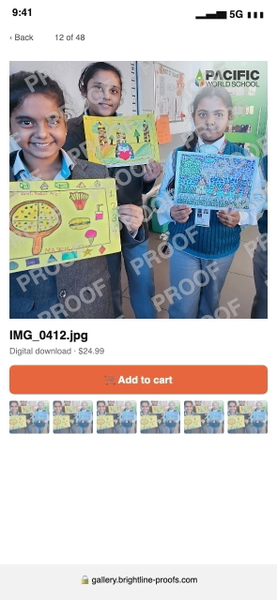
The mark is gone and nothing else changed.
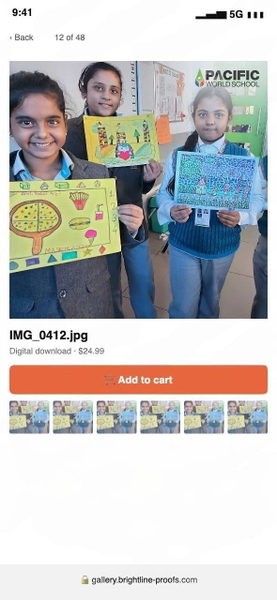
The mark is gone and nothing else changed.
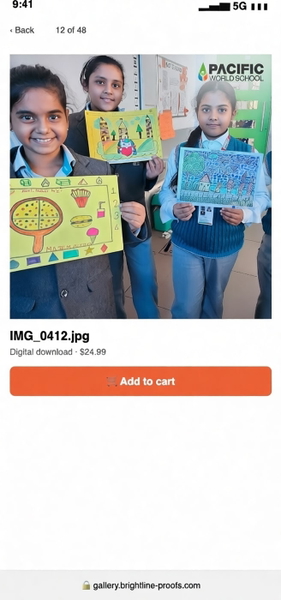
Real content was changed or removed along with the mark.
Re-drew the screen at a different scale and layout.
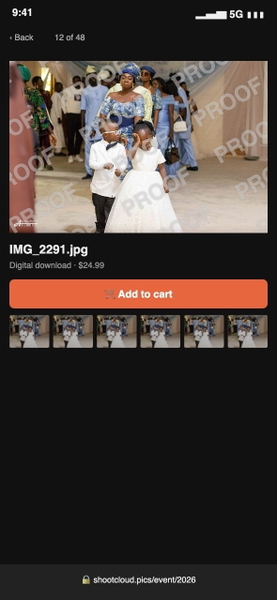
The mark is gone and nothing else changed.
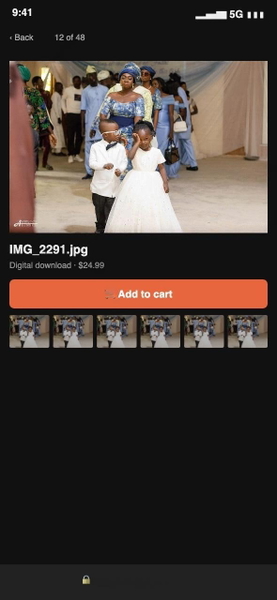
The mark is gone and nothing else changed.
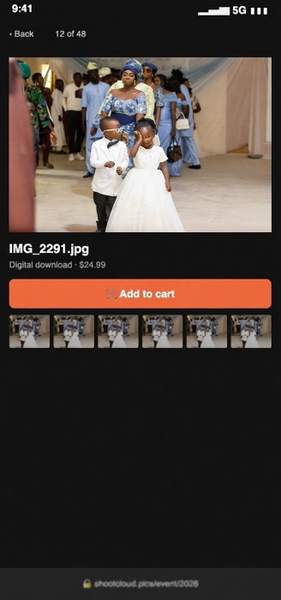
Real content was changed or removed along with the mark.
Returned a full-frame photo: the whole app interface was removed.
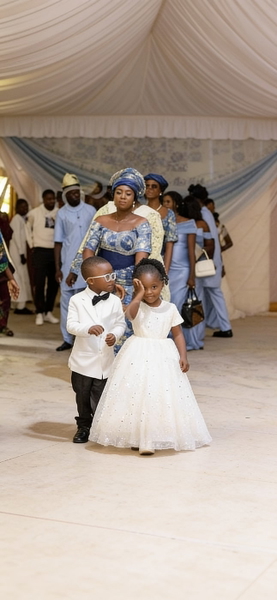
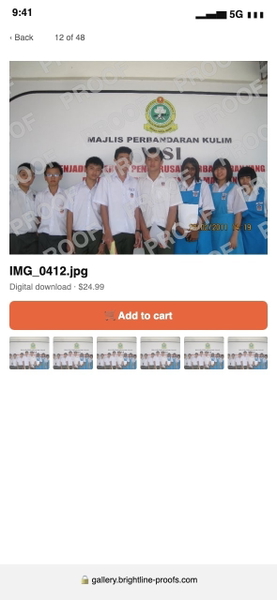
The mark is gone and nothing else changed.
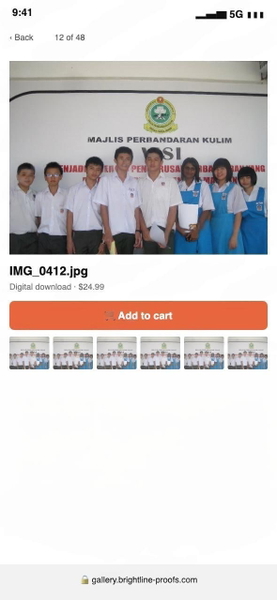
The mark is gone and nothing else changed.
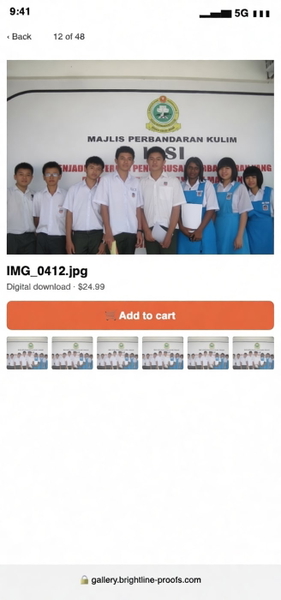
Real content was changed or removed along with the mark.
Re-drew the screen with a different layout and a larger photo.
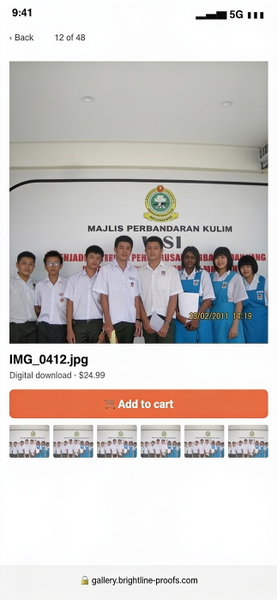
The mark is gone and nothing else changed.
The mark is gone and nothing else changed.
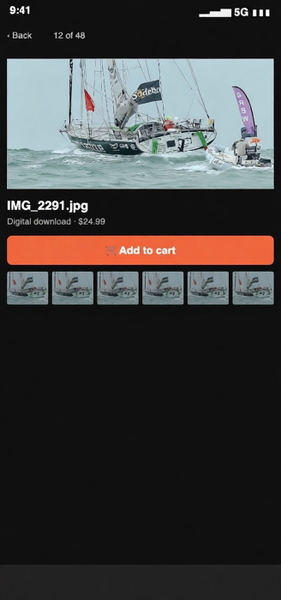
Real content was changed or removed along with the mark.
Enlarged the photo and changed the layout of the page around it.
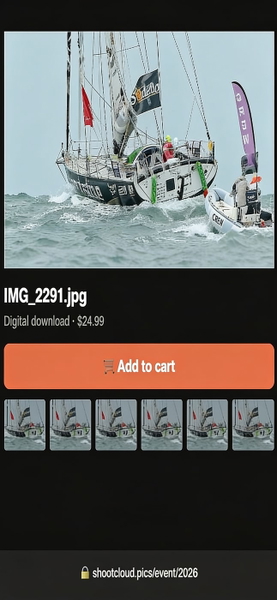
What this one tests: "PROOF" tiled over the photo inside an app screen.
Social media
App badges and @handles burned into reposted photos — bold, high-contrast text over crowds.
What this one tests: An app badge and handle in the top corner, a credit line at the bottom.
Stock & artwork
Small library marks and artists’ signatures on illustration — thin text on flat colour, where a smudge is easy to see.

Part of the mark is still visible.

The mark is gone and nothing else changed.

The mark is gone and nothing else changed.


Part of the mark is still visible.
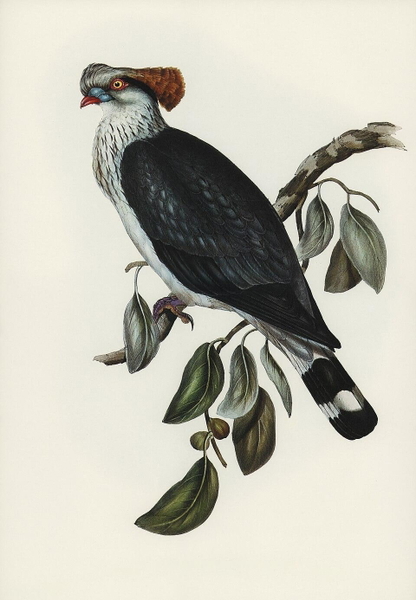
The mark is gone and nothing else changed.
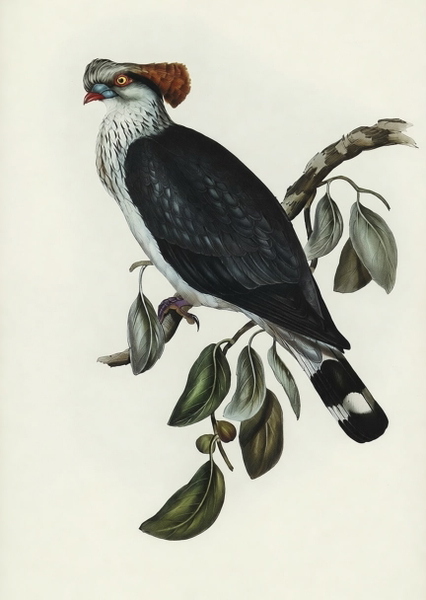
The mark is gone and nothing else changed.

Part of the mark is still visible.

The mark is gone and nothing else changed.

The mark is gone and nothing else changed.

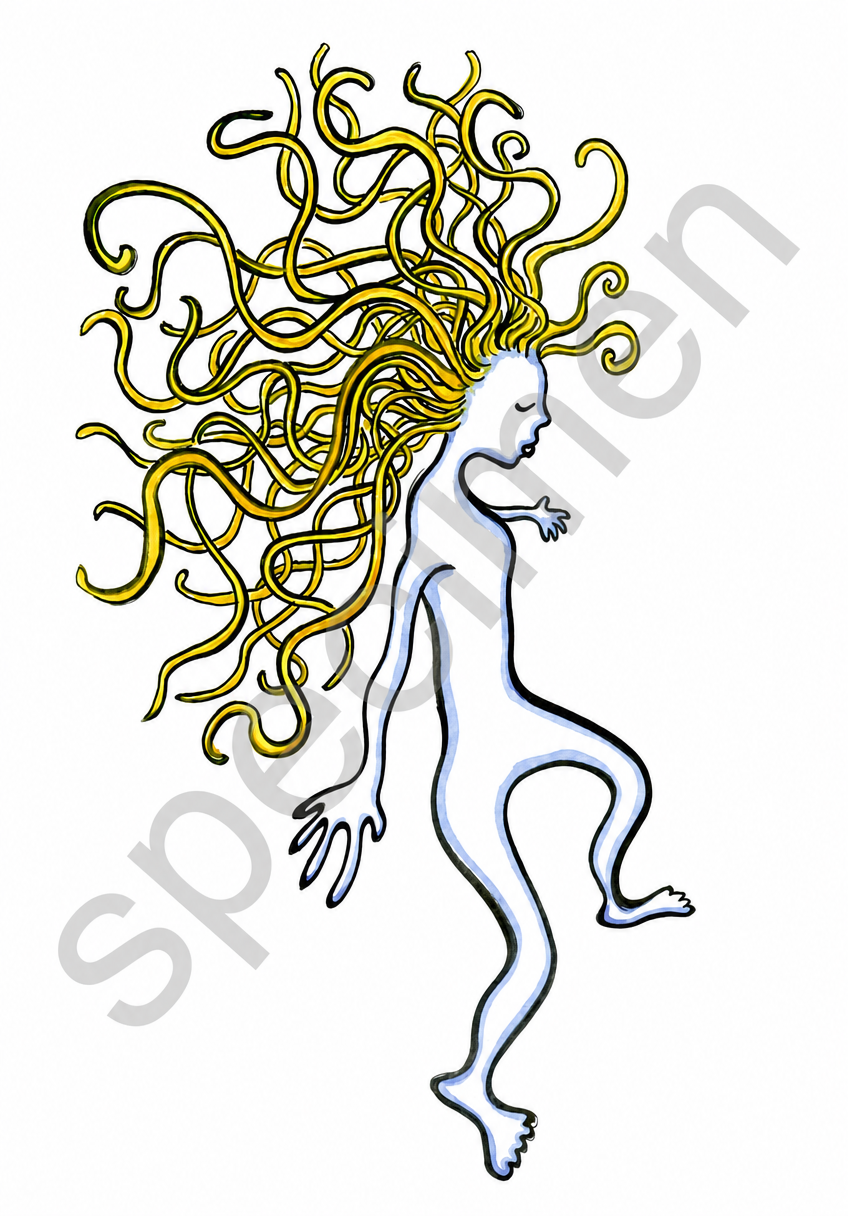
Part of the mark is still visible.
Left the artist’s signature on the right edge.
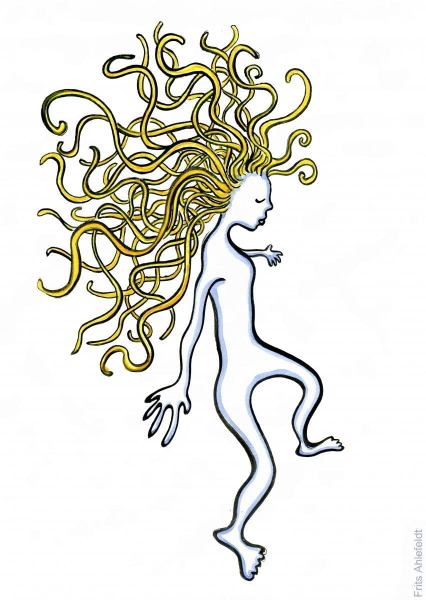
The mark is gone and nothing else changed.
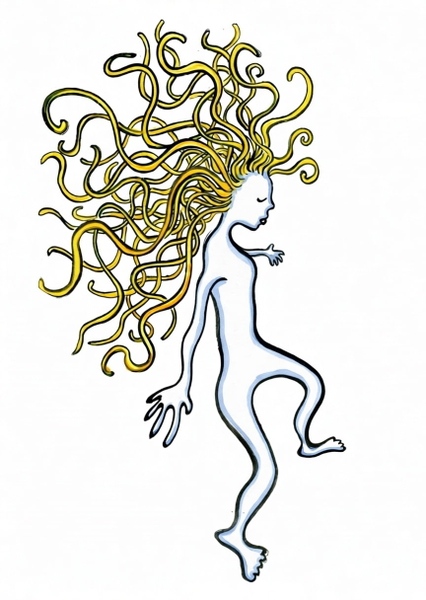
The mark is gone and nothing else changed.

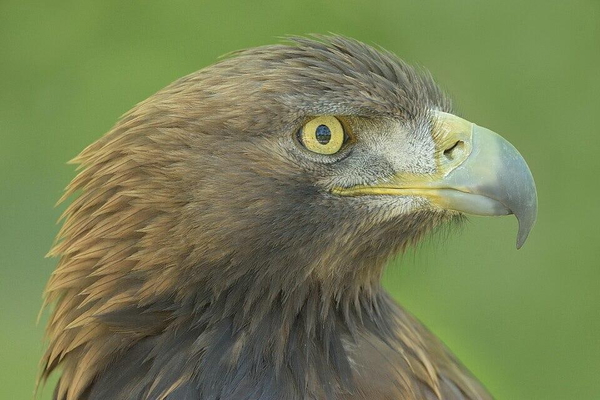
Part of the mark is still visible.
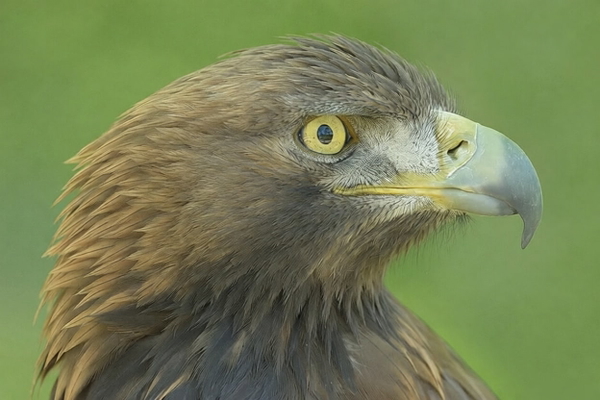
The mark is gone and nothing else changed.
The mark is gone and nothing else changed.
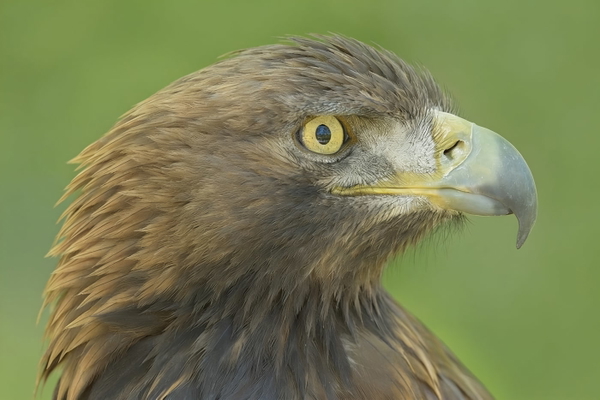
What this one tests: A tiny library mark in the corner of a painted frame.
Documents & certificates
The case with a right answer: a stamp, a seal or a signature is part of the document, and removing it along with the watermark changes what the paper says. One is an 1890s birth register; two are published government specimen cards.
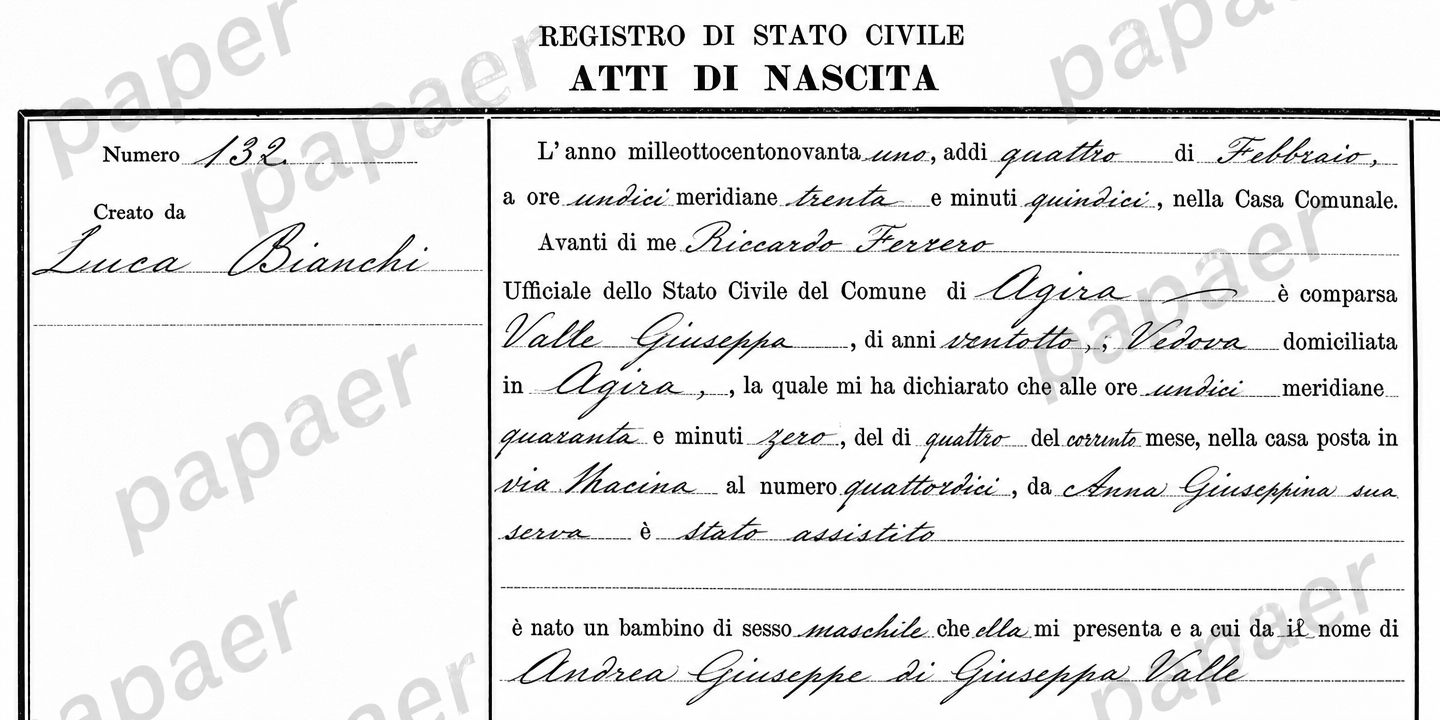
Part of the mark is still visible.
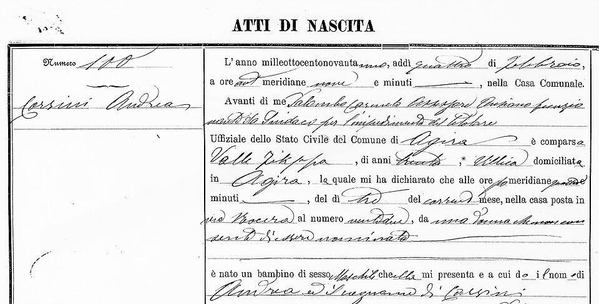
Real content was changed or removed along with the mark.
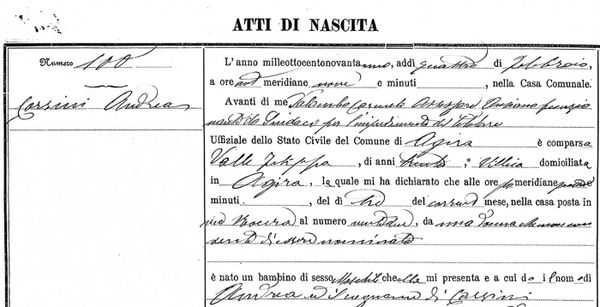
The mark is gone and nothing else changed.
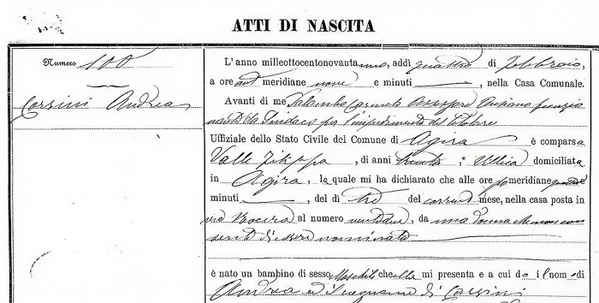
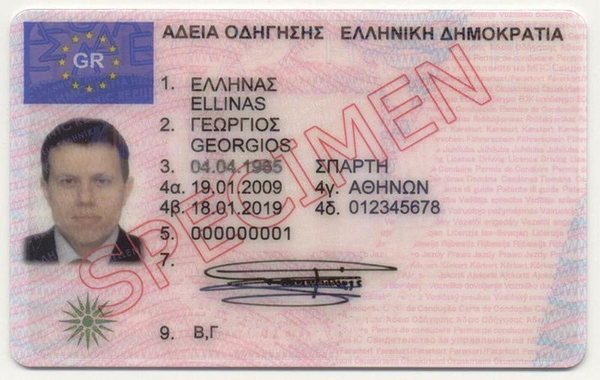
Part of the mark is still visible.
Left a faint trace of the red text over the signature.
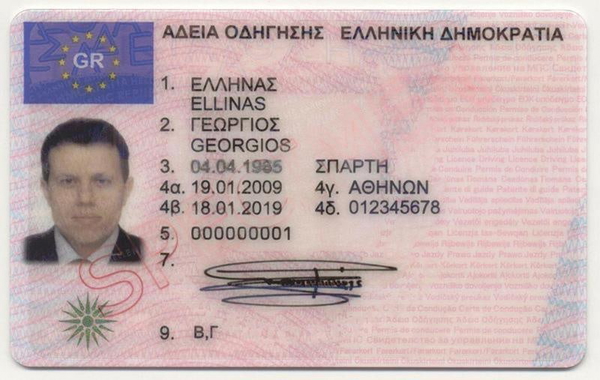
Real content was changed or removed along with the mark.
Removed the signature and the emblem, and blanked part of the card.
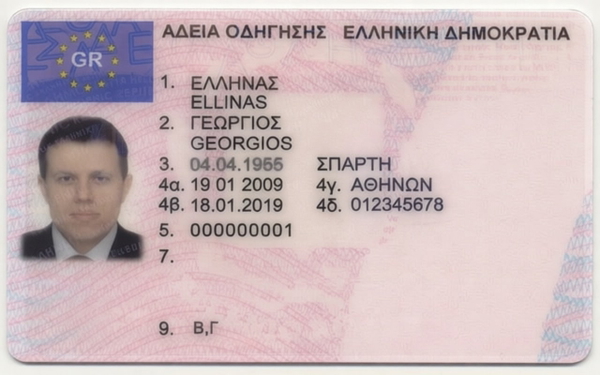
The mark is gone and nothing else changed.
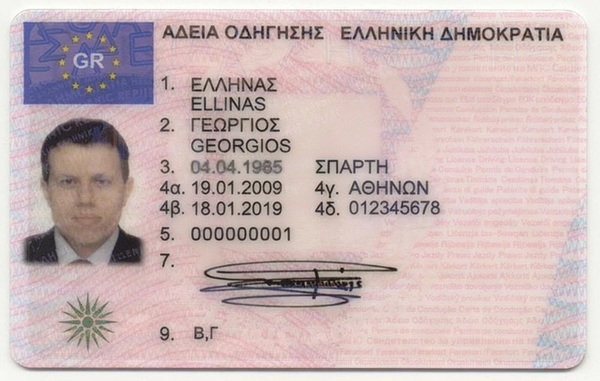
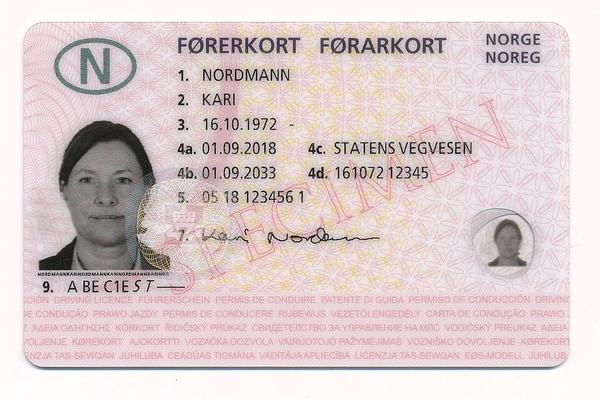
Part of the mark is still visible.
Left the red text visible beside the signature.
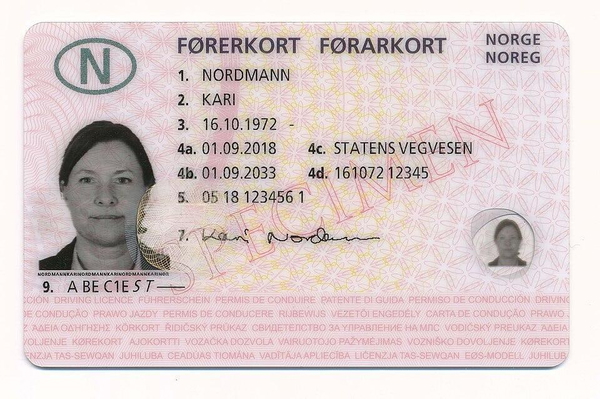
Real content was changed or removed along with the mark.
Removed the signature and the printed security text along the bottom.
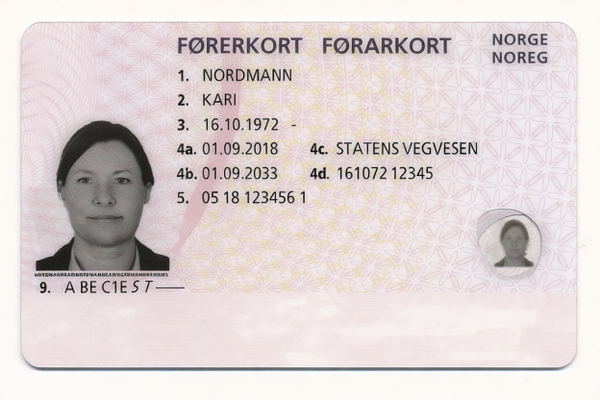
The mark is gone and nothing else changed.
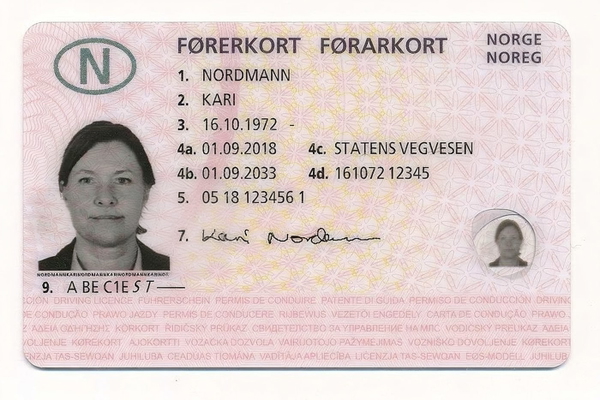
What this one tests: An archive’s name watermarked diagonally across the handwriting.
Children’s portraits
Studio and family photos of children, where the one thing that must not change is the child.

The mark is gone and nothing else changed.

Real content was changed or removed along with the mark.

The mark is gone and nothing else changed.


The mark is gone and nothing else changed.

Real content was changed or removed along with the mark.

The mark is gone and nothing else changed.


The mark is gone and nothing else changed.

Real content was changed or removed along with the mark.

The mark is gone and nothing else changed.

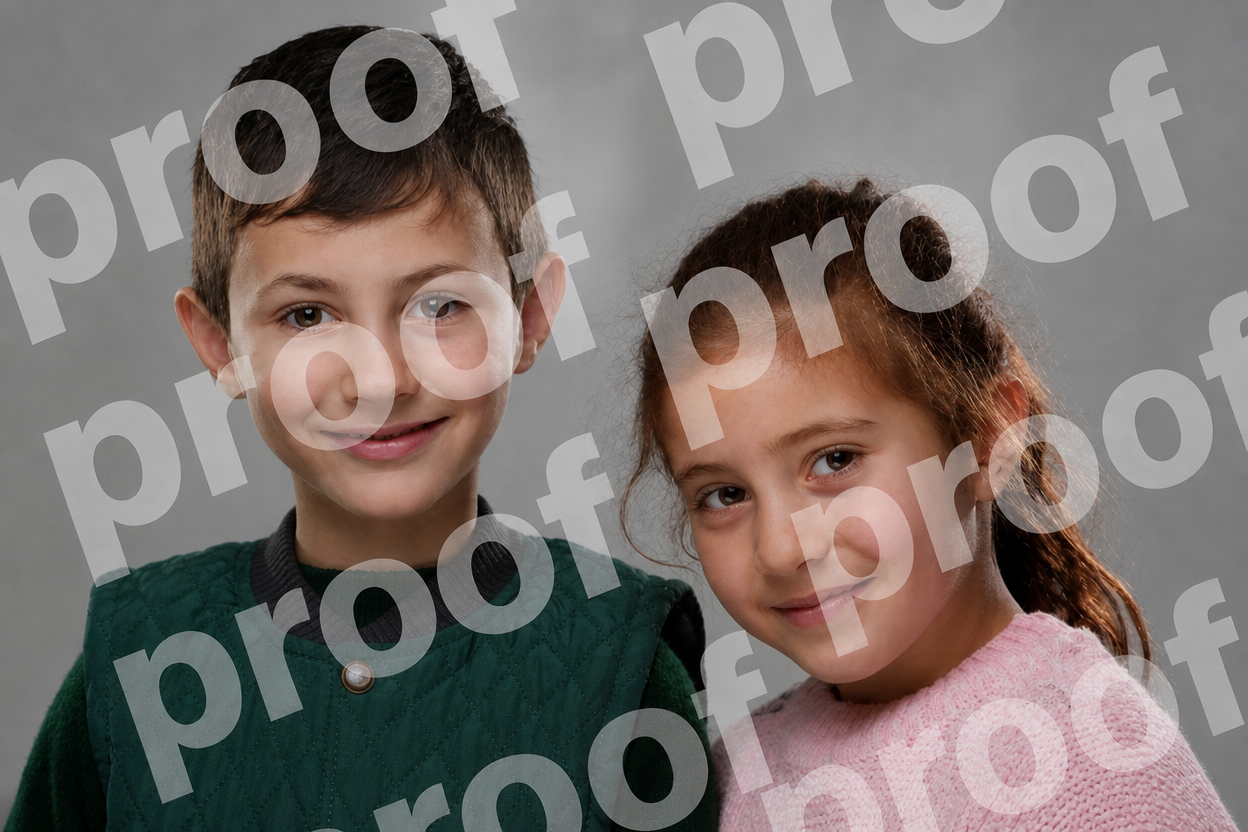
The mark is gone and nothing else changed.

Real content was changed or removed along with the mark.
Changed the girl’s hair colour and skin tone.

The mark is gone and nothing else changed.


The mark is gone and nothing else changed.

Real content was changed or removed along with the mark.

The mark is gone and nothing else changed.

What this one tests: A studio name in the top corner on a gold backdrop.
Group photos
Rows of faces with captions, badges and borders that belong to the print — the mark has to go and the print has to stay.

The mark is gone and nothing else changed.
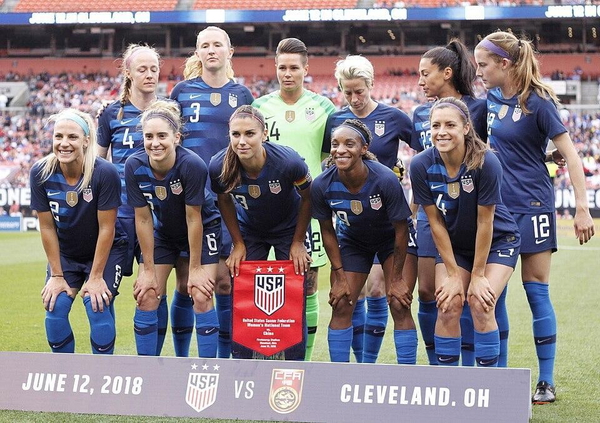
Real content was changed or removed along with the mark.
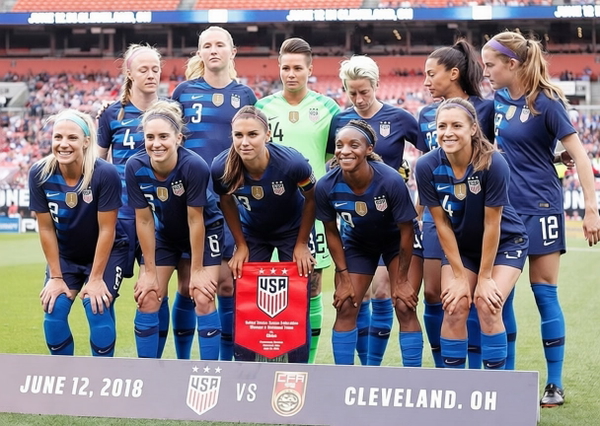
The mark is gone and nothing else changed.
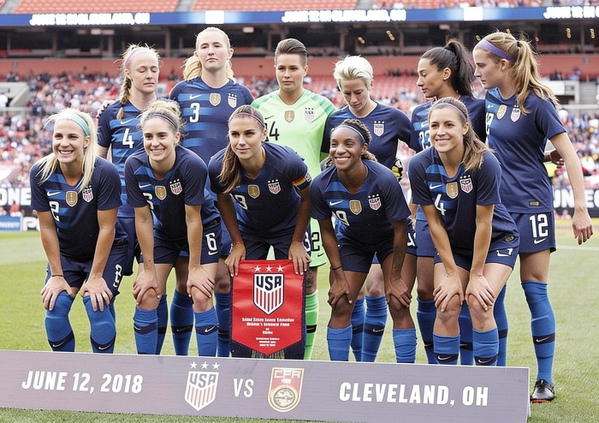
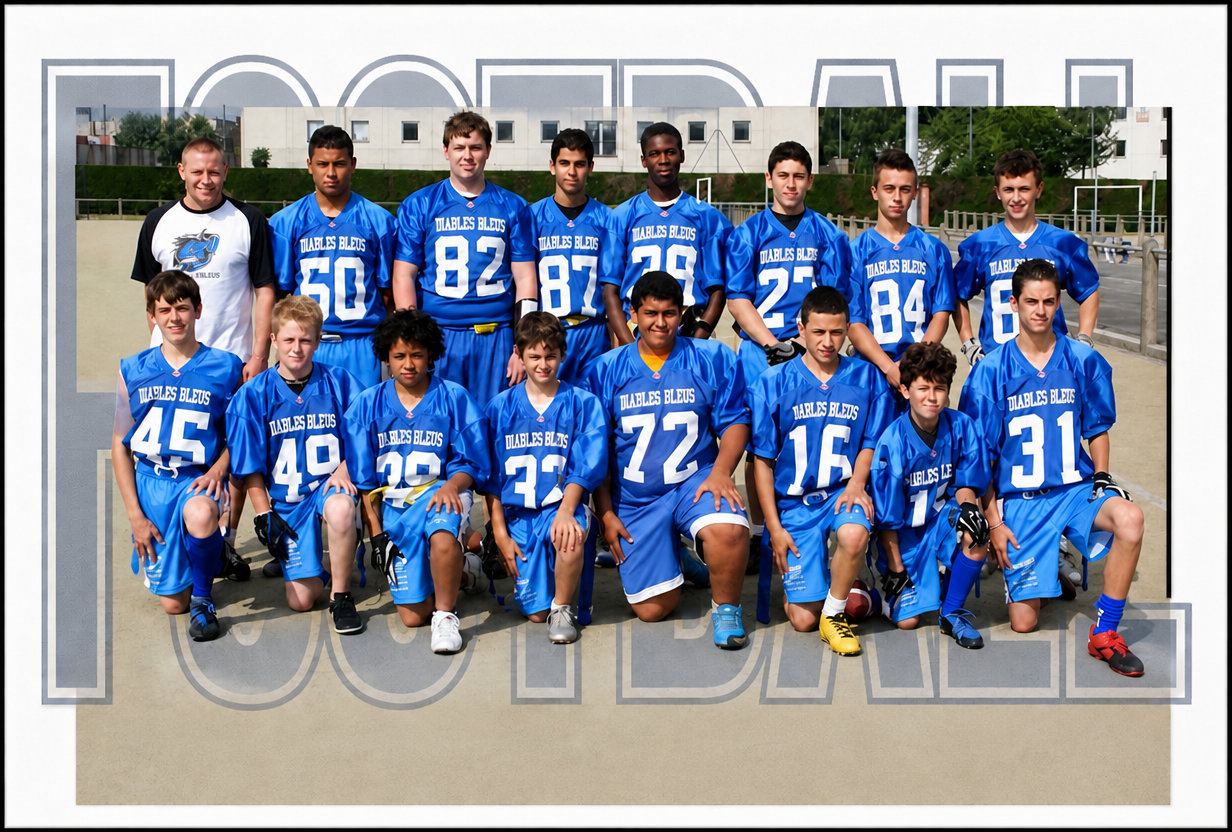
The mark is gone and nothing else changed.
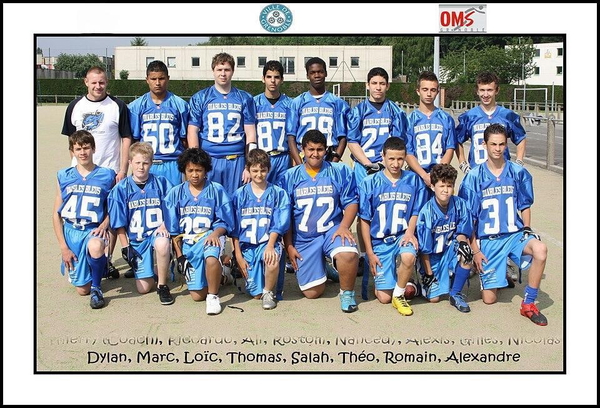
Real content was changed or removed along with the mark.
Removed the printed list of players’ names.
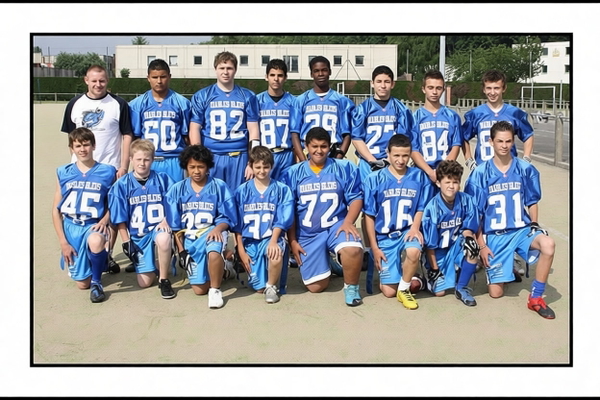
The mark is gone and nothing else changed.
Removed the photo’s white border and the club badges.
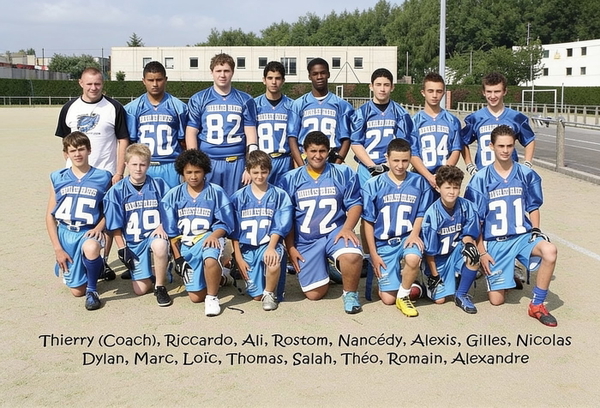
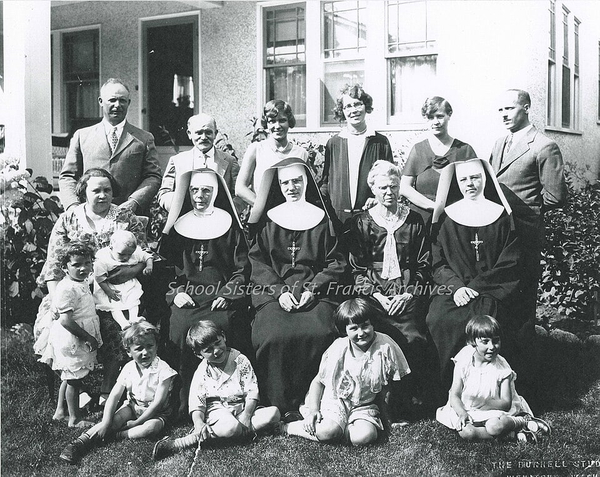
The mark is gone and nothing else changed.
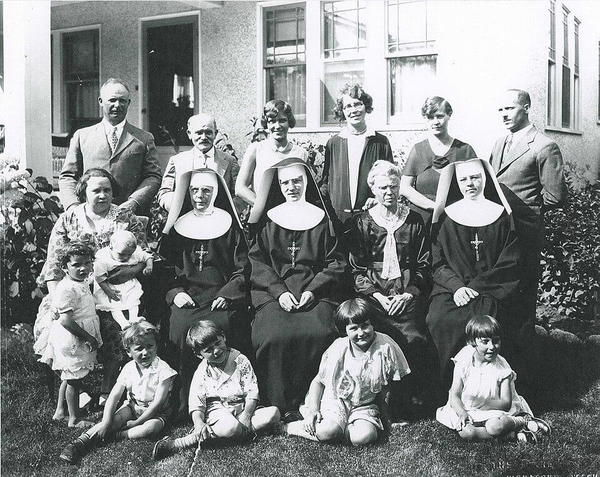
Real content was changed or removed along with the mark.
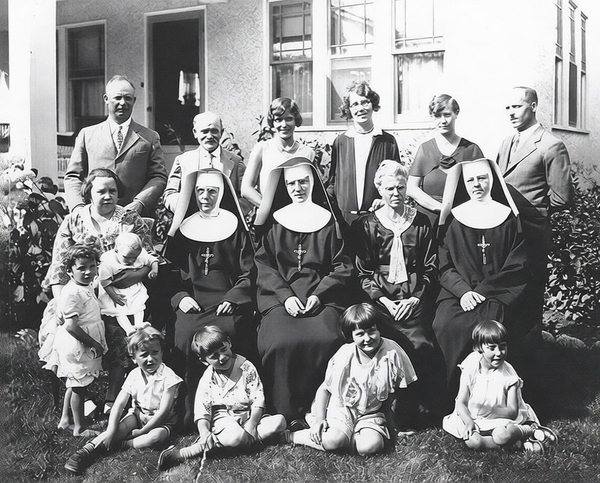
The mark is gone and nothing else changed.
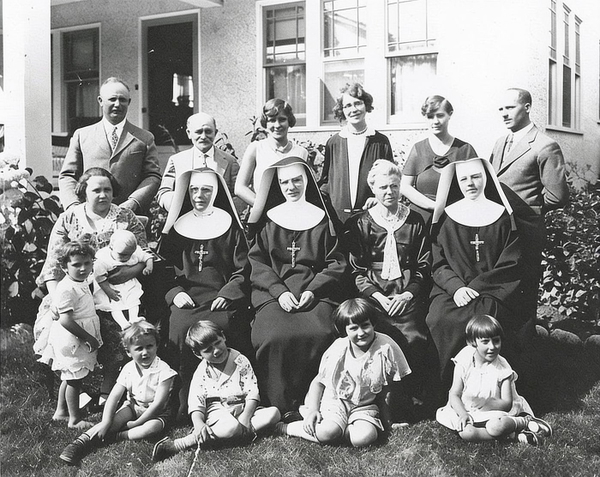
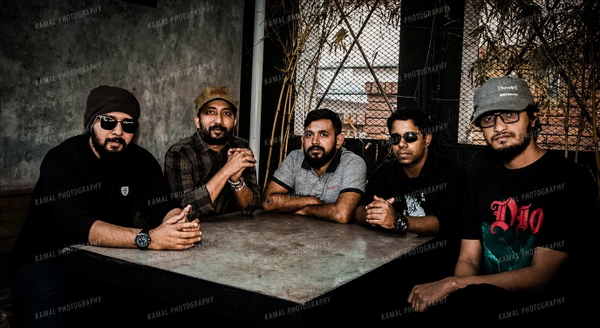
The mark is gone and nothing else changed.

Real content was changed or removed along with the mark.

The mark is gone and nothing else changed.

What this one tests: A photographer’s logo in the top corner.
Headshots
Studio and street portraits with the mark over the face, the hair or a patterned backdrop — where the backdrop is part of the picture too.

Real content was changed or removed along with the mark.

The mark is gone and nothing else changed.

Part of the mark is still visible.


Real content was changed or removed along with the mark.

The mark is gone and nothing else changed.

Part of the mark is still visible.


Real content was changed or removed along with the mark.

The mark is gone and nothing else changed.

Part of the mark is still visible.

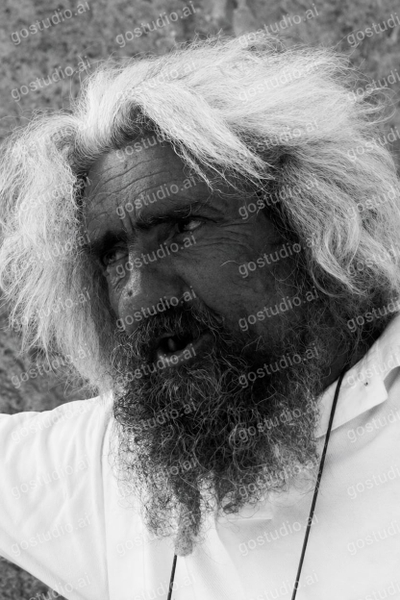
Real content was changed or removed along with the mark.
Left the small camera icon at the bottom.
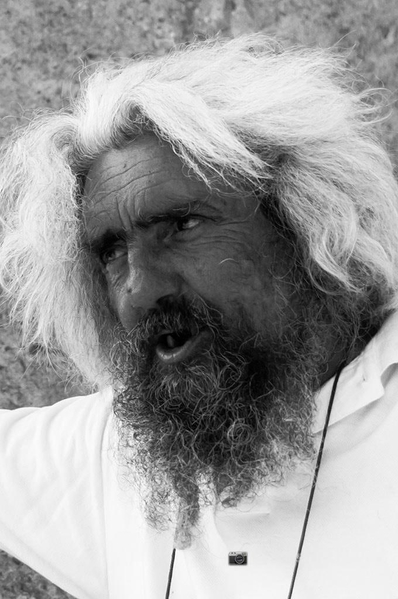
The mark is gone and nothing else changed.
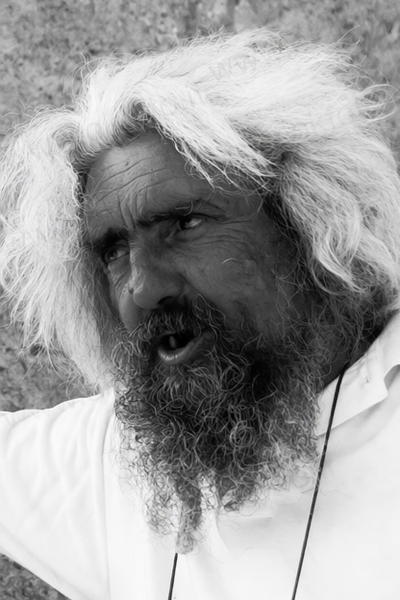
Part of the mark is still visible.
Left the small camera icon at the bottom.
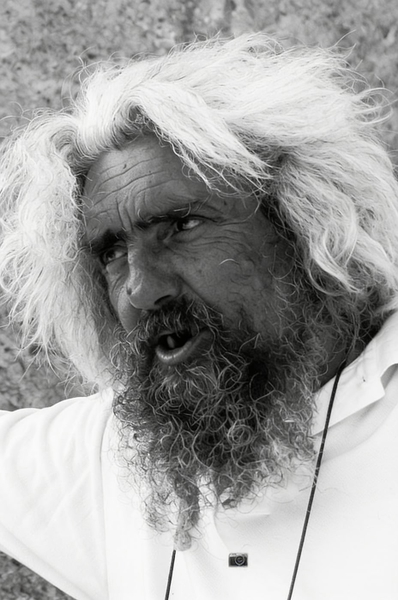

Real content was changed or removed along with the mark.
Removed the line-drawing mural behind him along with the text.

The mark is gone and nothing else changed.

Part of the mark is still visible.

What this one tests: A name caption in the lower corner, over dark fabric.
Graduation photos
A photo service’s repeating copyright line down both edges, over faces, gowns and old handwritten captions.

Part of the mark is still visible.
Left the small site address in the bottom-right corner.

Real content was changed or removed along with the mark.

The mark is gone and nothing else changed.

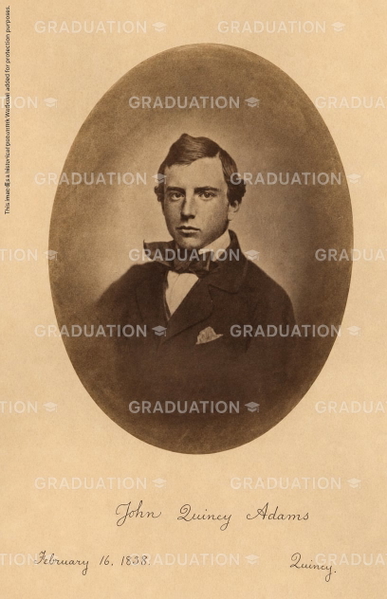
Part of the mark is still visible.
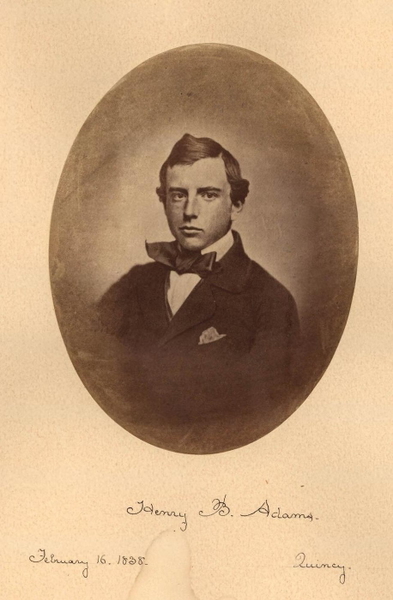
Real content was changed or removed along with the mark.
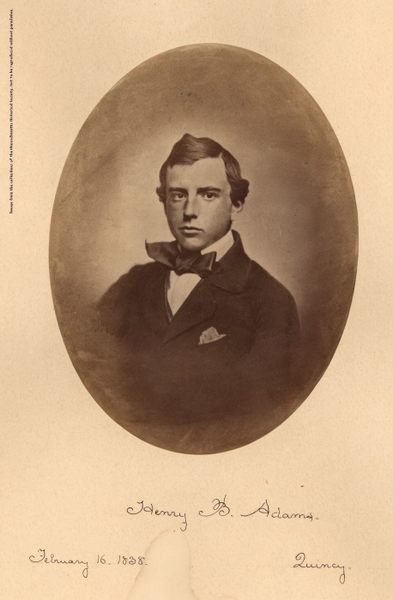
Faded the handwritten date and removed the place name.
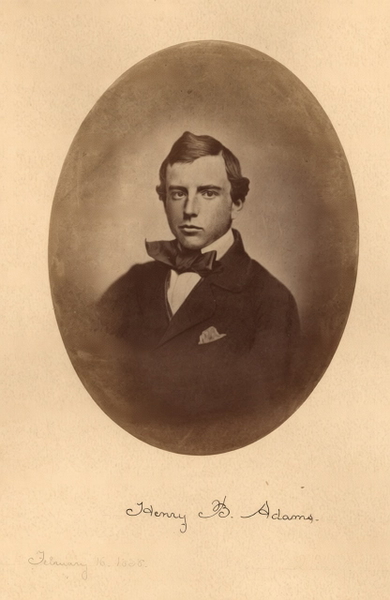
The mark is gone and nothing else changed.

Part of the mark is still visible.

Real content was changed or removed along with the mark.

The mark is gone and nothing else changed.


Part of the mark is still visible.
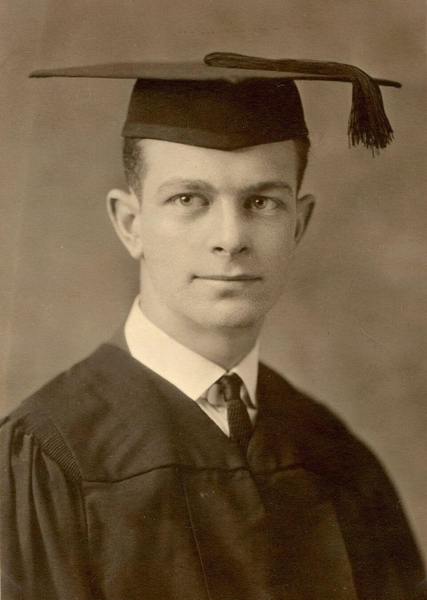
Real content was changed or removed along with the mark.
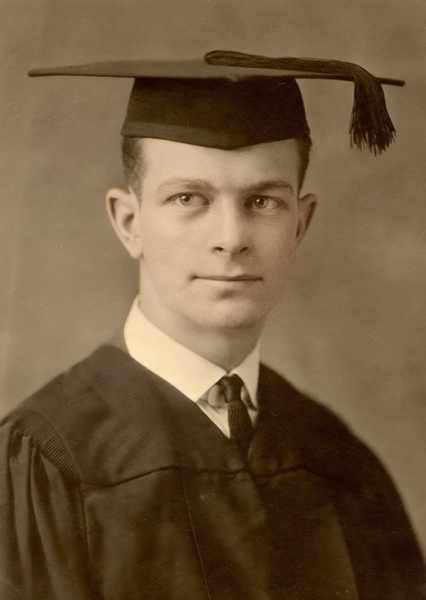
The mark is gone and nothing else changed.
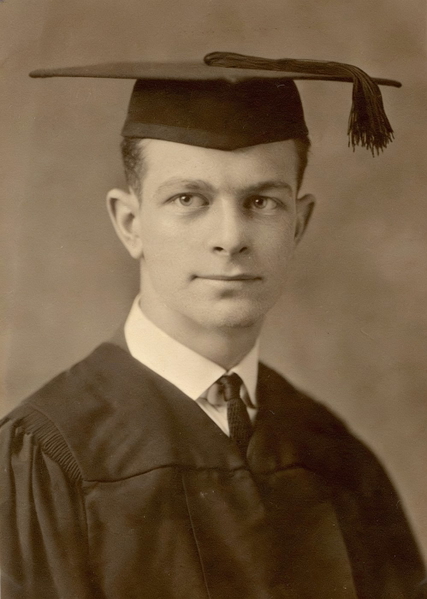

Part of the mark is still visible.

Real content was changed or removed along with the mark.

The mark is gone and nothing else changed.

What this one tests: A studio name tiled across the whole frame.
Product photos
Reseller and phone-app marks over goods whose own branding, dials and printing must come through exactly as they are.

Part of the mark is still visible.

The mark is gone and nothing else changed.
Real content was changed or removed along with the mark.
Part of the mark is still visible.
The mark is gone and nothing else changed.
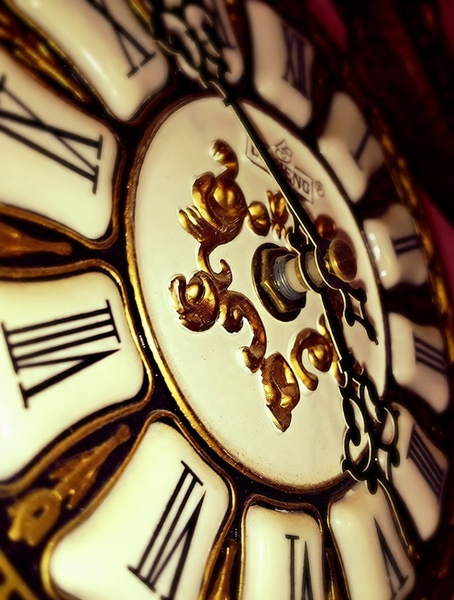
Real content was changed or removed along with the mark.
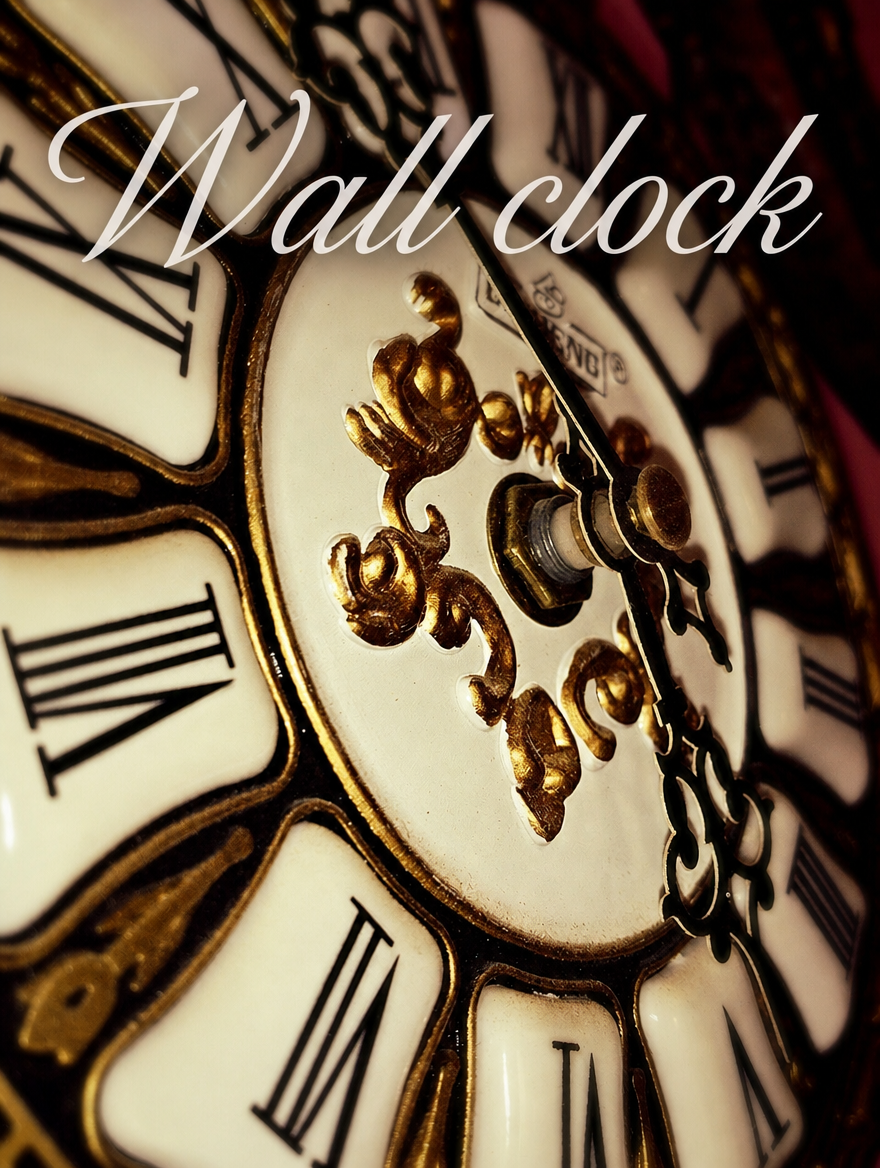
Added cracks to the enamel dial that are not in the original.
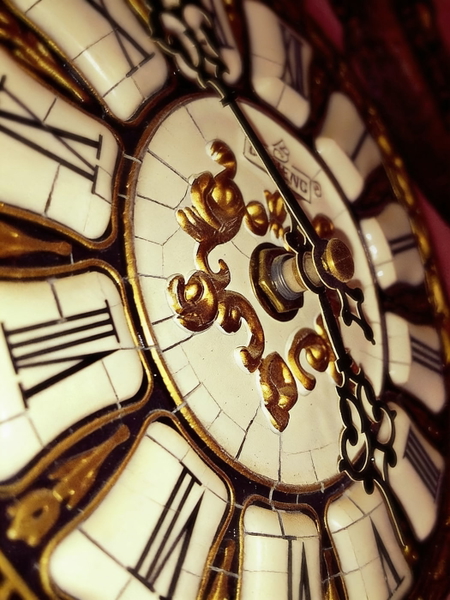

Part of the mark is still visible.
Left a red smear where the SALE badge was.
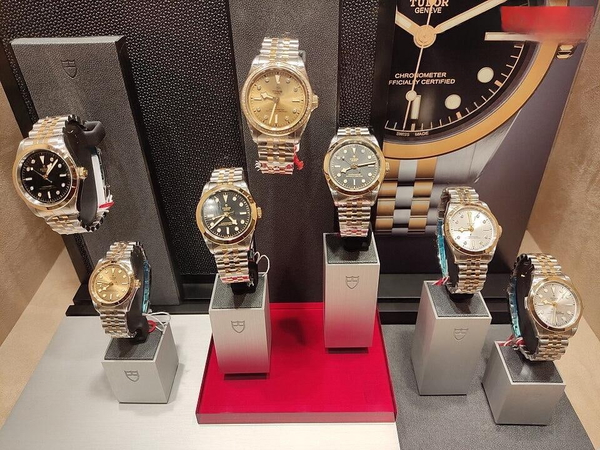
The mark is gone and nothing else changed.
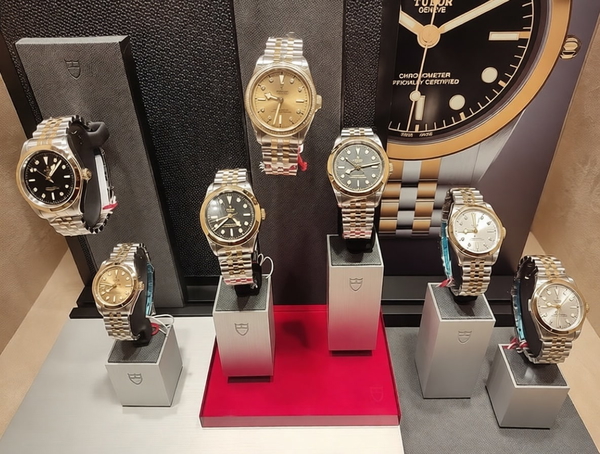
Real content was changed or removed along with the mark.
Changed the printed words on the watch dial.
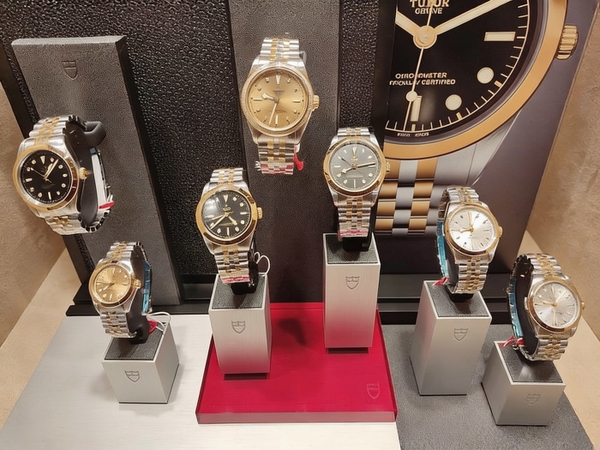
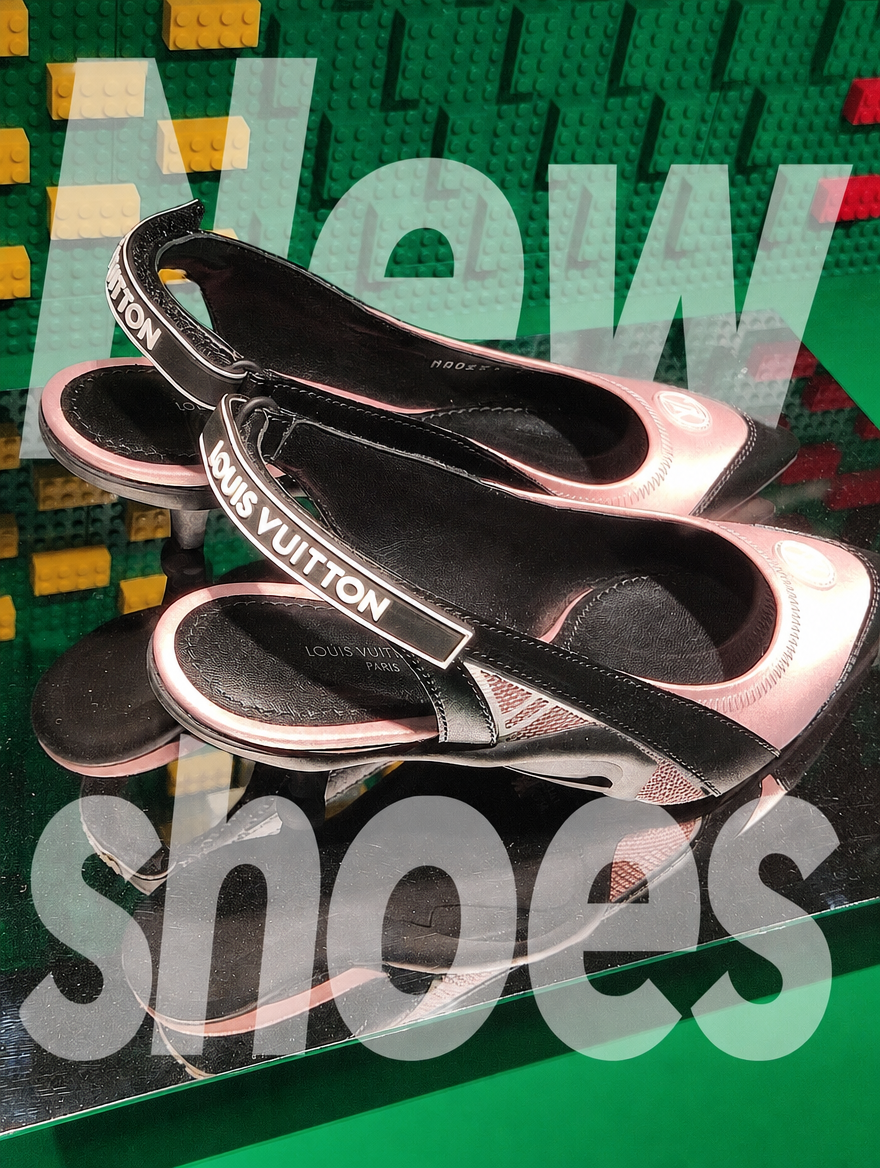
Part of the mark is still visible.
Left the corner handle and date stamp.
The mark is gone and nothing else changed.
Real content was changed or removed along with the mark.
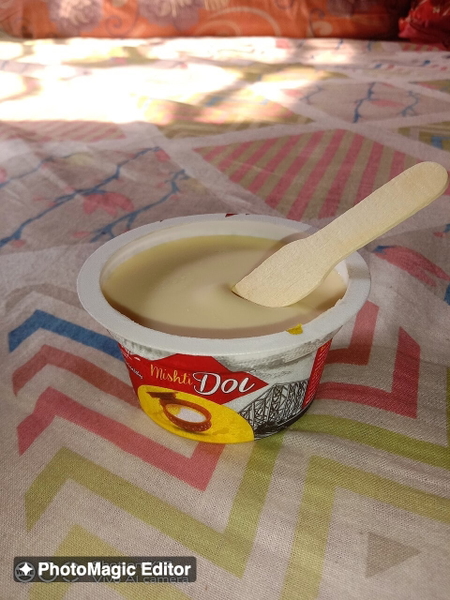
Part of the mark is still visible.
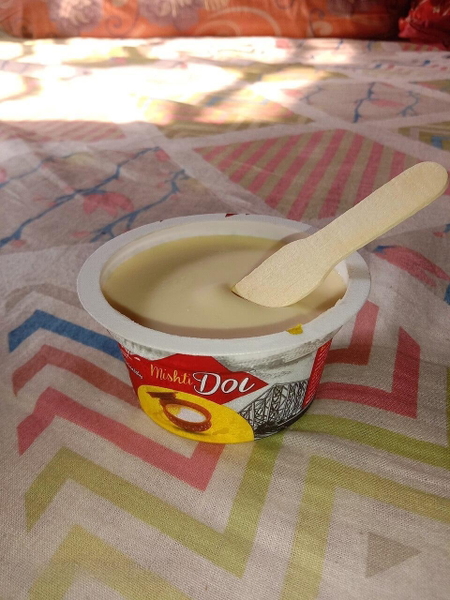
The mark is gone and nothing else changed.
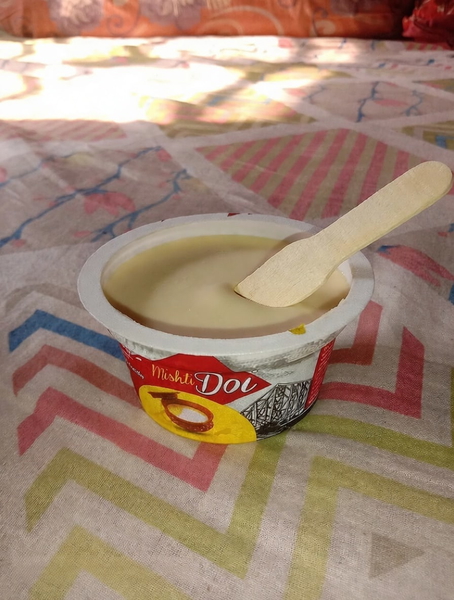
Real content was changed or removed along with the mark.

Part of the mark is still visible.
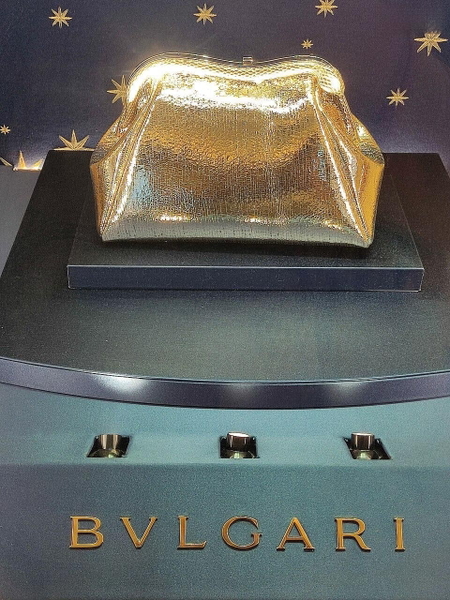
The mark is gone and nothing else changed.
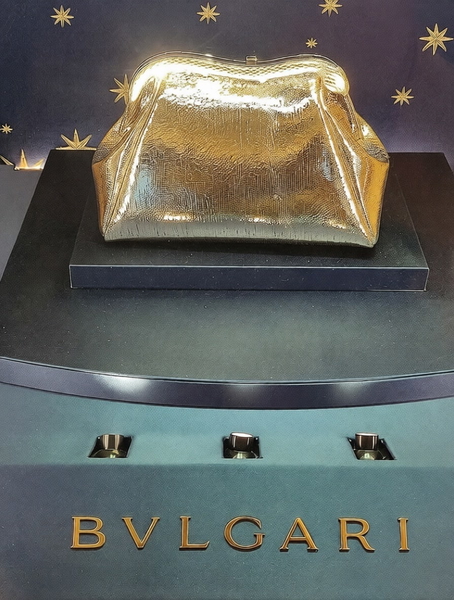
Real content was changed or removed along with the mark.
Left the date stamp in the corner.
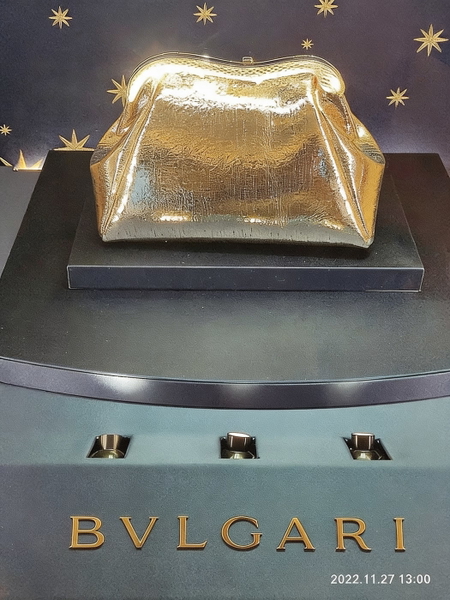
What this one tests: A site address tiled across the whole frame.
Real estate
An agency logo in the middle of the room and a listing line along the bottom — over walls, windows and foliage.

The mark is gone and nothing else changed.

Part of the mark is still visible.

The mark is gone and nothing else changed.


The mark is gone and nothing else changed.

Part of the mark is still visible.

The mark is gone and nothing else changed.


The mark is gone and nothing else changed.

Part of the mark is still visible.

The mark is gone and nothing else changed.


The mark is gone and nothing else changed.

Part of the mark is still visible.
Left a faint outline of the agency logo over the leaves.

The mark is gone and nothing else changed.

What this one tests: A faint interior-design logo over the curtains.
Cruise & travel
Operator galleries and travel stock: a company name across the hull, a caption bar along the bottom, and big diagonal SPECIMEN bands over water and sky, where a smooth gradient shows every repair.

Part of the mark is still visible.

Part of the mark is still visible.
Left the large company name and most of the caption bar.

Real content was changed or removed along with the mark.
Returned a broken frame — the hull mirrored into the sky and the horizon lost.


Part of the mark is still visible.

Part of the mark is still visible.

Real content was changed or removed along with the mark.

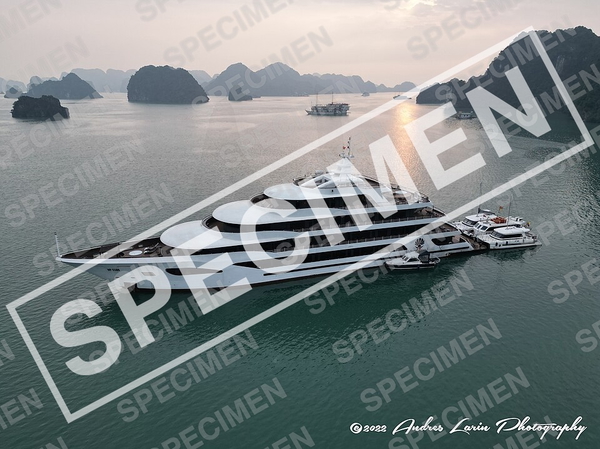
Part of the mark is still visible.
Left a faint ghost of the diagonal band across the sky and hull.

Part of the mark is still visible.

Real content was changed or removed along with the mark.


Part of the mark is still visible.

Part of the mark is still visible.

Real content was changed or removed along with the mark.

What this one tests: A company name across the hull, the same name tiled over the sky, and a caption bar with a reference number along the bottom.
Results
One verdict per mode per category, in the three words above. It is a judgement about pictures, so it is ours and you can disagree with it — every image it was formed from is on this page.
| Category | GoStudio Lite | GoStudio Pro | GoStudio Advanced |
|---|---|---|---|
| Portrait proofs | Missed | Clean | Clean |
| Event photos | Missed | Clean | Clean |
| Screenshots | Clean | Clean | Altered |
| Social media | Missed | Missed | Clean |
| Stock & artwork | Missed | Clean | Clean |
| Documents & certificates | Missed | Altered | Clean |
| Children’s portraits | Clean | Altered | Clean |
| Group photos | Clean | Altered | Clean |
| Headshots | Altered | Clean | Missed |
| Graduation photos | Missed | Altered | Clean |
| Product photos | Missed | Clean | Altered |
| Real estate | Clean | Missed | Clean |
| Cruise & travel | Missed | Missed | Altered |
Lite scored Altered in one category, Pro in four and Advanced in three. Lite’s seven Missed are small marks in a corner or along an edge, and one smear of a SALE badge; Pro’s two are a large app logo it left in place and the faint outline of an agency logo; Advanced’s one is a small camera icon. The large tiled "PROOF" overlays — the hardest-looking marks — were removed by all three modes.
Which mode to use
- Documents and certificates — Advanced. It left a certificate’s registrar text alone. Lite kept it too; Pro removed it along with the watermark.
- Screenshots — Lite or Pro. Both cleared the marks and kept the interface; Advanced redrew it.
- Portraits and children’s photos — Advanced, or Lite on a plain backdrop. Pro changed a child’s hair and skin tone; Lite removed a patterned backdrop along with the text.
- Product photos — Pro. It was clean on all six; Lite left a SALE smear and a corner handle, and Advanced changed a clock dial and the lettering on a watch.
- Cruise, travel and gallery shots with a big diagonal band — Pro. Lite left a ghost of the band on one, and Advanced returned one sunset frame broken beyond use.
- Property listings — Lite or Advanced. Both were clean on all four; Pro left a faint agency logo over foliage.
- Old photos with handwritten captions — Lite or Advanced. Pro faded a handwritten date.
- Social reposts with large app logos and handles — Advanced. It was the only mode to clear them every time.
- If a small corner mark survives in Lite, run the same photo through Advanced and compare the two results.
AI Watermark RemoverBackground remover benchmarkUpscale vs enhance benchmark
Frequently Asked Questions
How do I remove a watermark from a photo?
Upload the photo to an AI watermark remover and pick a mode. On GoStudio, Lite removes the mark in one click with no instructions; Pro and Advanced also accept a short hint such as "the logo in the bottom corner". Download the result and check the whole frame, not just the spot where the mark was — in this test the most common problem was not a mark left behind but something else removed with it.
Which AI watermark remover is best?
The one whose mistakes you can live with for the photo in front of you. Across 58 photos, GoStudio’s Lite mode changed real content only once, and missed part of a mark in seven of 13 categories. Pro and Advanced cleared more marks but sometimes changed real content: Pro took the registrar’s text off a certificate, and Advanced redrew app screenshots, changed product details and wrecked one sunset seascape. If the rest of the frame matters, careful beats thorough.
Can you remove a watermark without blurring the photo?
Yes. An AI watermark remover rebuilds the pixels under the mark from what surrounds it rather than blurring over it, so hair, fabric and text behind a mark come back as texture instead of a smudge. In this test all three modes removed large tiled "PROOF" overlays from faces without leaving a blurred patch; the differences between them were elsewhere in the frame.
Is it legal to remove a watermark?
It depends on whose photo it is. Removing a watermark from your own work, from a photo you bought or licensed, or a date stamp from your own snapshot is fine. Removing a photographer’s or stock library’s mark from a photo you have not paid for is not, and in many countries removing ownership information to hide an infringement is itself unlawful. GoStudio’s watermark remover is for photos you own or have the rights to.
Why did the watermark remover change other parts of my photo?
Because some modes edit the whole image rather than only the mark. A mode that re-renders the frame cannot always tell a watermark from a stamp that belongs to the document, a caption that belongs to the print, or a name that belongs under a team photo. In this test that happened with Pro on certificates, children’s portraits, group photos and an old graduation portrait, and with Advanced on screenshots, product close-ups and one cruise photo. If the rest of the photo must stay exactly as it is, start with Lite, which changed real content only once in 58 photos.
Can it remove text, logos and date stamps?
Yes — the test set includes all three: tiled "PROOF" text, photographer and app logos, @handles, and orange and yellow camera date stamps. All three cleared the tiled "PROOF" text, and most date stamps; Lite and Advanced each left one date stamp on a product photo. The marks most likely to survive were small ones tucked into a corner or along an edge.
Part of the mark is still visible.
Part of the mark is still visible.
The mark is gone and nothing else changed.
Part of the mark is still visible.
Part of the mark is still visible.
The mark is gone and nothing else changed.
Part of the mark is still visible.
Part of the mark is still visible.
The mark is gone and nothing else changed.
Part of the mark is still visible.
Removed the handle but left the app logo.
Part of the mark is still visible.
Left the app logo and the handle in place.
The mark is gone and nothing else changed.