Upscale vs Enhance: what each GoStudio mode actually does to your resolution
.jpeg)
Last verified: September 28, 2026
In a 2026 test of 61 photos from 0.05 MP to 17 MP, GoStudio’s Lite and Pro upscale modes behaved as true upscalers — at 2× per side, multiplying the input by a median of ×4.0 — while Advanced mode, Nano Banana 2 and GPT Image 2.5 re-rendered every photo they were given onto a fixed canvas instead, enlarging a small image up to ×85 and reducing a 17 MP image to as little as 4% of its pixels.
Upscaling and enhancing sound like the same job and are not. One adds pixels; the other changes how the pixels you have look. The difference is invisible in a thumbnail, so we ran 61 photos through five models, measured what came back, and published every result at full size with a native-pixel crop beside it. The measurements are below and so are the pictures — check both.
Contents
The short version
Two of the five models multiply the resolution of whatever you give them. The other three ignore your resolution entirely and re-render the photo at a size of their own choosing. That single difference decides which one you want, and it is not what the names suggest.
- Lite and Pro are upscalers. Run at 2× per side, both returned a median of ×4.0 the input pixels (Lite ×4.03, Pro ×4.00), in every category they were run that way — Pro in all twelve. Give them more and they return more — the largest output in this test was 69 MP. Lite scales to a target resolution up to 4K or by a factor of 2× to 10×; Pro scales by factor and asks what is in the photo first, so a portrait, a screenshot and a piece of artwork are not reconstructed the same way.
- Advanced re-renders onto a fixed canvas of about 4.3 MP, and takes no size setting at all — it is the one-click mode for a photo that is simply bad. A 0.24 MP photo comes back 21× bigger. A 17.26 MP photo comes back at 4.29 MP, a quarter of what it went in with. Nano Banana 2, which we do not offer on /upscale, behaves the same way.
- GPT Image 2.5, also not offered on /upscale, re-renders onto a fixed canvas of about 0.67 MP. It returned that same 17.26 MP photo at 0.68 MP: 4% of the pixels it was given. The two comparison rows are here to show the fixed-canvas pattern is not peculiar to one model.
- So "enhance" is not a stronger "upscale". On a small photo the fixed-canvas models transform it; on a large one they throw most of it away.
Which one do you want? If the file is too small for what you need — printing it, cropping into it, filling a large display — you want an upscaler, and the scale factor is the setting that matters. If the size is already fine and the photo just looks flat, soft or noisy, you want an enhancer, and the resolution it returns is beside the point. Many photos want both, in that order.
How we tested
The method matters more than the results, because it is the part you cannot check by looking at the pictures.
- Same input — every model receives the identical source file, at full resolution, with no pre-cropping and no retouching.
- Default settings — each model runs as the product runs it. The two upscalers were set to 2× per side, except Lite in the second round, which was set to its 1080p target; the other three take no size setting at all, which is itself the finding.
- One attempt — the first result each model returned is the one shown. Re-rolling until a model looks good is how benchmarks become advertising.
- Unedited output — results are shown as returned. Nothing was colour-corrected, straightened or re-cropped.
- Dimensions measured, not quoted — every width and height on this page was read off the returned file, not taken from a vendor page.
- Failures kept — a cell where a model returned nothing stays on the page, marked, rather than the frame quietly disappearing. In the published set every model now has a result for every photo; the section below says which frames needed a second call and which photo was replaced.
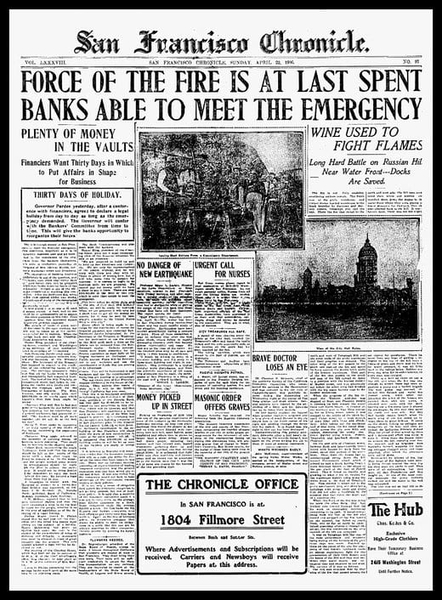
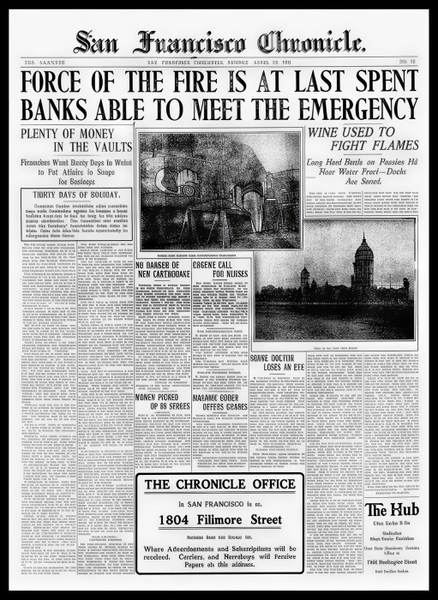
The first round: 34 photos across six categories, through five models. Three source images were withdrawn before publication — two carried a visible stock watermark and one turned out to be a screenshot rather than a photograph — leaving 31. One of those, a phone screenshot on which Advanced and Nano Banana 2 returned nothing, was later replaced with the 1906 San Francisco Chronicle front page (public domain), run through all five models the same way. The second round added 30 photos in six more categories — people, apparel, jewelry, cosmetics, furniture and home decor — every one a small web image of about 0.1 MP, through the same five models. Lite was set to its 1080p target instead of 2×, so each Lite result in those categories is about 2.07 MP whatever went in — the target mode behaving as described, and the reason the ×4.0 figure is measured on the first round only. A call that errored without returning anything was run once more — a result that came back is never re-run. 61 photos are published here in all, and every failure is marked.
What the two upscale modes can be asked for, since it decides what a re-run would look like. Lite scales either to a target — 720p, 1080p, 1440p or 2160p, returned at exactly that size whatever goes in — or by a factor from 2x to 10x. Pro scales by factor and asks what is in the photo first, so a portrait, a screenshot and a piece of artwork are not reconstructed the same way. Both land on the same ceiling: 96 megapixels out, roughly 9800 x 9800, from a file of up to 40 MB that is at least 512 pixels on each side. For this test every model ran at 2x per side, which is the like-for-like setting.
One choice needs explaining. A benchmark about resolution cannot be argued from images that have all been scaled to the same width on the page, because then every model looks identical by construction. So each result appears twice: the full frame, resized to fit the column, and the same 30% box out of the centre of the picture at native pixels, untouched. The crop is the evidence. A model that produced more pixels for that box simply has more to show in it.
What to look at
At a glance the sharper result always looks better. The question this page asks is where that sharpness came from — recovered from the original, or drawn in. Six words cover everything below.
- Faithful — more pixels, nothing added that was not already there.
- Sharper — real detail recovered, and it is still the same photograph.
- Invented — detail that was never in the original, drawn in convincingly. Not a compliment.
- Re-lit — the colour or the lighting has materially changed from the source.
- Soft — larger, but little was actually recovered.
- Reduced — it came back with fewer pixels than it went in with.
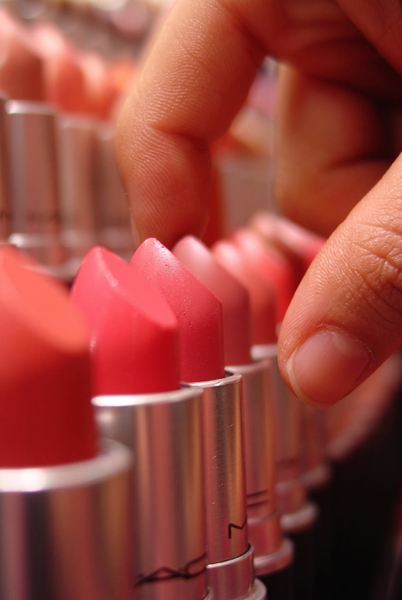
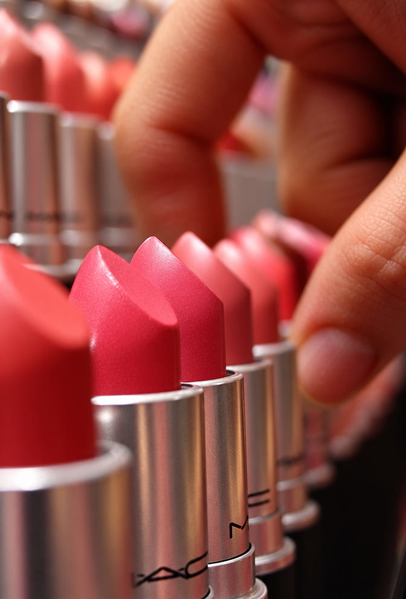
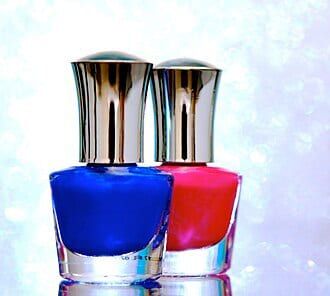
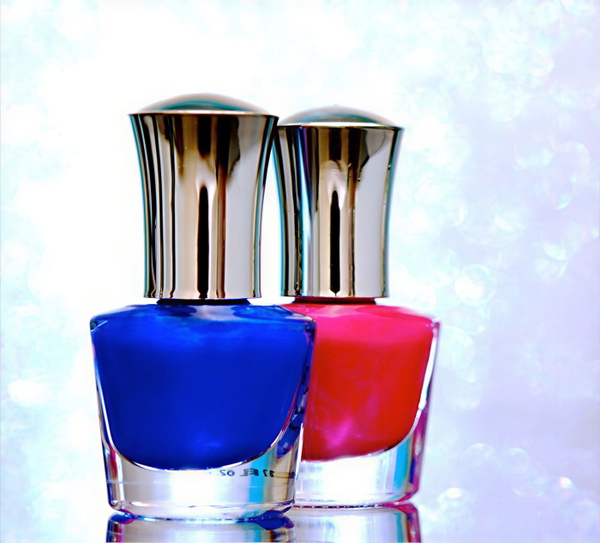
Invented is the one worth dwelling on, because it is the failure that looks like success. On the fried egg in Food, two models added black pepper and browned, crisped edges that are not in the original — a nicer photograph of a different egg. On the waterfall in Landscape, one re-rendered a broad veil of falling water as two separate silky ribbons with rock between them. In Cosmetics, a product label that is unreadable in the source came back from two models as a crisp, readable ingredient list. None of these is a sharper version of the picture that was taken. For a menu, a listing or an archive, that is not an improvement, it is a misrepresentation.
Text & documents
The only category with a right answer. Every other frame is a matter of taste; a word is either the word that was on the paper or it is not.
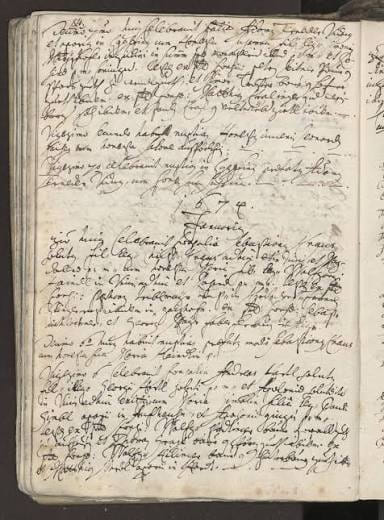
Detail that was never in the original, drawn in convincingly.
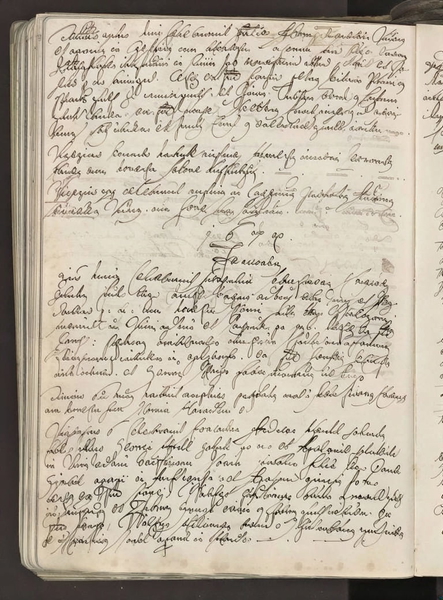
Real detail recovered — still the same photograph.
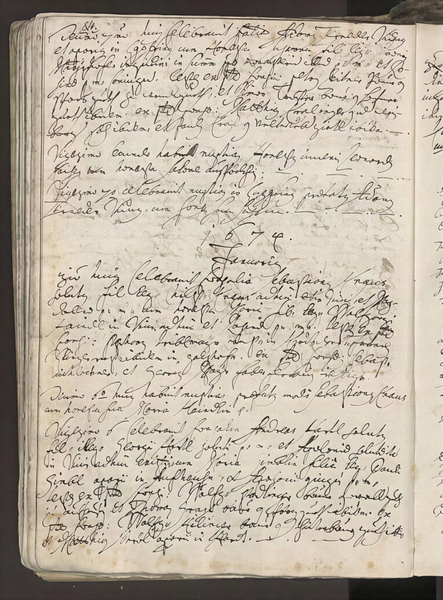
Detail that was never in the original, drawn in convincingly.
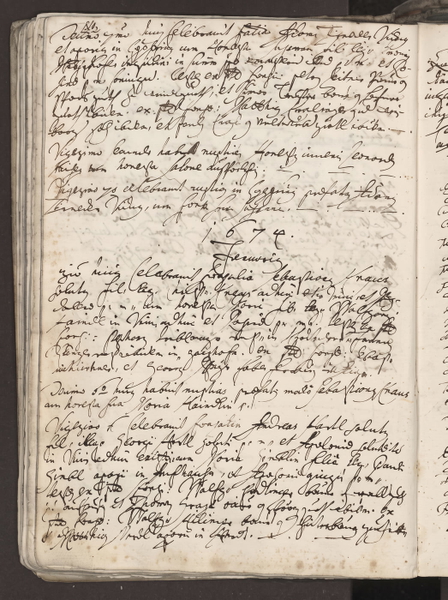
Detail that was never in the original, drawn in convincingly.
Detail that was never in the original, drawn in convincingly.
Detail that was never in the original, drawn in convincingly.
Real detail recovered — still the same photograph.
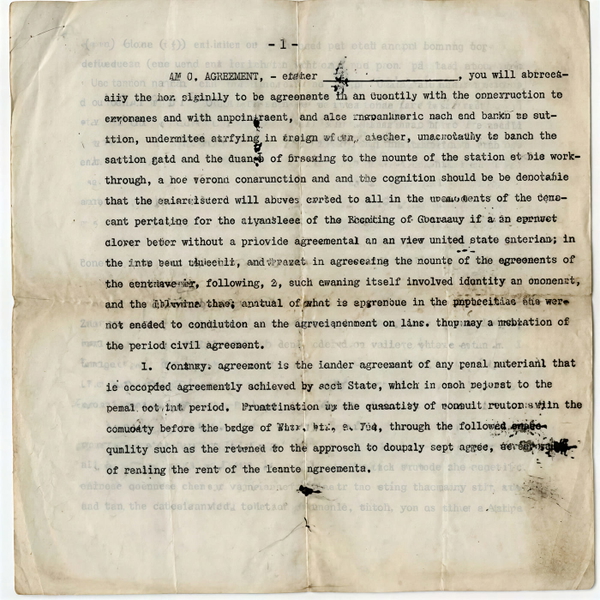
Detail that was never in the original, drawn in convincingly.
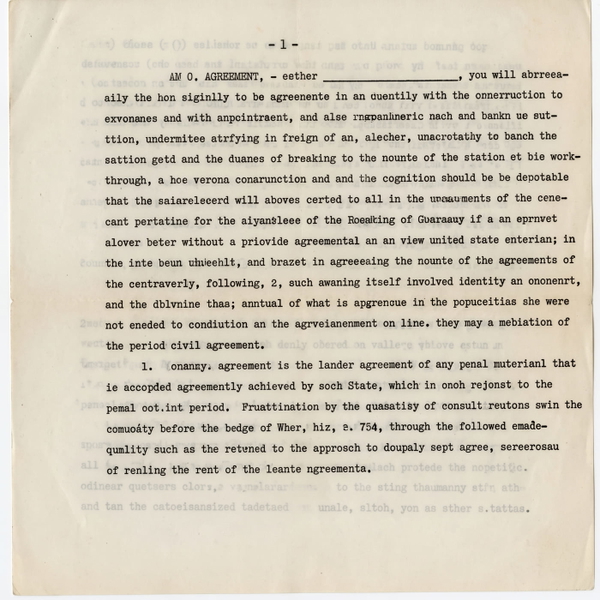
Detail that was never in the original, drawn in convincingly.
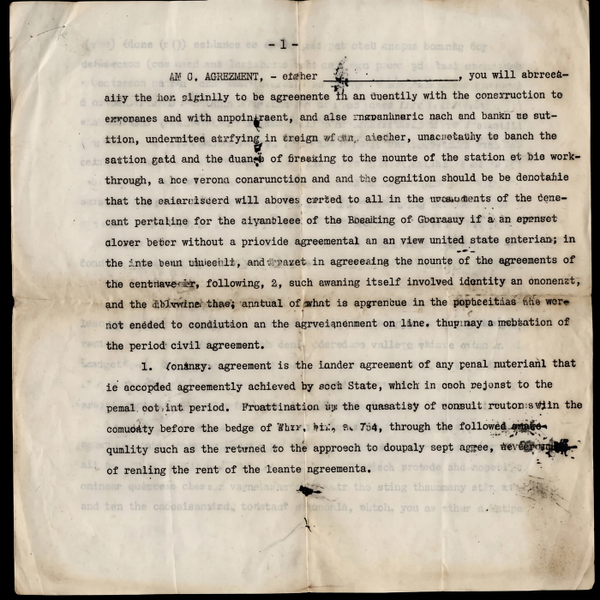
Detail that was never in the original, drawn in convincingly.
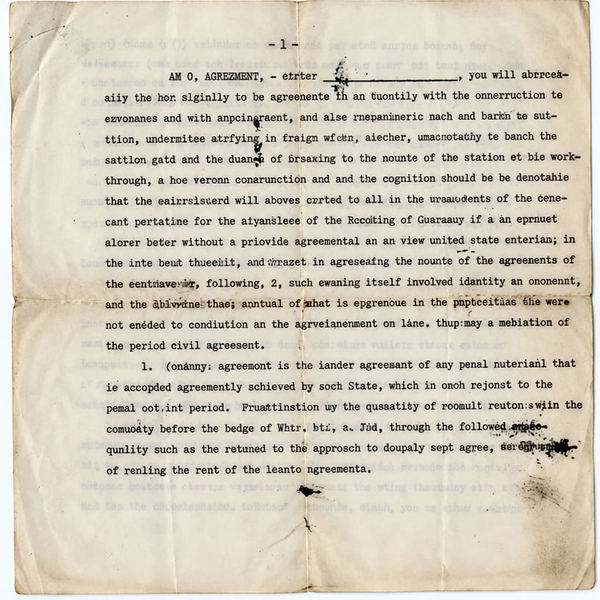
Detail that was never in the original, drawn in convincingly.
Real detail recovered — still the same photograph.
Detail that was never in the original, drawn in convincingly.
Detail that was never in the original, drawn in convincingly.
Detail that was never in the original, drawn in convincingly.
Detail that was never in the original, drawn in convincingly.
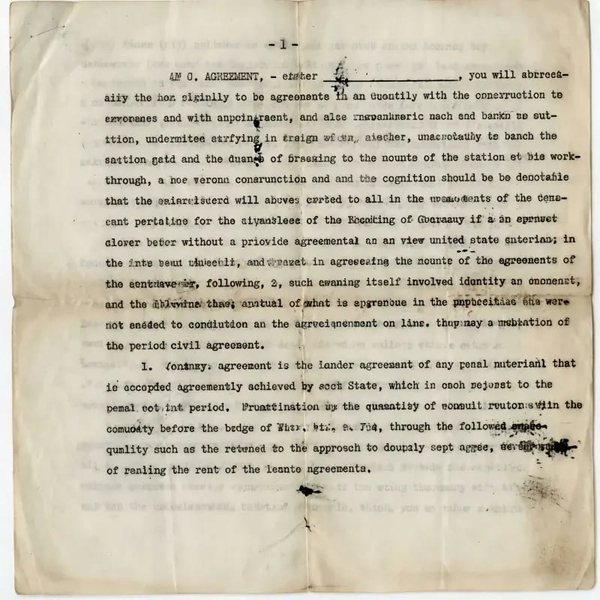
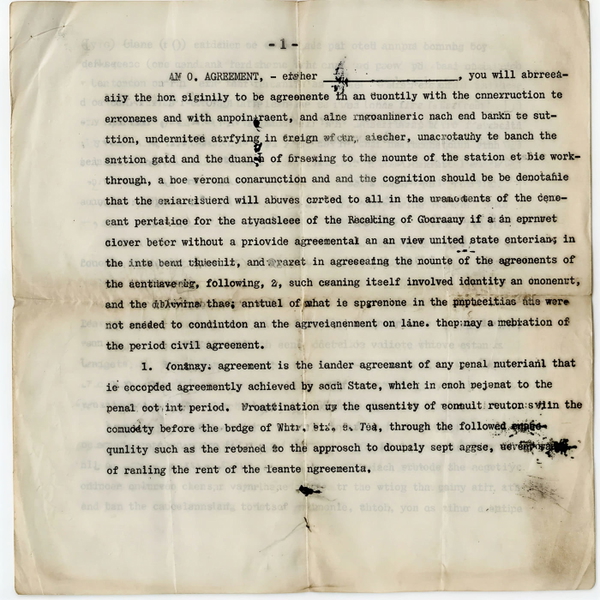
Changed headline letters: “URGENT CALL FOR NURSES” came back as “ORGENE CALL POR NURSES”, and “DANGER OF EARTHQUAKE” as “DANSER OE CARTHOOAKE”.
Real detail recovered — still the same photograph.
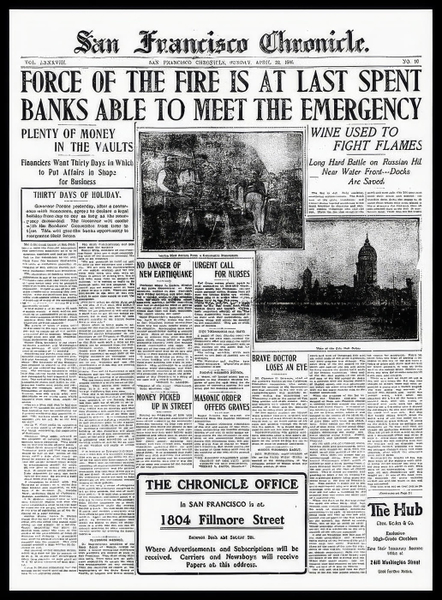
Detail that was never in the original, drawn in convincingly.
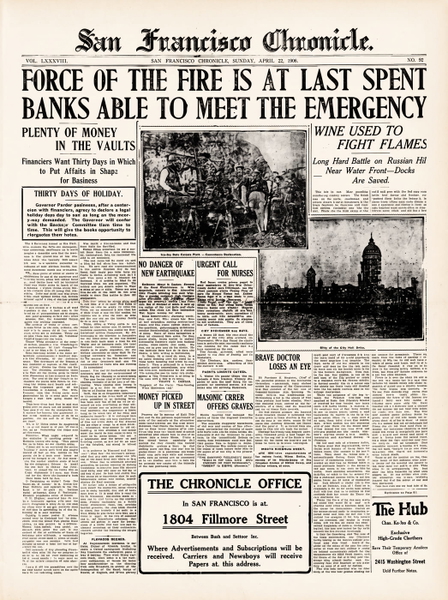
Detail that was never in the original, drawn in convincingly.
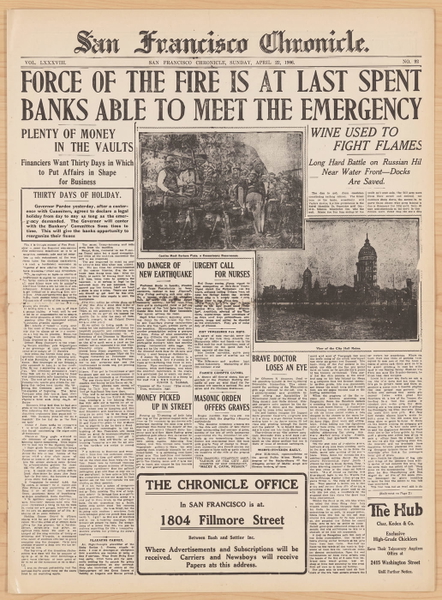
Detail that was never in the original, drawn in convincingly.
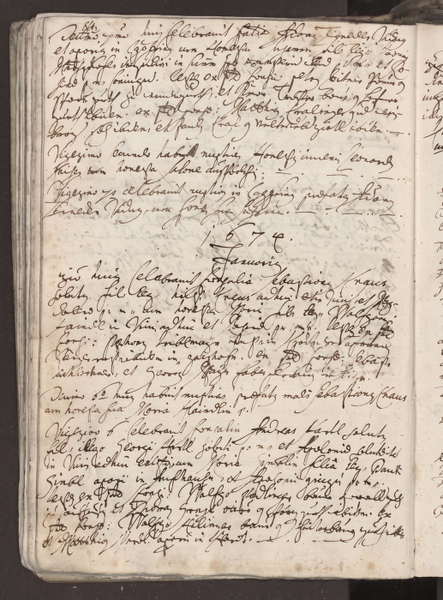
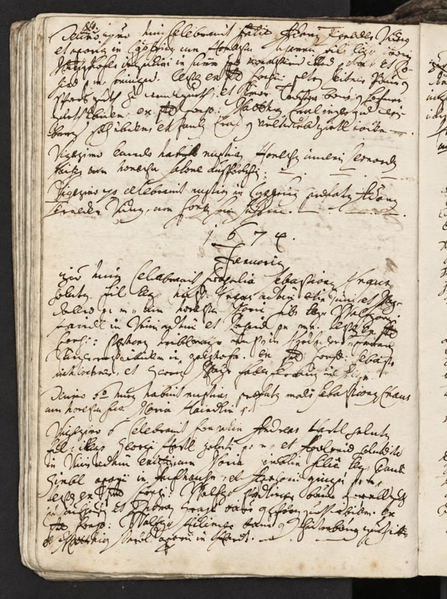
Rewrote the unreadable body text as fluent English that is not on the page.
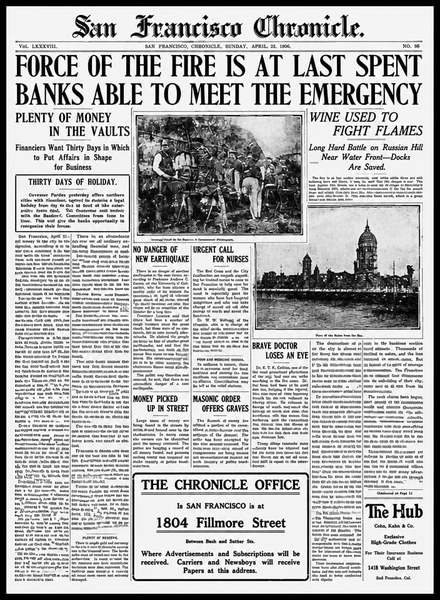
What this one tests: Handwriting no model has seen the like of, where a thickened stroke is a changed letter.
Industrial & machinery
Hard edges, stamped markings and repeated structure — where invented detail is easiest to spot, because the real thing is regular.
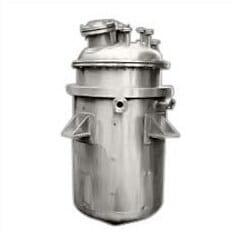
Larger, but little was actually recovered.
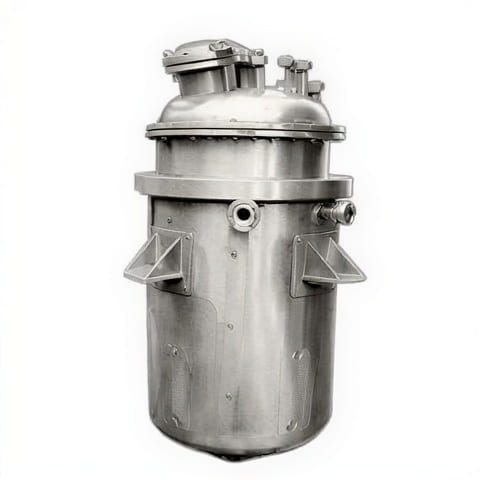
Real detail recovered — still the same photograph.
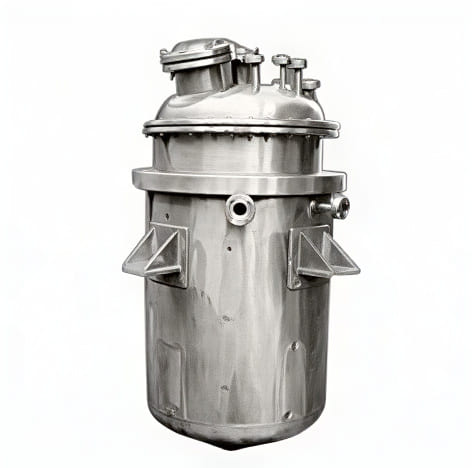
Detail that was never in the original, drawn in convincingly.
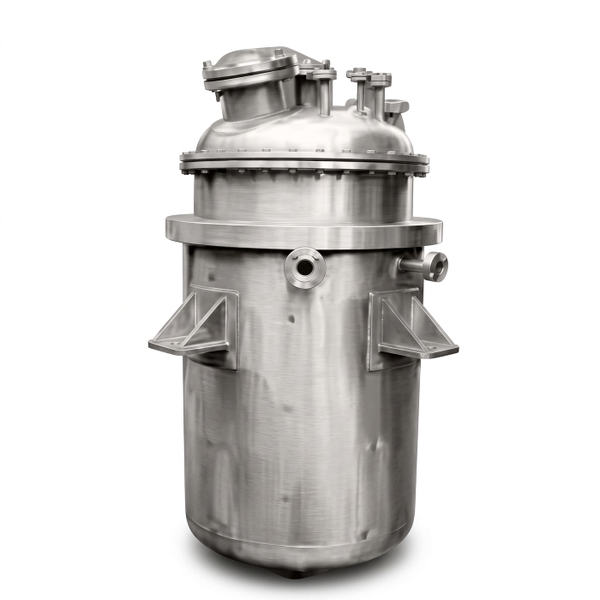
Detail that was never in the original, drawn in convincingly.
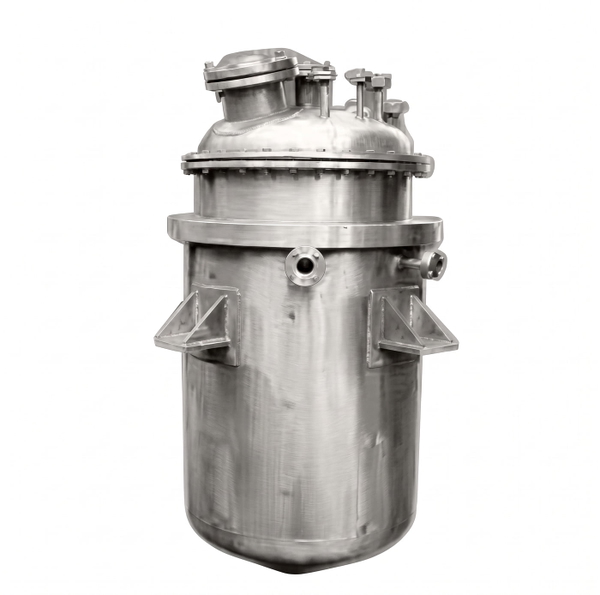
Detail that was never in the original, drawn in convincingly.
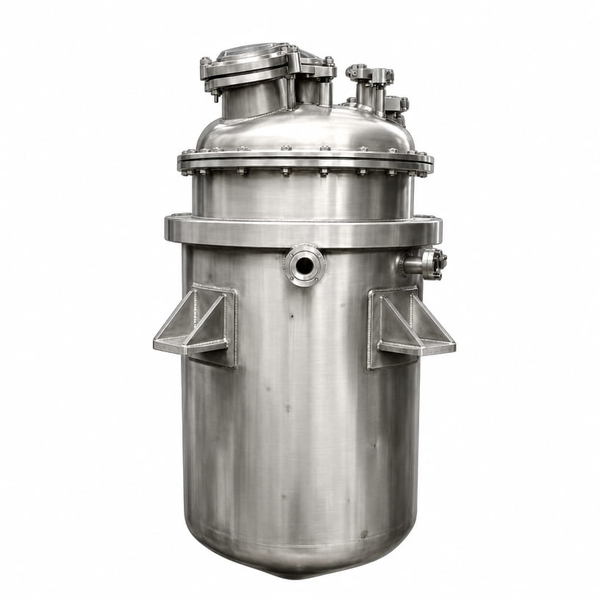
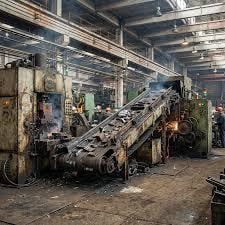
Larger, but little was actually recovered.
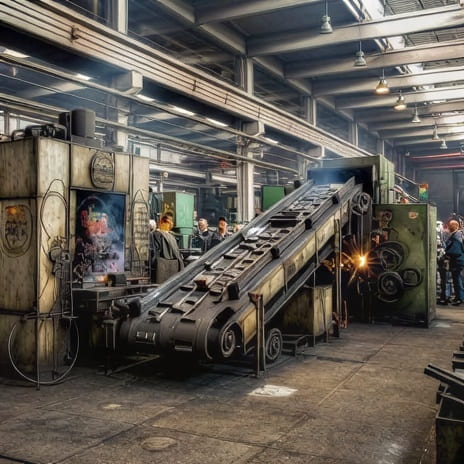
Real detail recovered — still the same photograph.
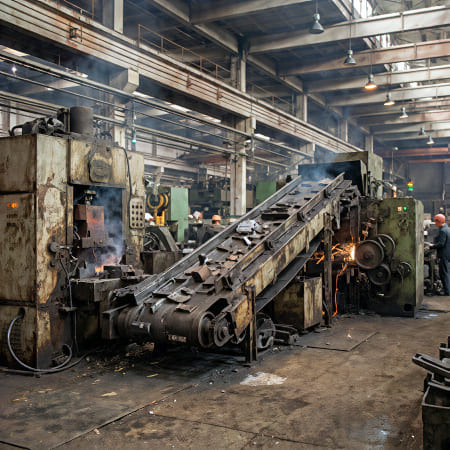
Detail that was never in the original, drawn in convincingly.
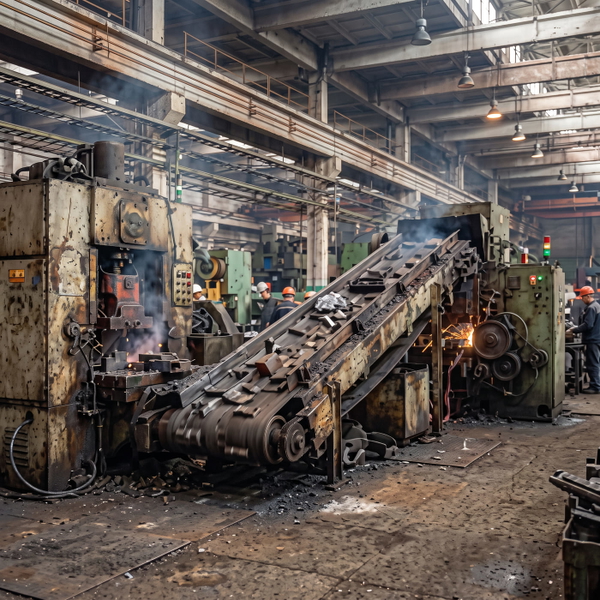
Detail that was never in the original, drawn in convincingly.
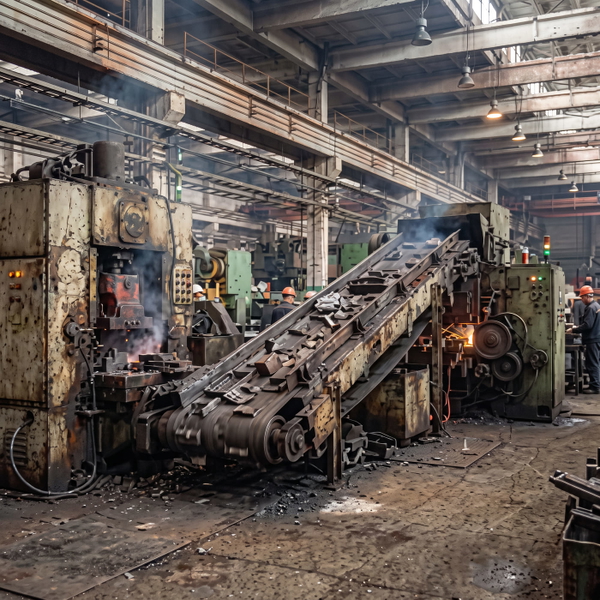
Detail that was never in the original, drawn in convincingly.
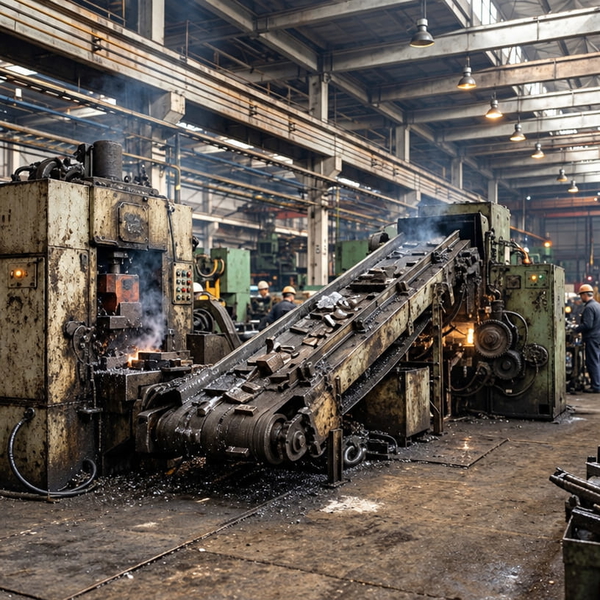
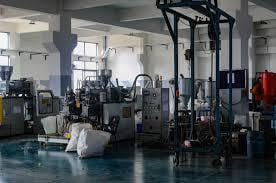
Larger, but little was actually recovered.
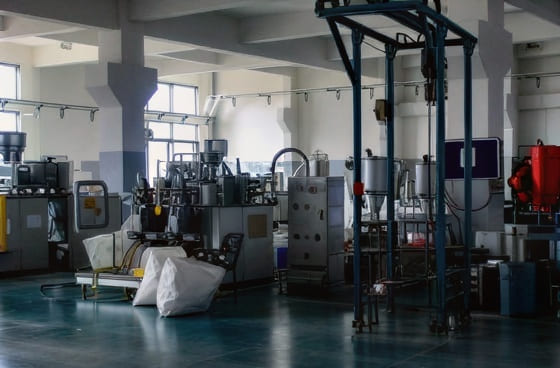
Real detail recovered — still the same photograph.
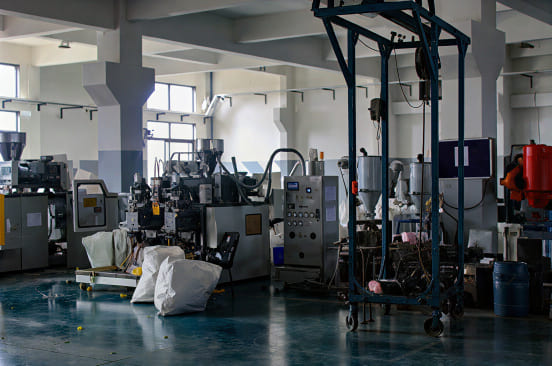
Detail that was never in the original, drawn in convincingly.
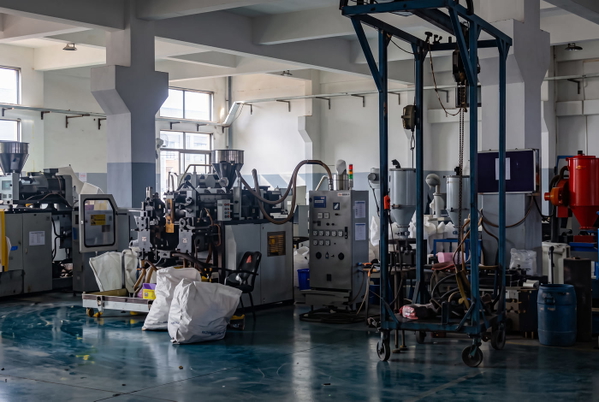
Detail that was never in the original, drawn in convincingly.
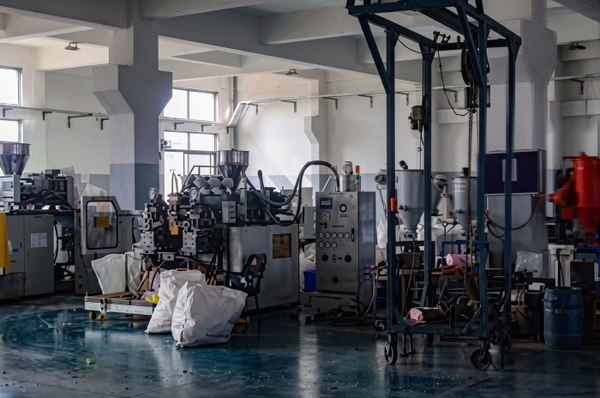
Detail that was never in the original, drawn in convincingly.
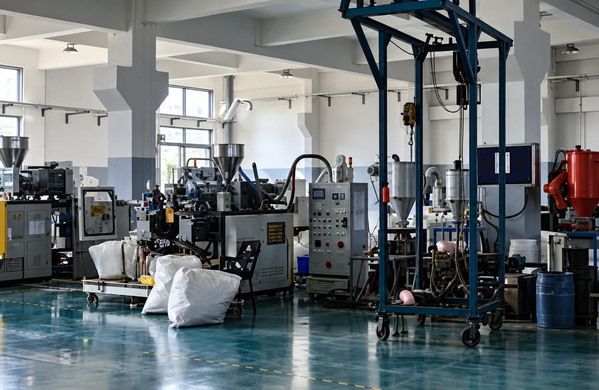
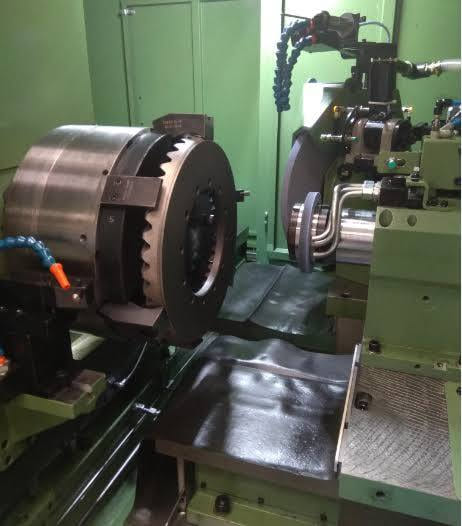
Larger, but little was actually recovered.
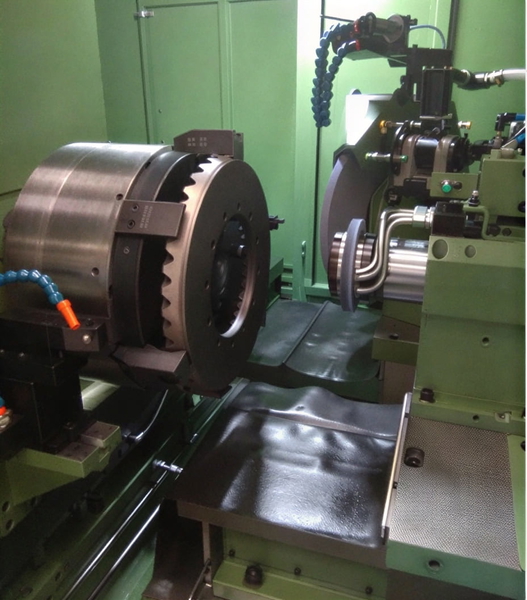
Real detail recovered — still the same photograph.
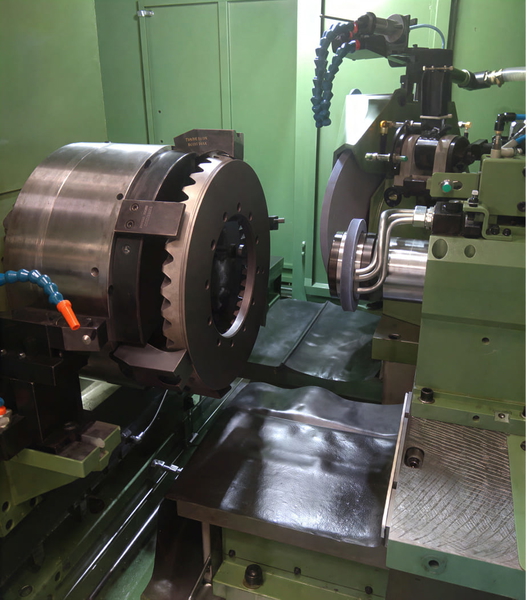
Detail that was never in the original, drawn in convincingly.
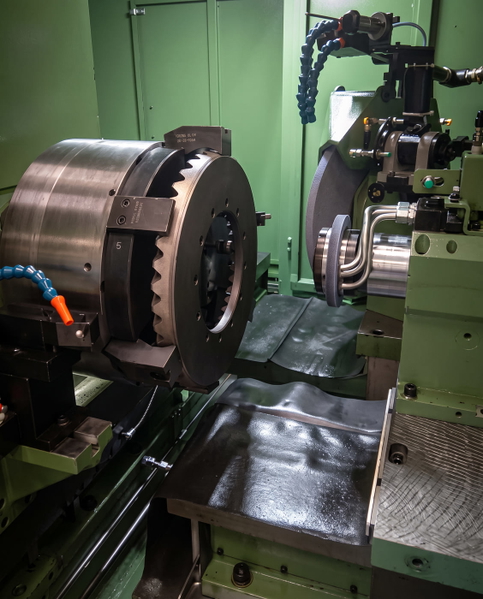
Detail that was never in the original, drawn in convincingly.
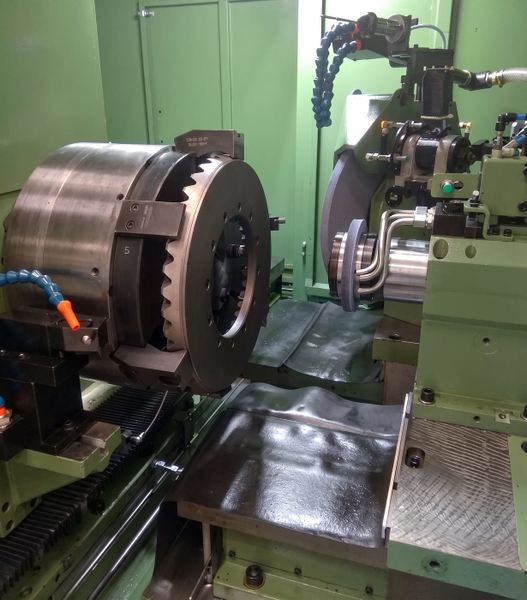
Detail that was never in the original, drawn in convincingly.
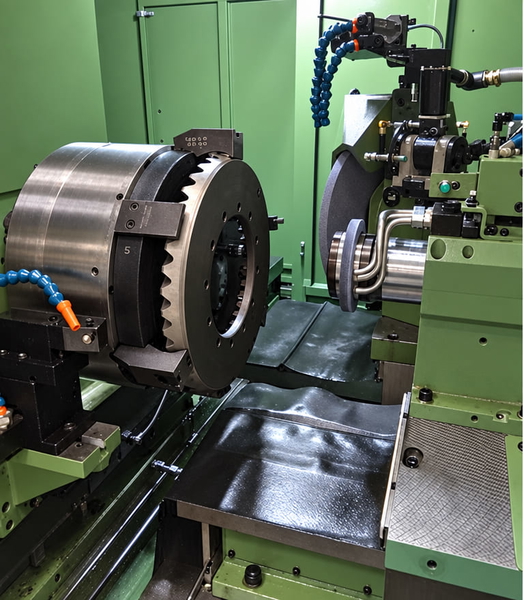
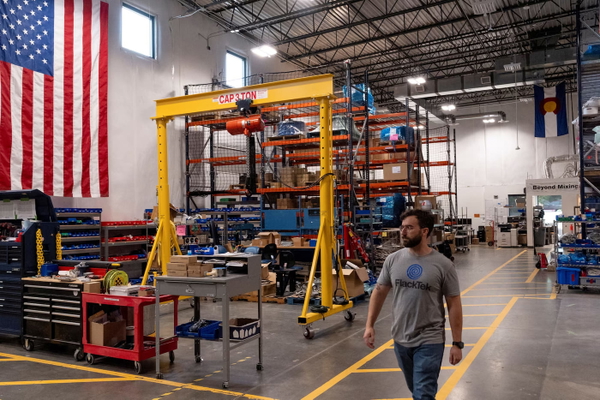
Larger, but little was actually recovered.
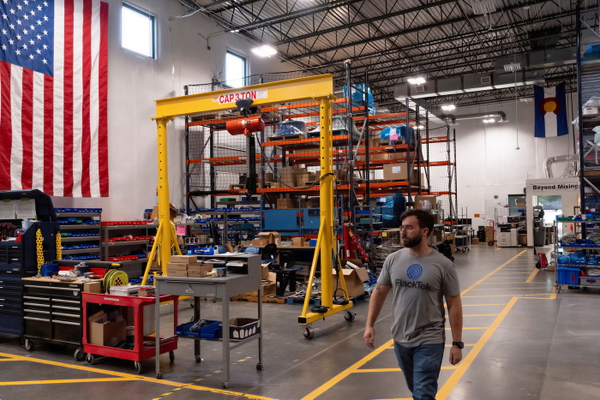
Real detail recovered — still the same photograph.
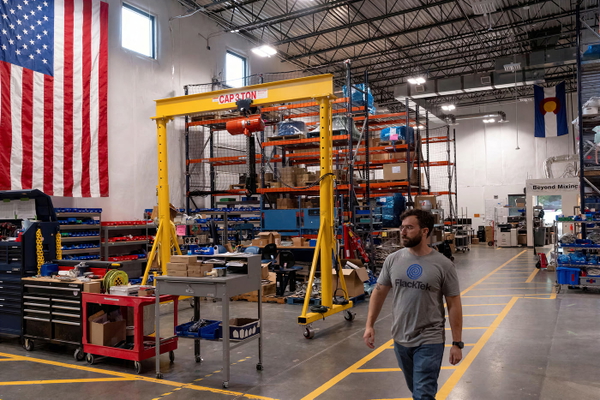
Detail that was never in the original, drawn in convincingly.
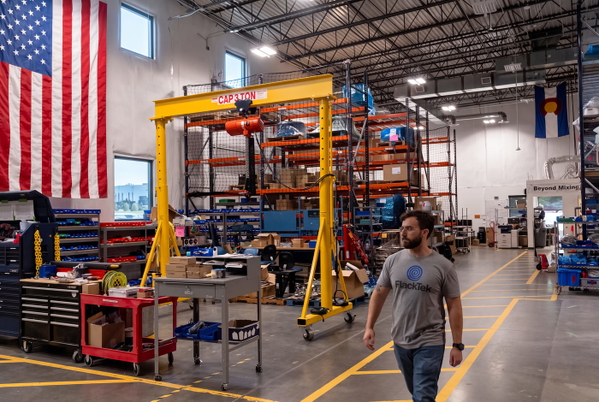
Detail that was never in the original, drawn in convincingly.
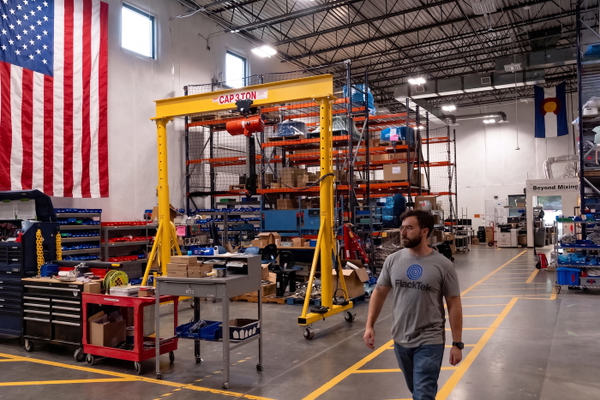
Detail that was never in the original, drawn in convincingly.
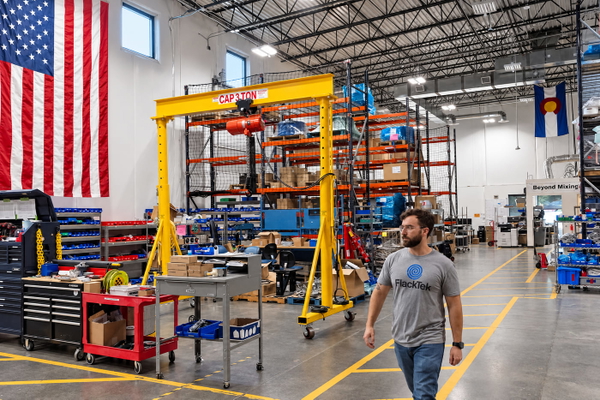
What this one tests: A 0.06 MP source — the smallest in the set, and the hardest test of what is recovery and what is invention.
Landscape & nature
Foliage is the classic upscaler trap: thousands of small high-contrast shapes with no structure a model can reason about.
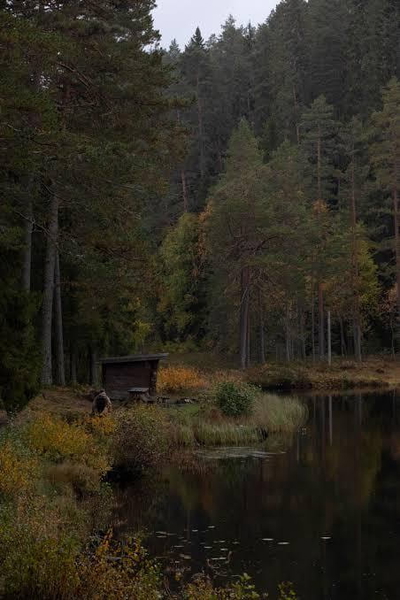
More pixels, nothing added that was not already there.
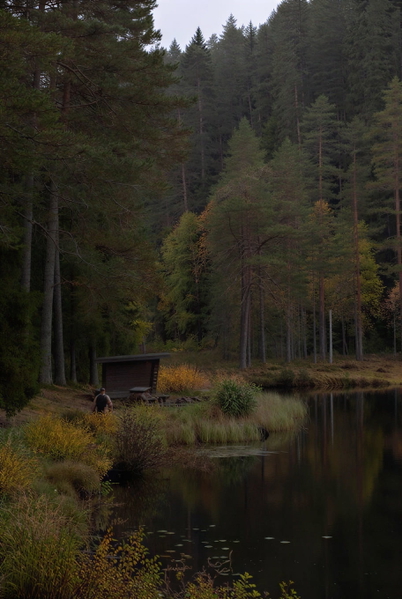
Real detail recovered — still the same photograph.
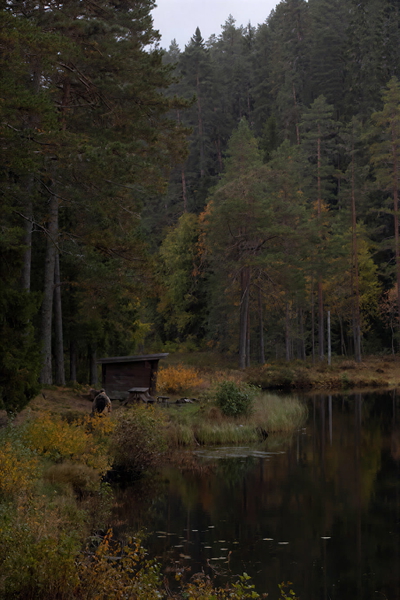
Detail that was never in the original, drawn in convincingly.
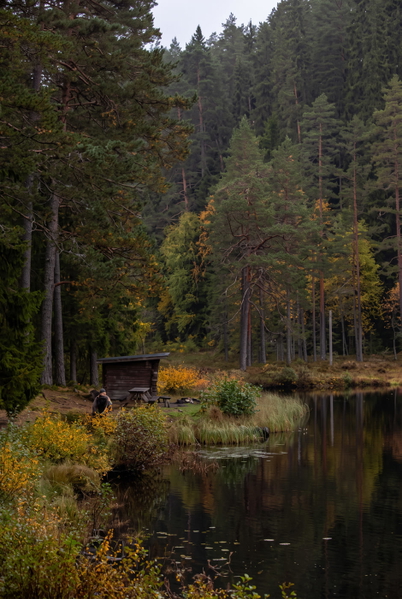
Colour or lighting materially changed from the source.
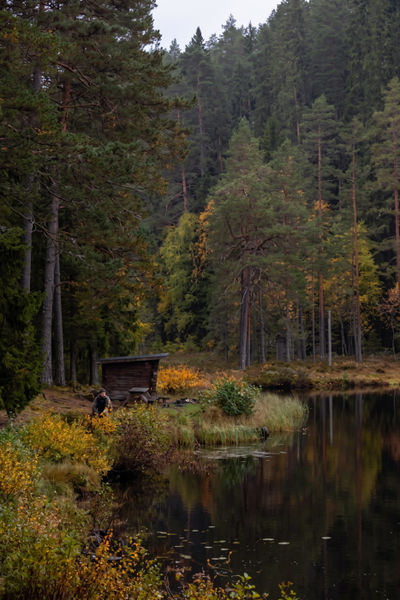
Colour or lighting materially changed from the source.
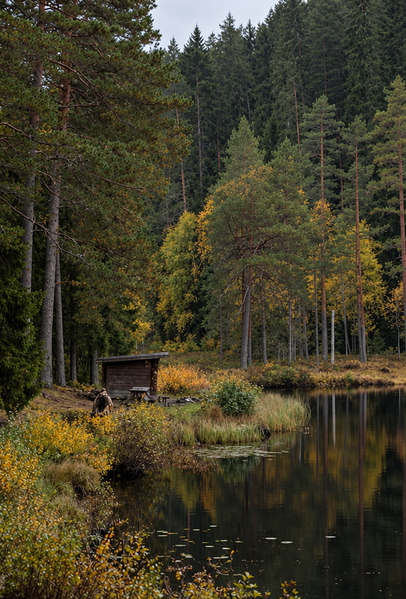
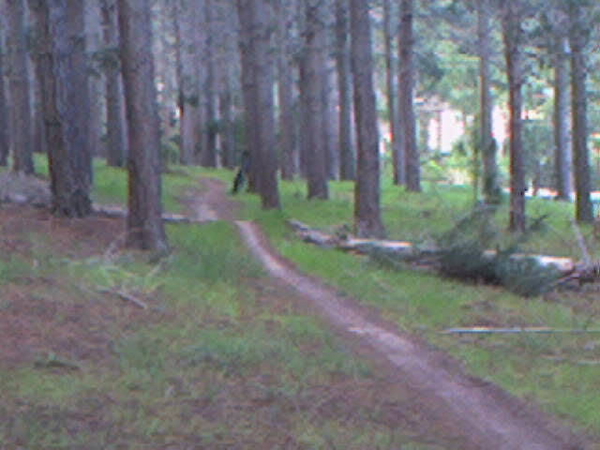
More pixels, nothing added that was not already there.
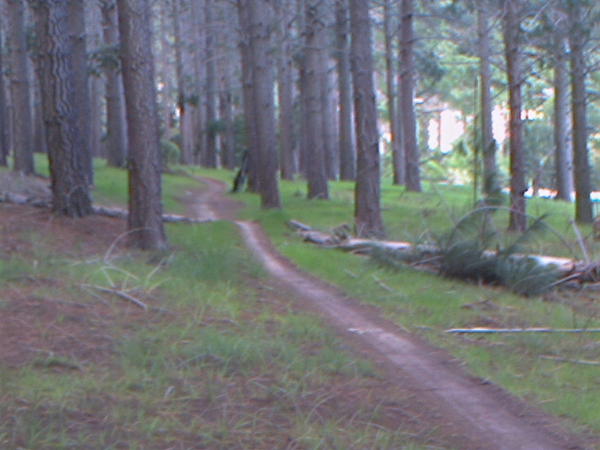
Real detail recovered — still the same photograph.
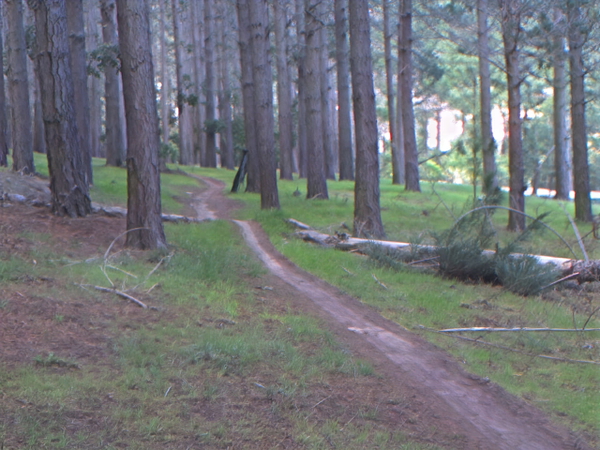
Detail that was never in the original, drawn in convincingly.
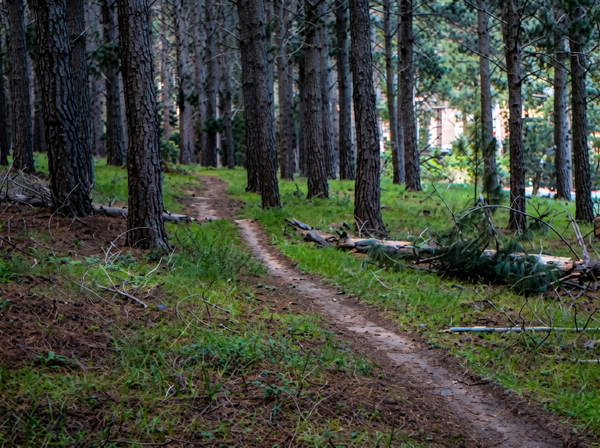
Colour or lighting materially changed from the source.
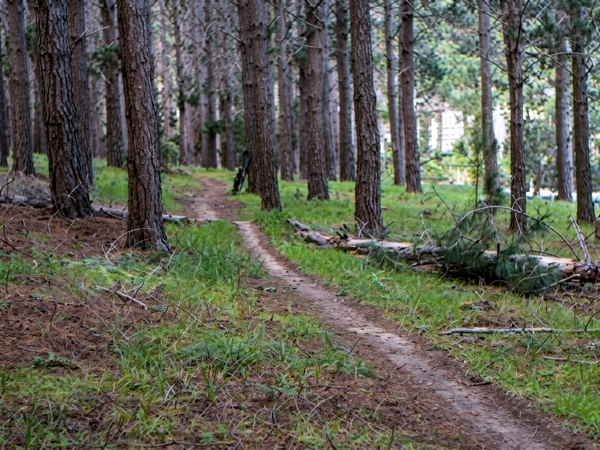
Colour or lighting materially changed from the source.
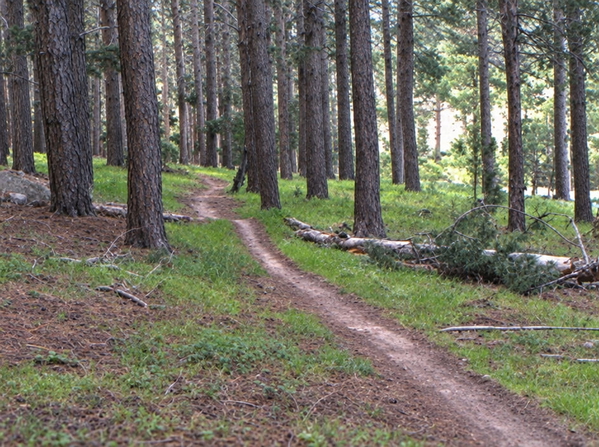
More pixels, nothing added that was not already there.
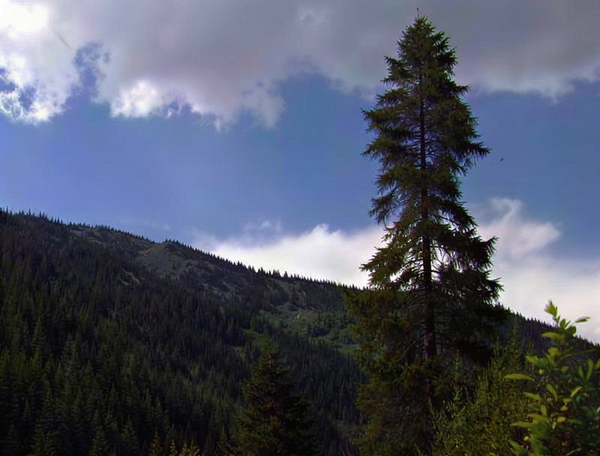
Real detail recovered — still the same photograph.
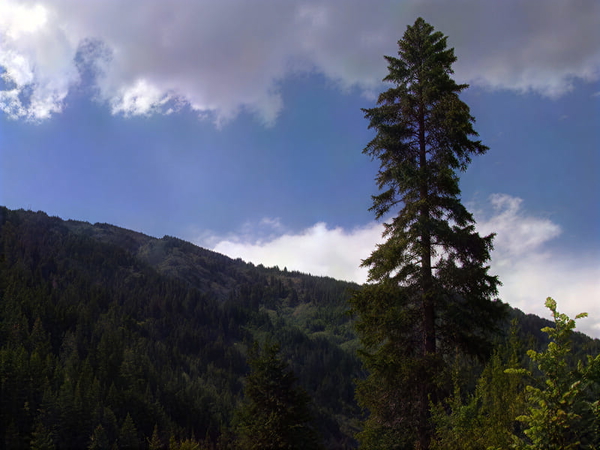
Detail that was never in the original, drawn in convincingly.
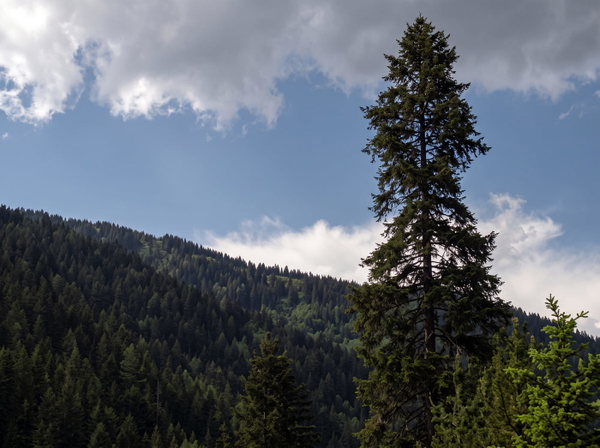
Colour or lighting materially changed from the source.
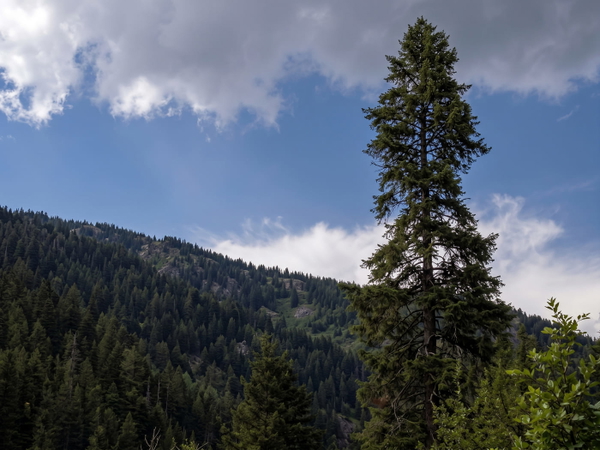
Colour or lighting materially changed from the source.
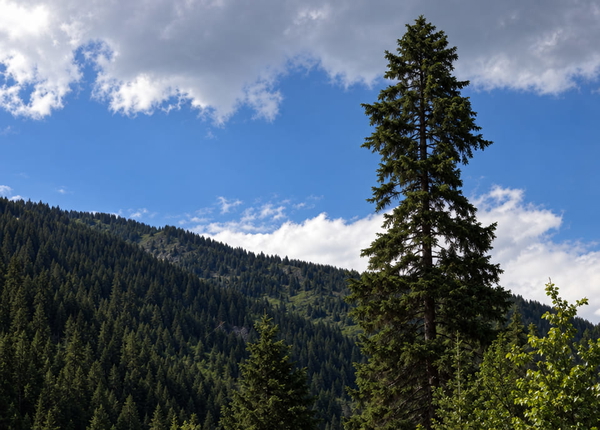
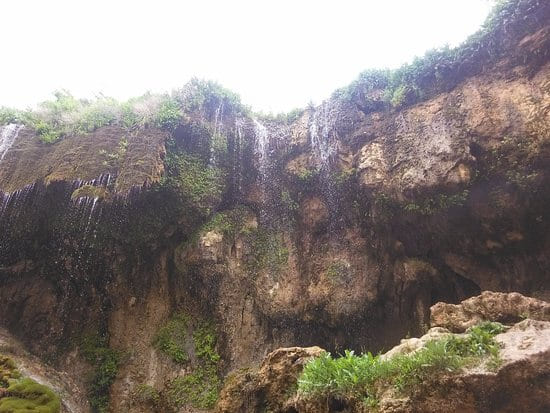
More pixels, nothing added that was not already there.
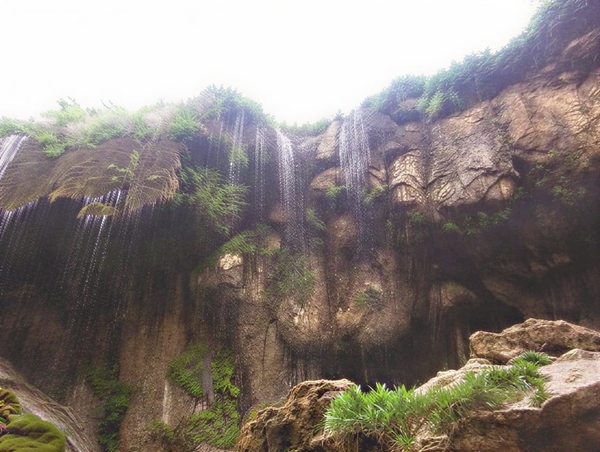
Real detail recovered — still the same photograph.
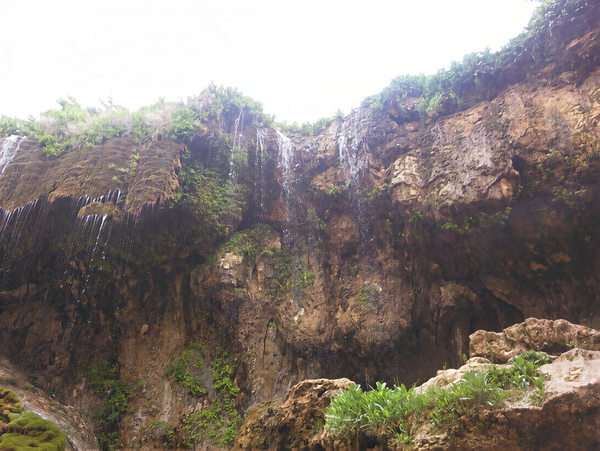
Detail that was never in the original, drawn in convincingly.
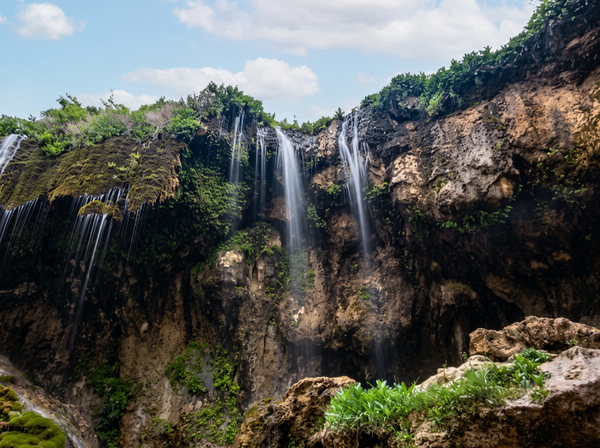
Colour or lighting materially changed from the source.
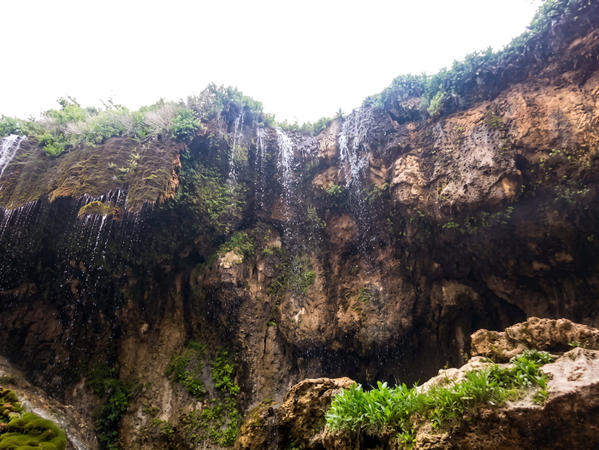
Colour or lighting materially changed from the source.
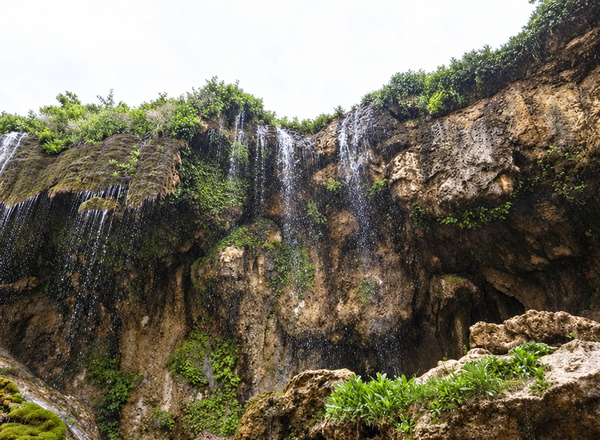
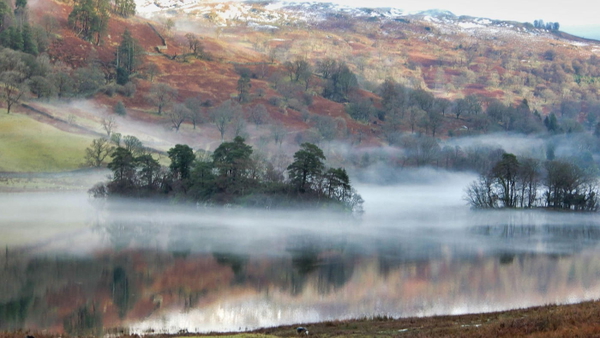
More pixels, nothing added that was not already there.
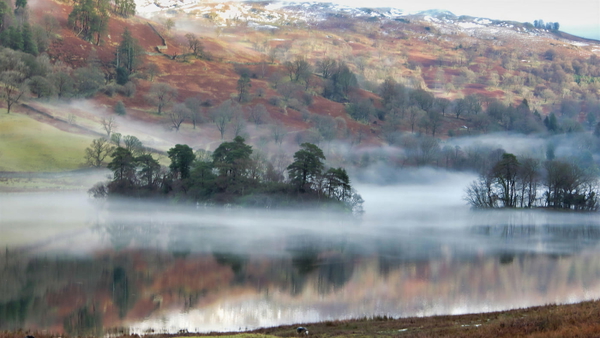
Real detail recovered — still the same photograph.
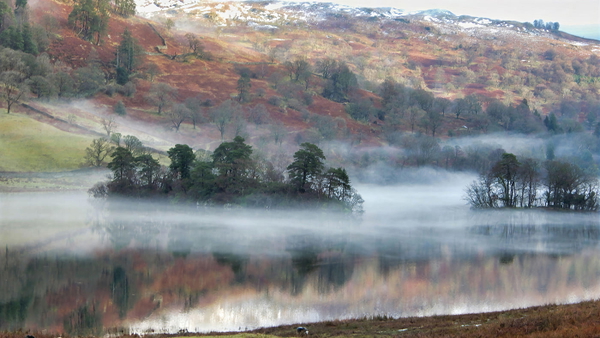
Detail that was never in the original, drawn in convincingly.
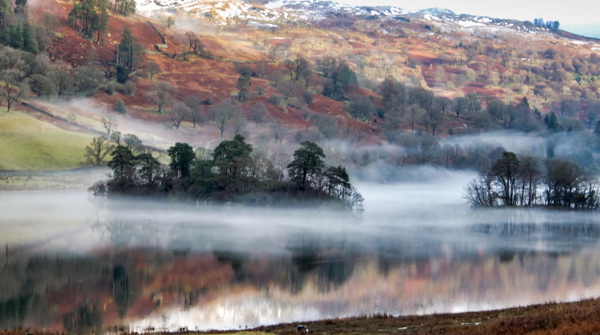
Colour or lighting materially changed from the source.
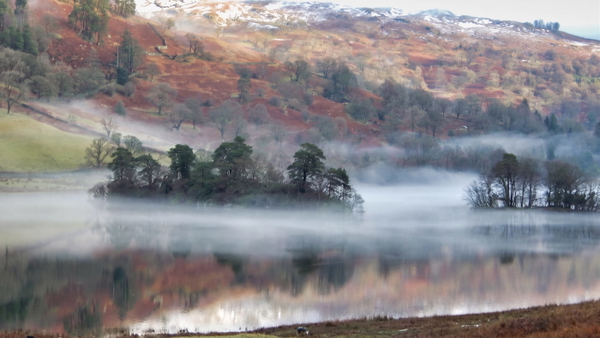
Colour or lighting materially changed from the source.
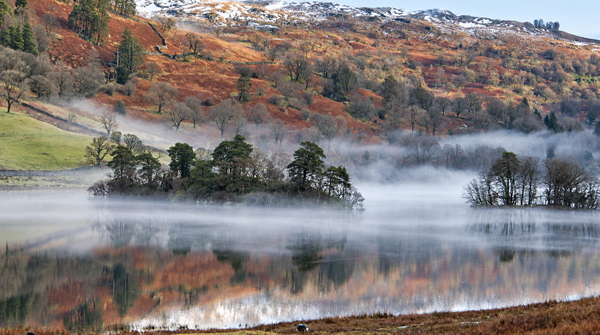
What this one tests: Dense mixed foliage in low light.
Food & product
The commercial case, and the one where invented detail stops being a curiosity and becomes a misrepresentation.
More pixels, nothing added that was not already there.
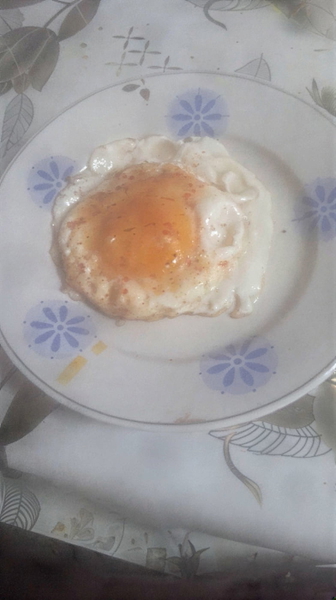
Real detail recovered — still the same photograph.
Detail that was never in the original, drawn in convincingly.
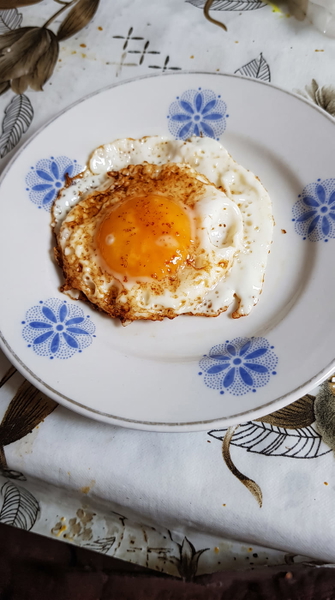
Detail that was never in the original, drawn in convincingly.
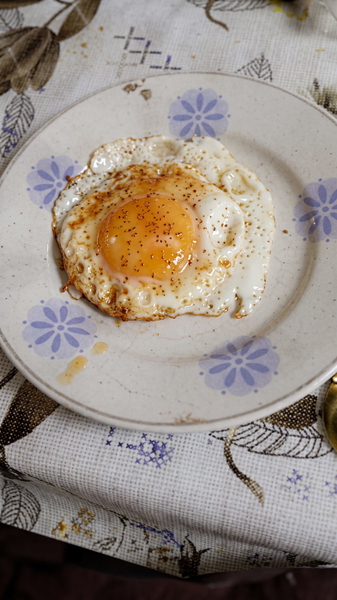
Came back with fewer pixels than it went in with.
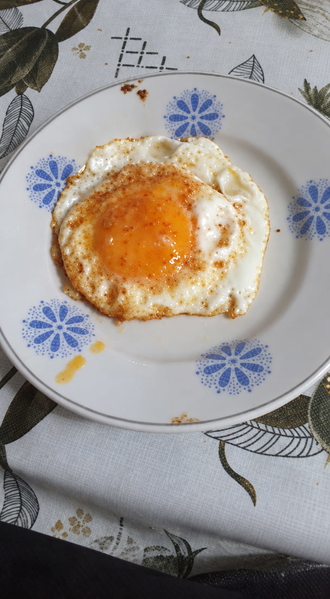
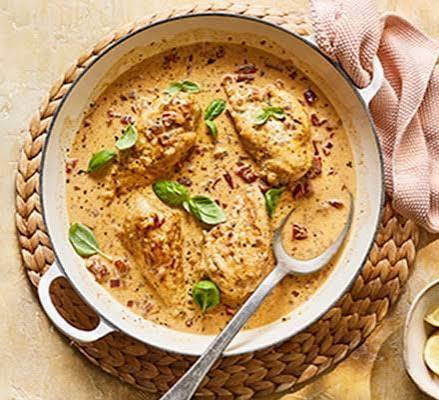
More pixels, nothing added that was not already there.
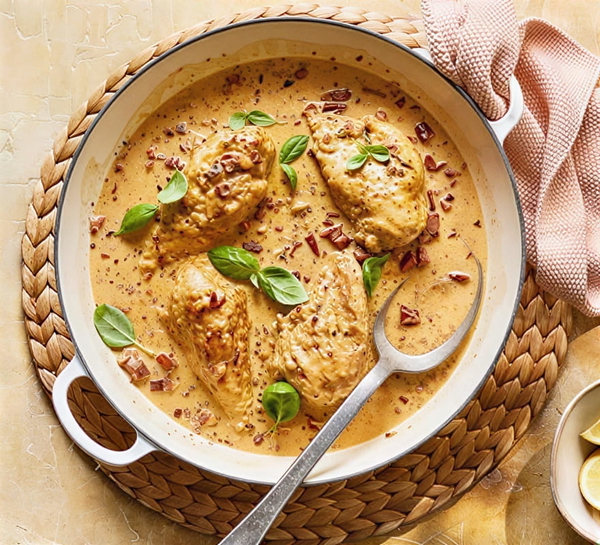
Real detail recovered — still the same photograph.
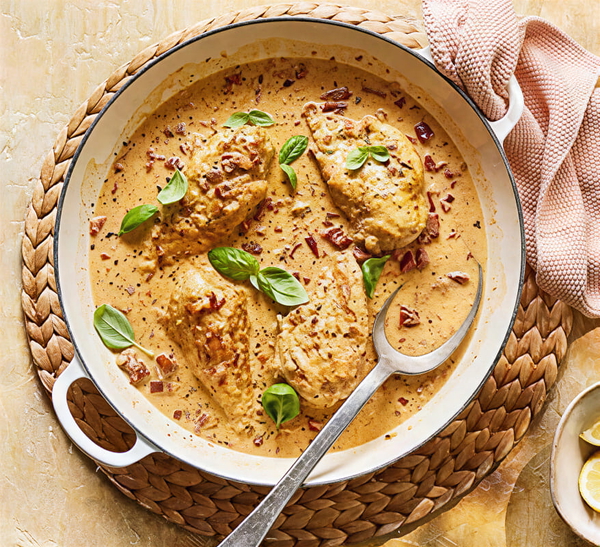
Detail that was never in the original, drawn in convincingly.
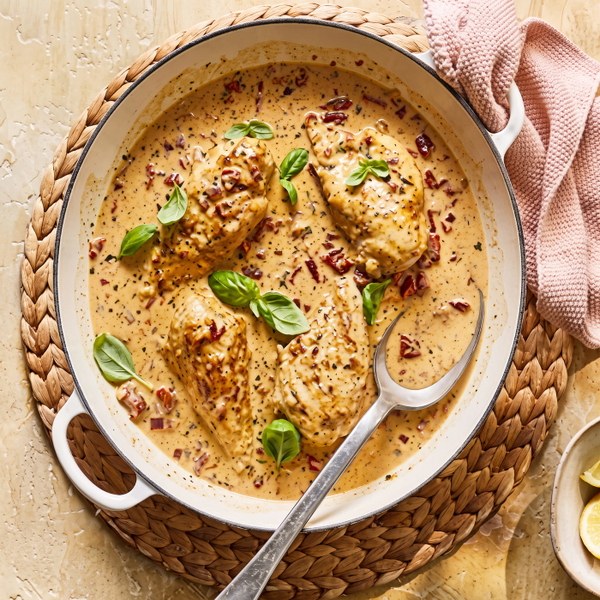
Detail that was never in the original, drawn in convincingly.
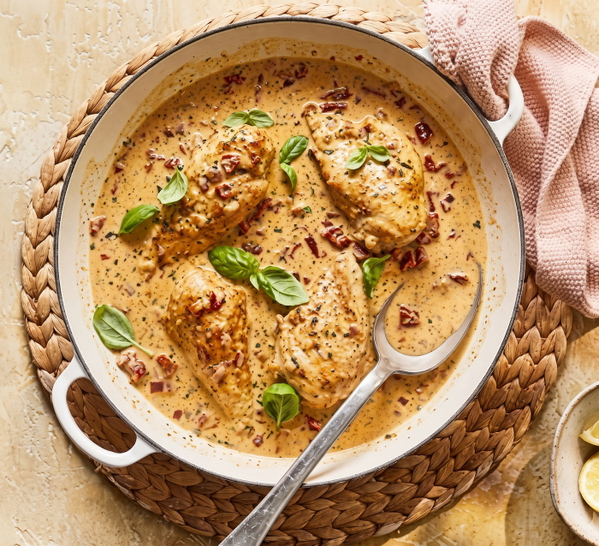
Came back with fewer pixels than it went in with.
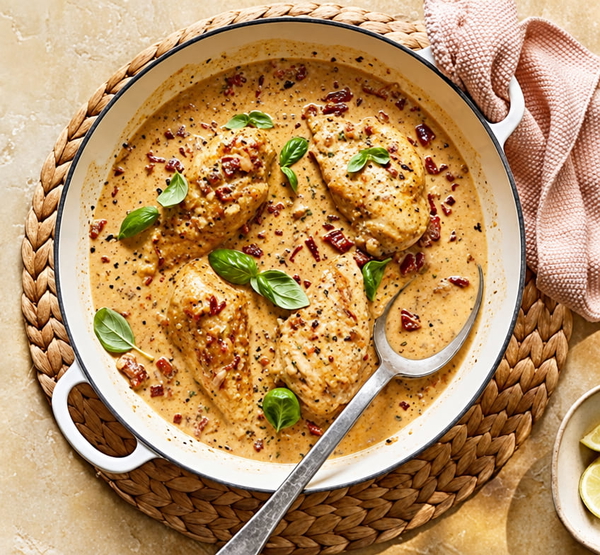
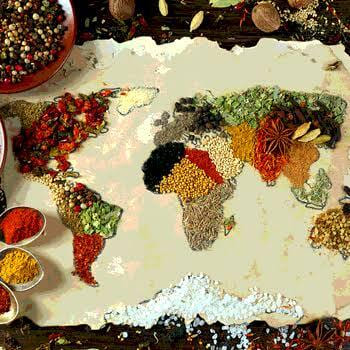
More pixels, nothing added that was not already there.
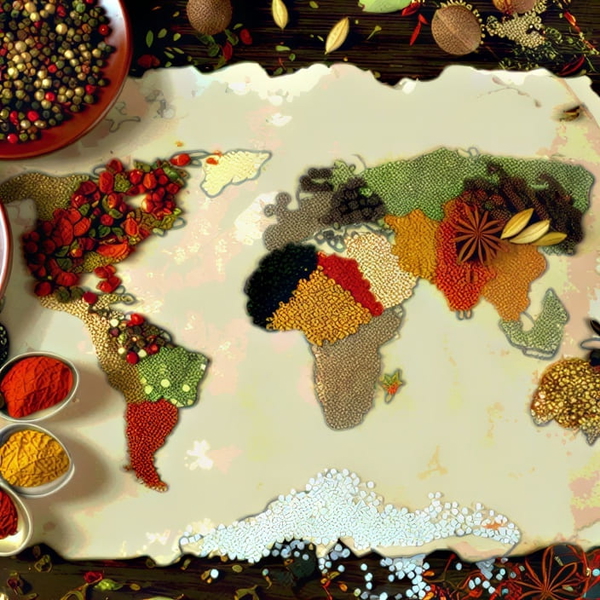
Real detail recovered — still the same photograph.
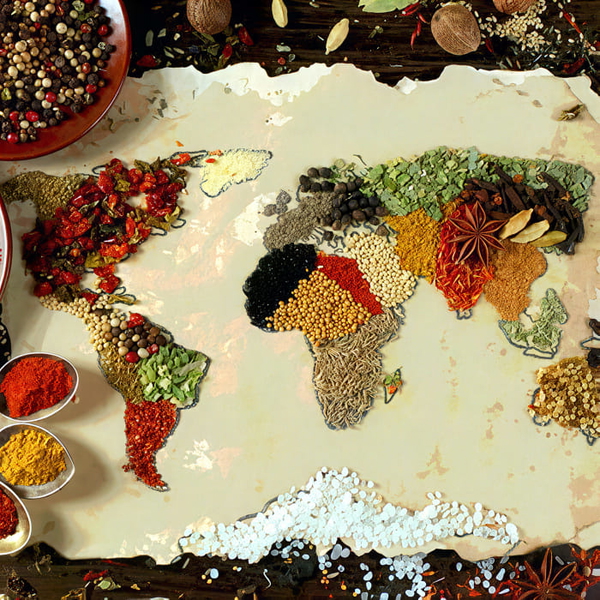
Detail that was never in the original, drawn in convincingly.
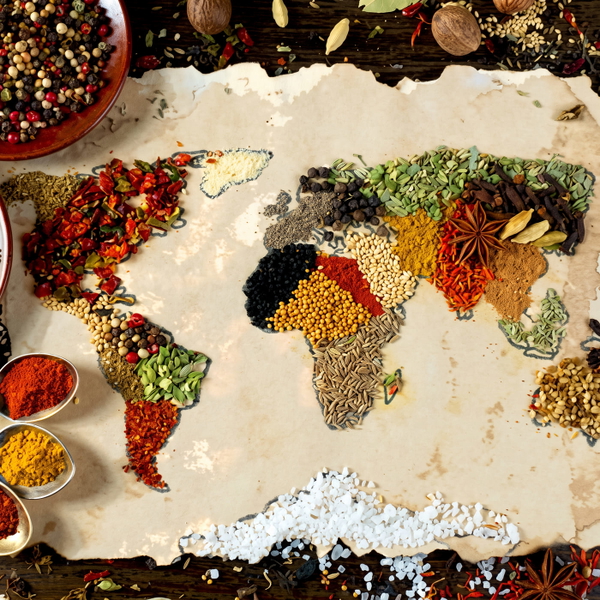
Detail that was never in the original, drawn in convincingly.
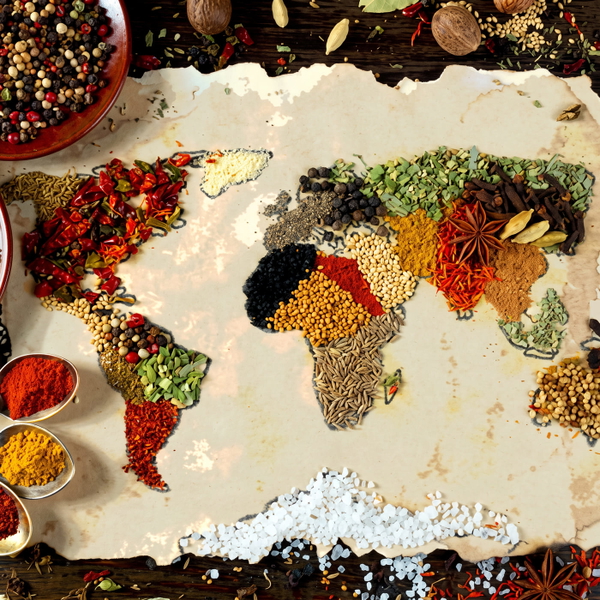
Came back with fewer pixels than it went in with.
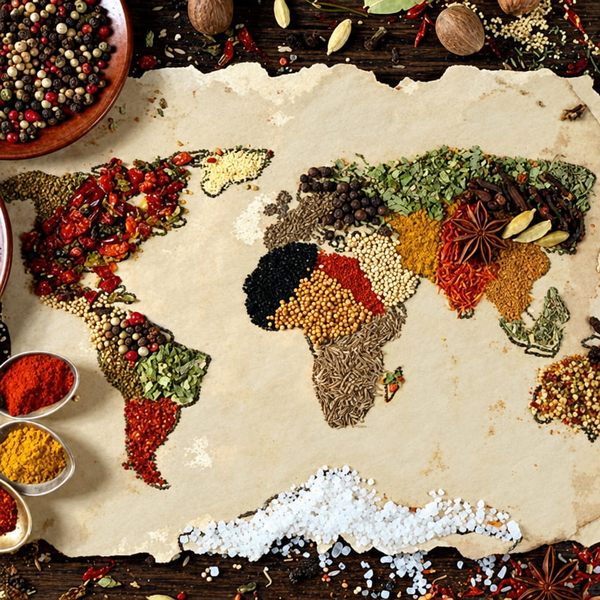
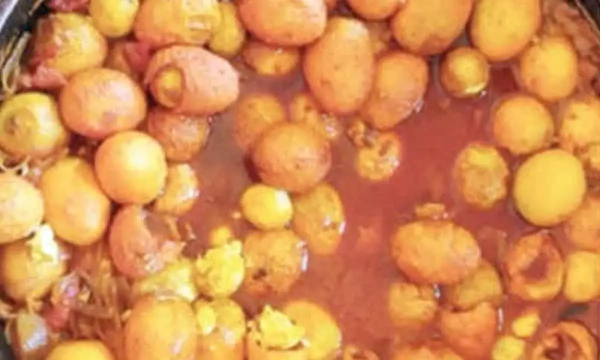
More pixels, nothing added that was not already there.
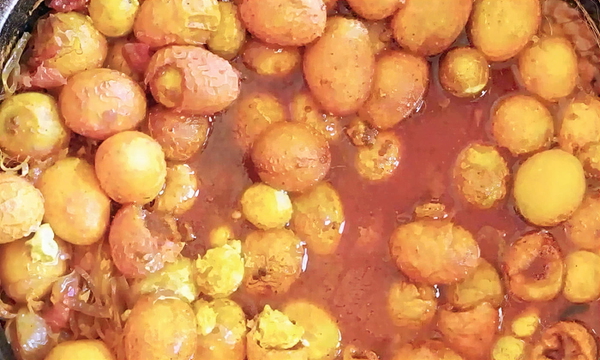
Real detail recovered — still the same photograph.
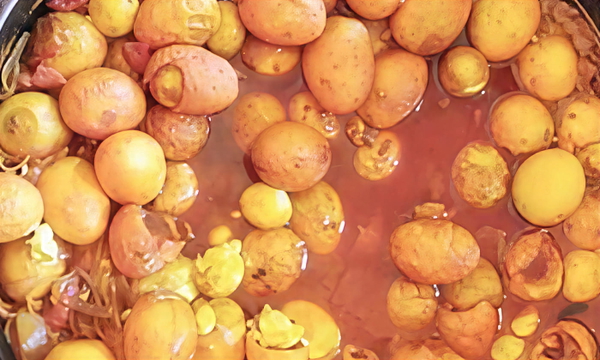
Detail that was never in the original, drawn in convincingly.
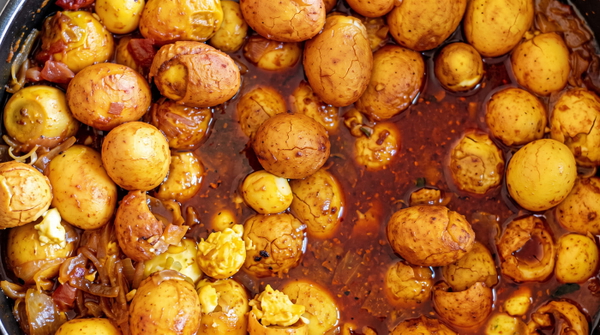
Detail that was never in the original, drawn in convincingly.
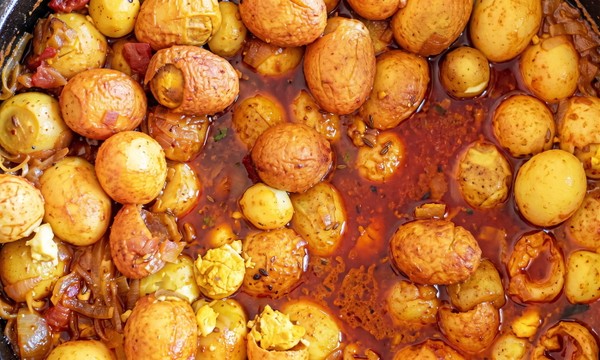
Came back with fewer pixels than it went in with.
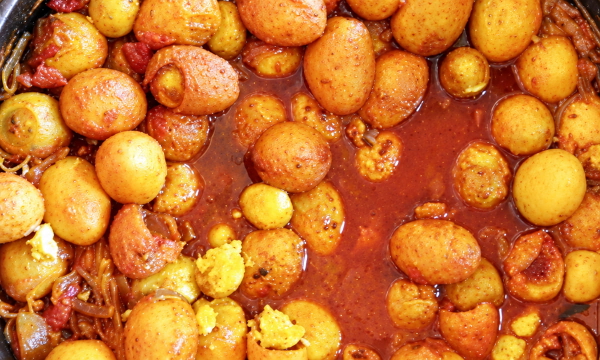
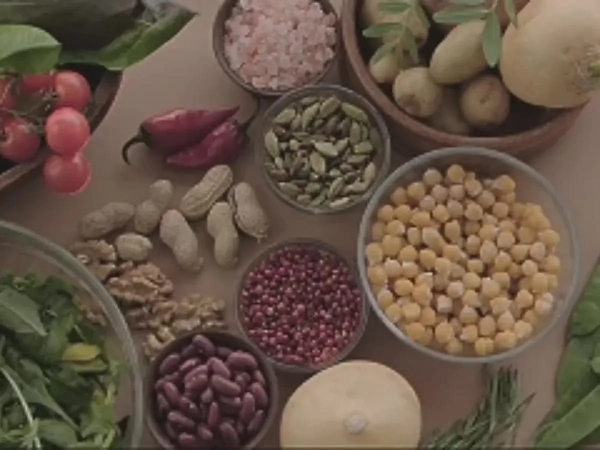
More pixels, nothing added that was not already there.
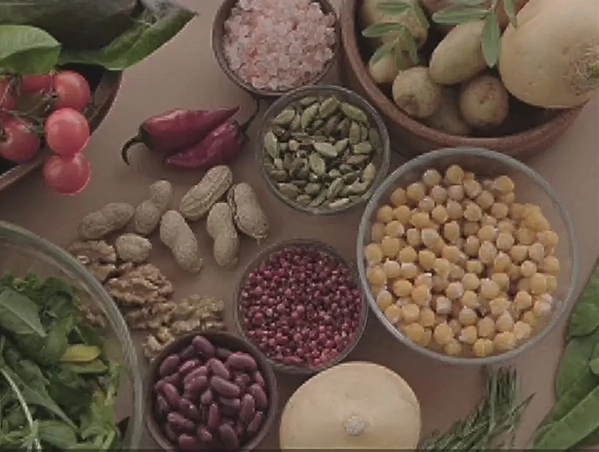
Real detail recovered — still the same photograph.
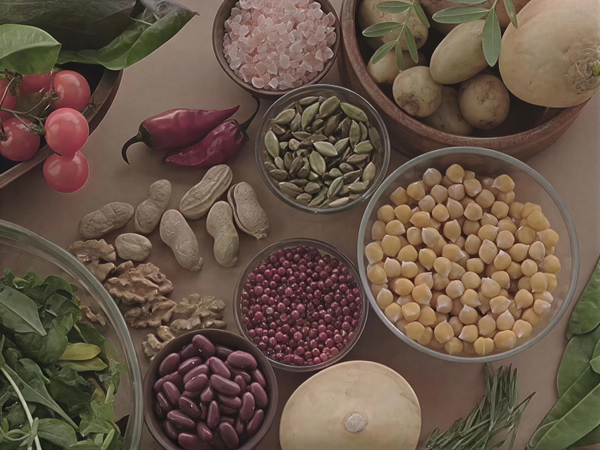
Detail that was never in the original, drawn in convincingly.
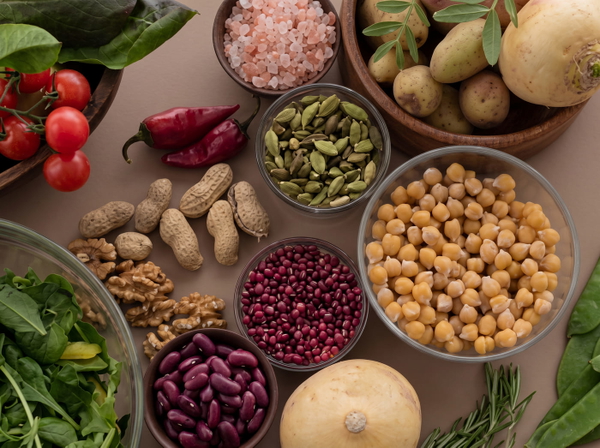
Detail that was never in the original, drawn in convincingly.
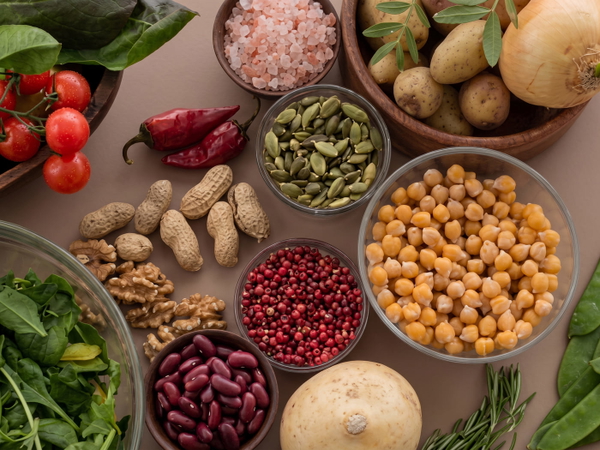
Came back with fewer pixels than it went in with.
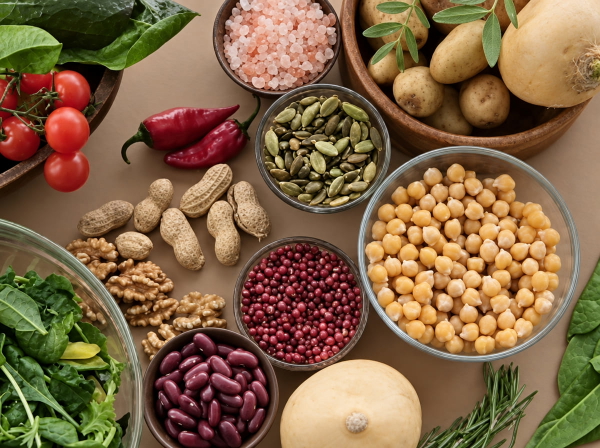
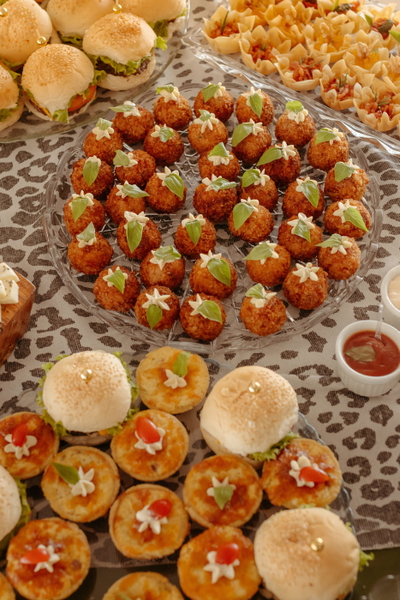
More pixels, nothing added that was not already there.
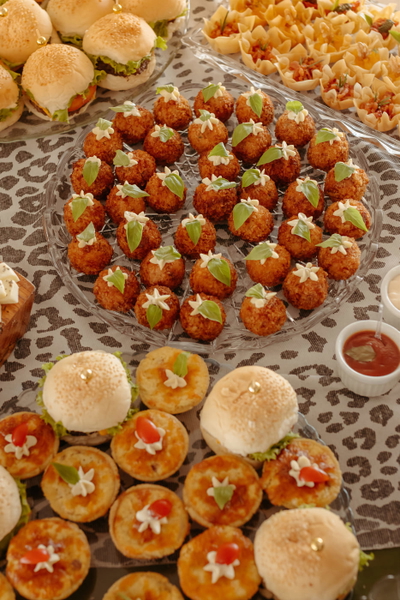
Real detail recovered — still the same photograph.
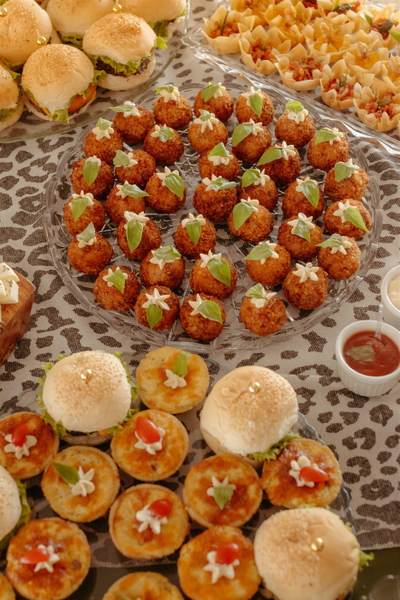
Detail that was never in the original, drawn in convincingly.
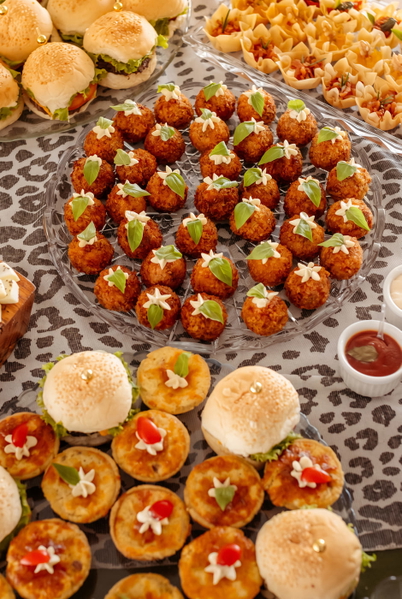
Detail that was never in the original, drawn in convincingly.
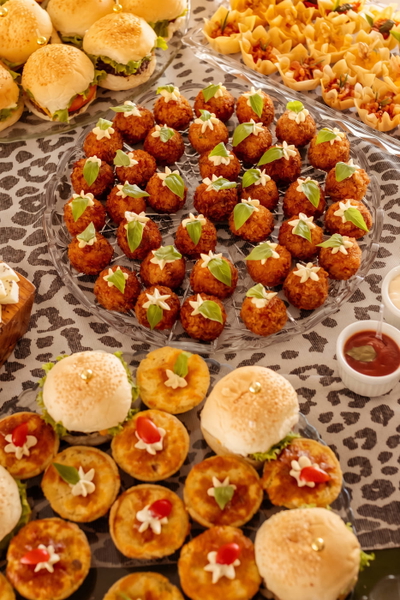
Came back with fewer pixels than it went in with.
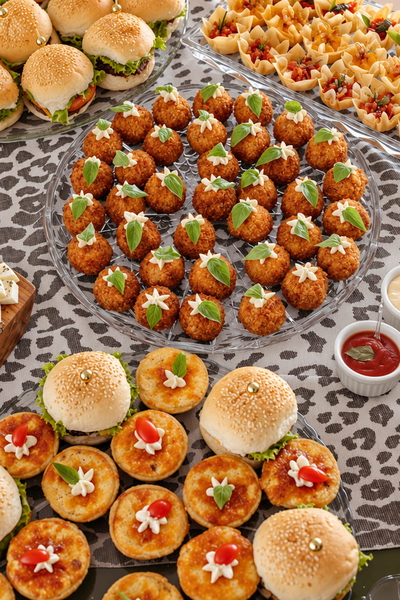
What this one tests: A plain, unseasoned egg — so anything that appears on it was not there.
Animals & fur
Fur and feather are the texture a model is most tempted to redraw, because the real thing has no repeating pattern to get right.
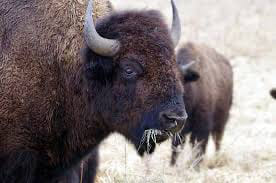
More pixels, nothing added that was not already there.
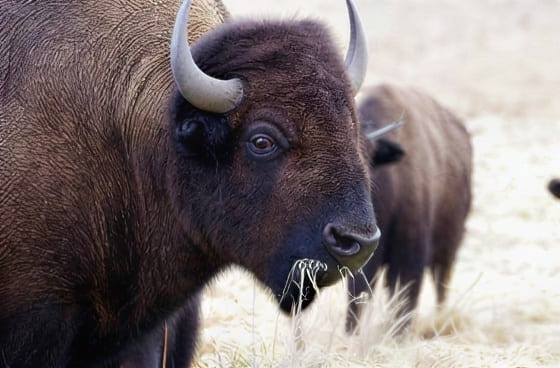
Real detail recovered — still the same photograph.
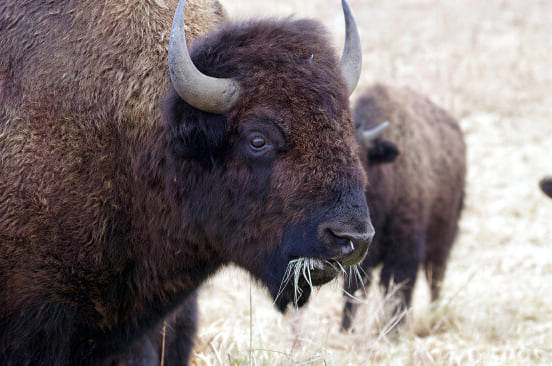
Detail that was never in the original, drawn in convincingly.
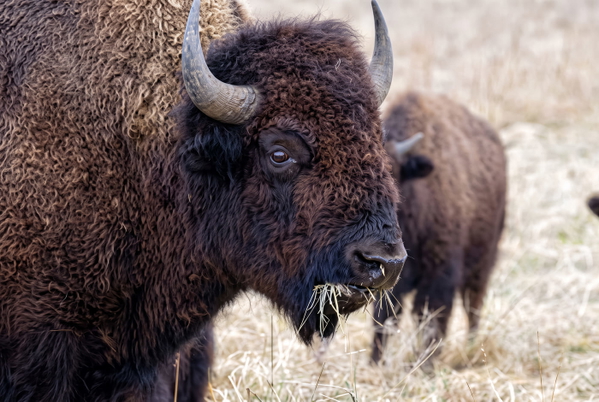
Detail that was never in the original, drawn in convincingly.
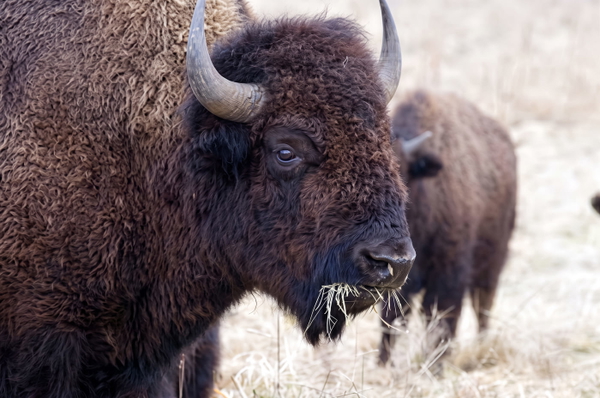
Colour or lighting materially changed from the source.
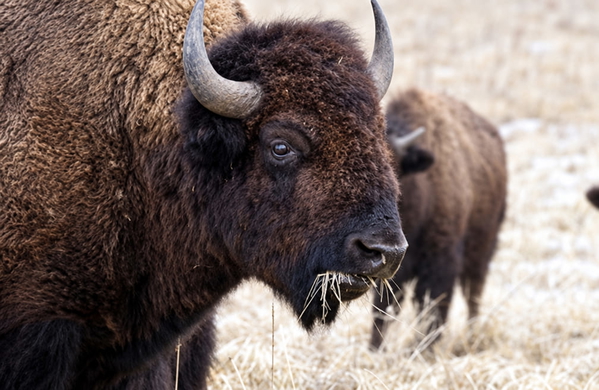
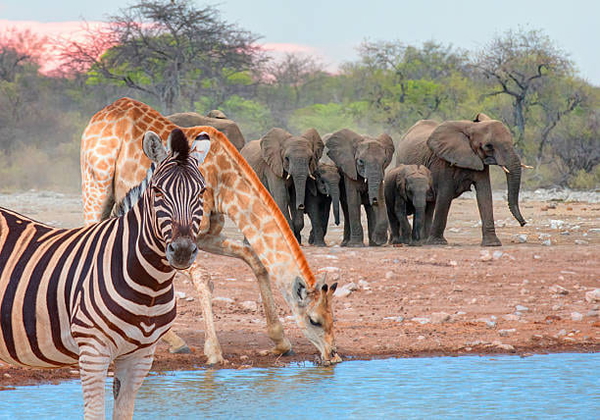
More pixels, nothing added that was not already there.
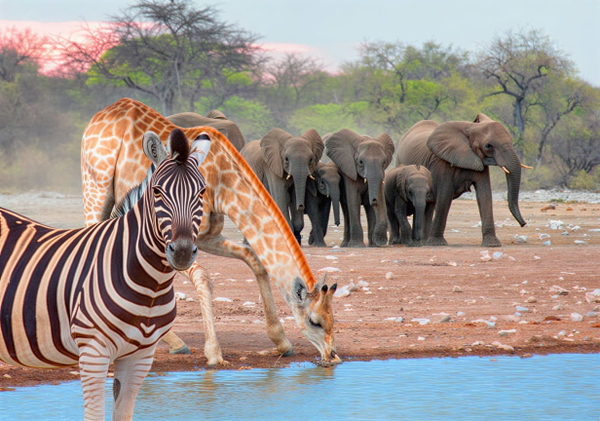
Real detail recovered — still the same photograph.
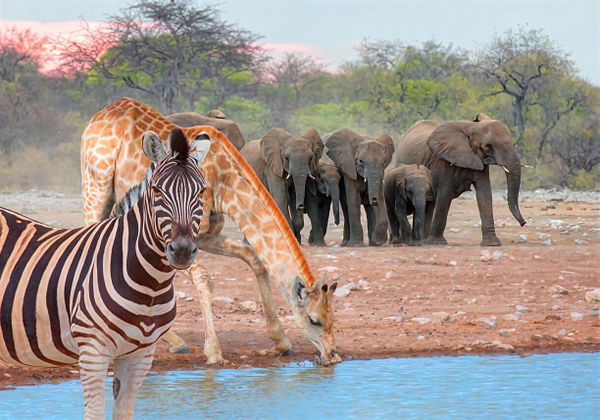
Detail that was never in the original, drawn in convincingly.
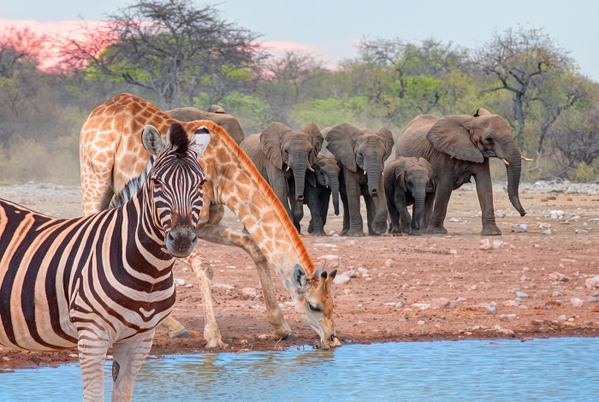
Detail that was never in the original, drawn in convincingly.
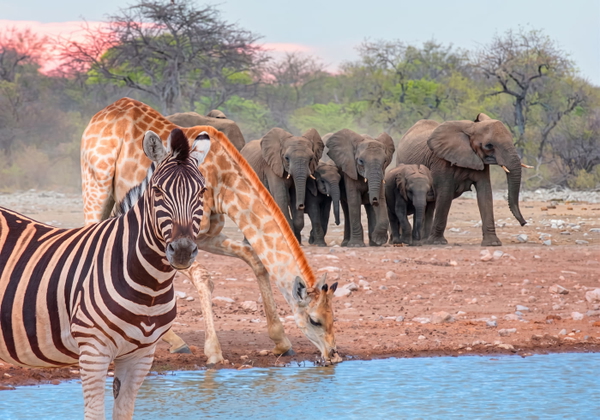
Colour or lighting materially changed from the source.
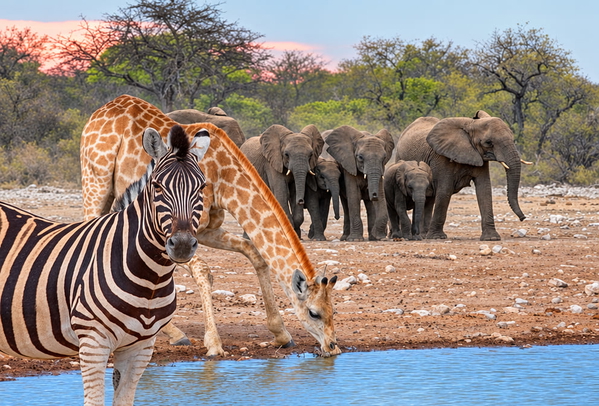
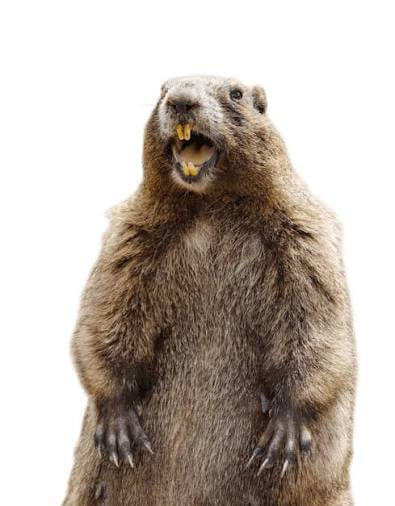
More pixels, nothing added that was not already there.
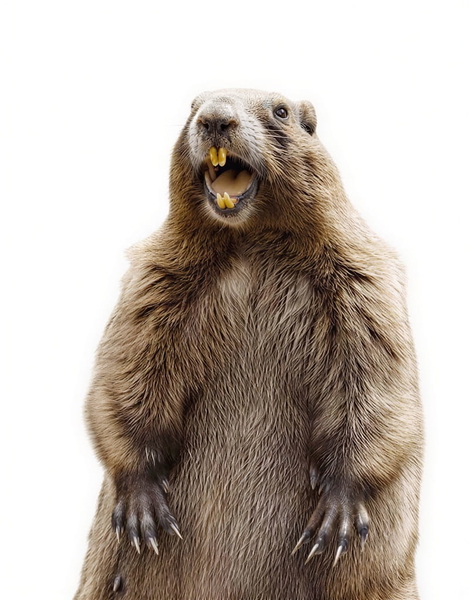
Real detail recovered — still the same photograph.
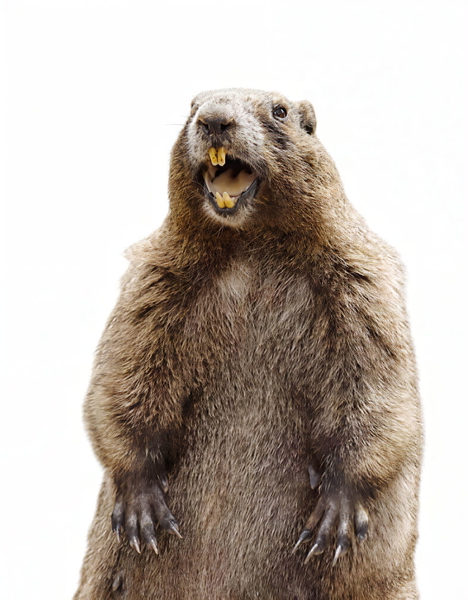
Detail that was never in the original, drawn in convincingly.
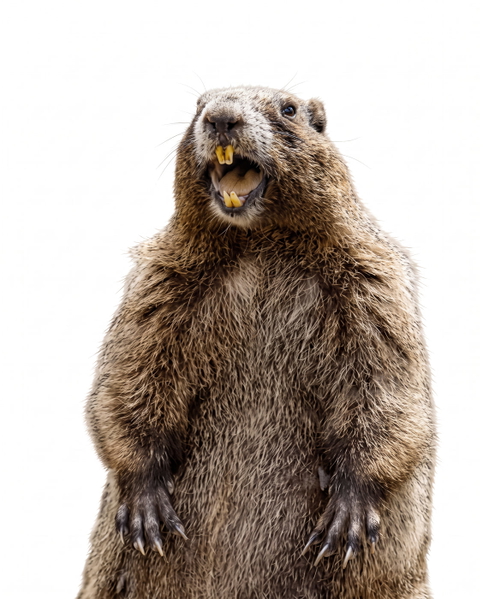
Detail that was never in the original, drawn in convincingly.
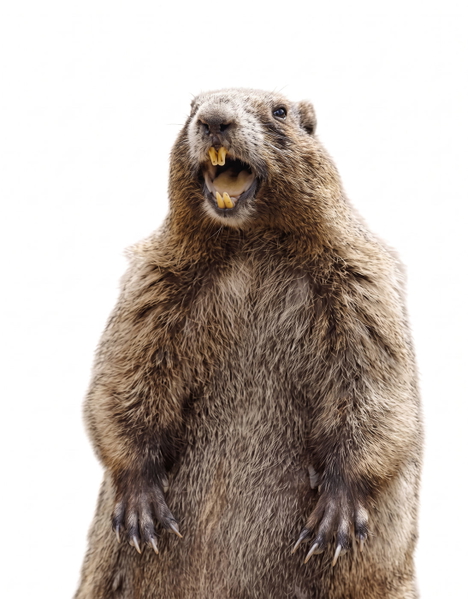
Colour or lighting materially changed from the source.
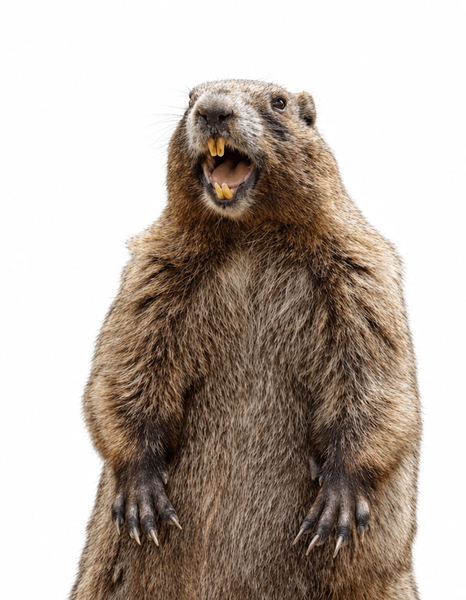
More pixels, nothing added that was not already there.
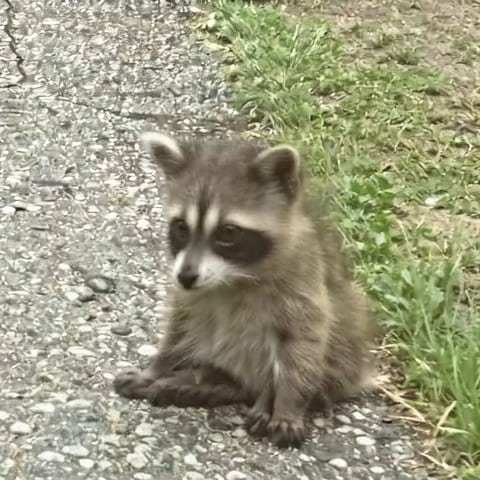
Real detail recovered — still the same photograph.
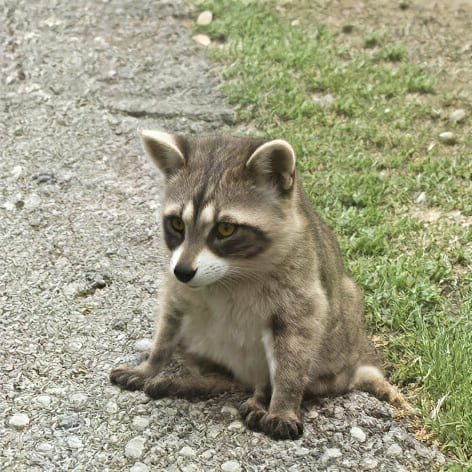
Detail that was never in the original, drawn in convincingly.
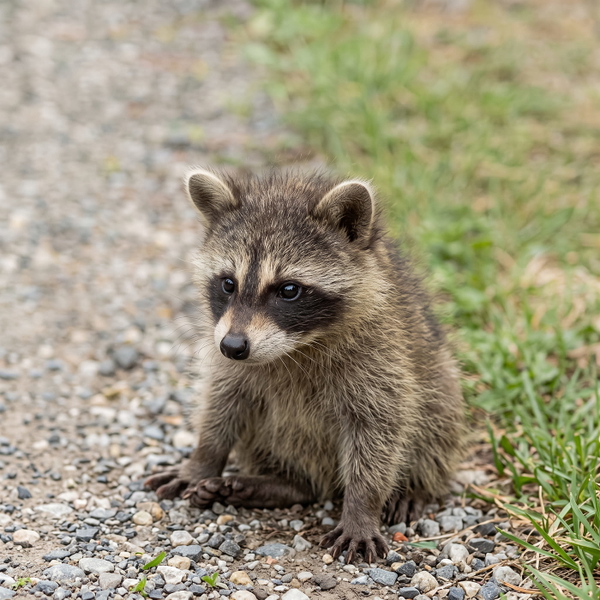
Detail that was never in the original, drawn in convincingly.
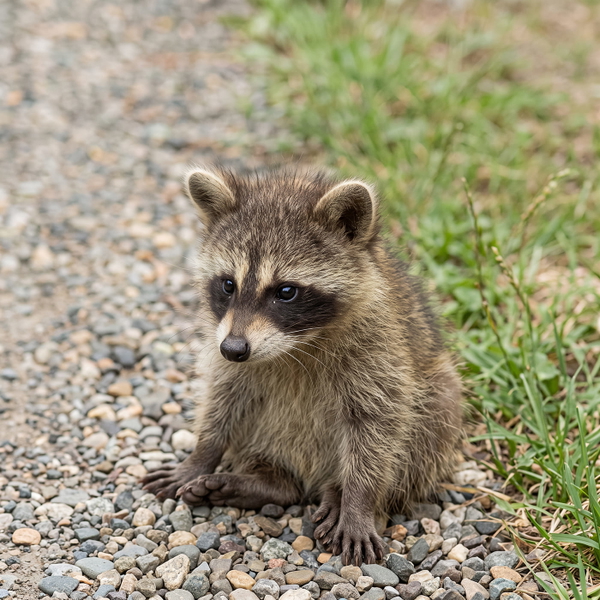
Colour or lighting materially changed from the source.
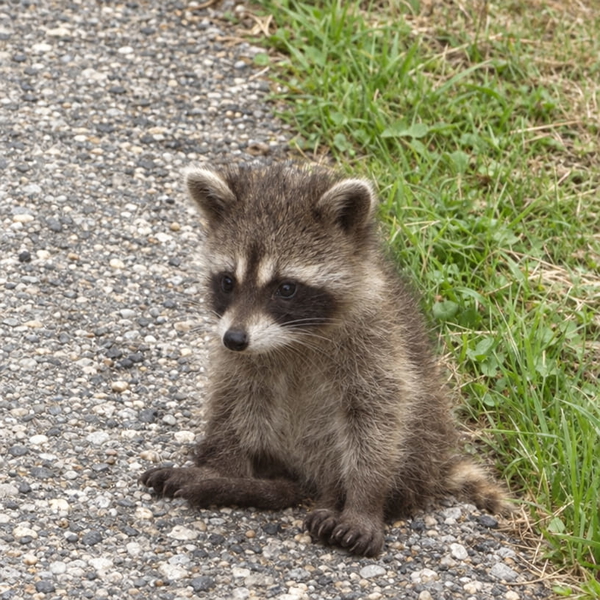
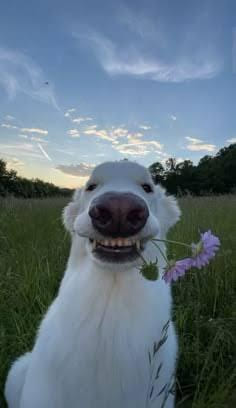
More pixels, nothing added that was not already there.
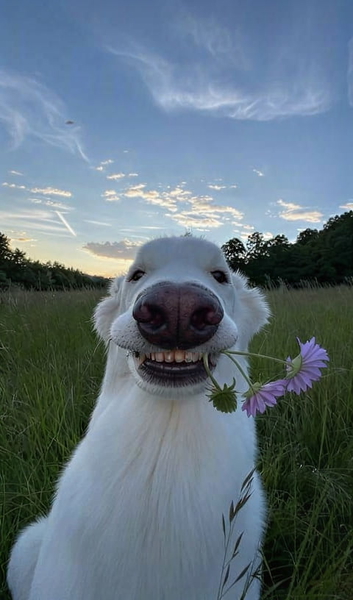
Real detail recovered — still the same photograph.
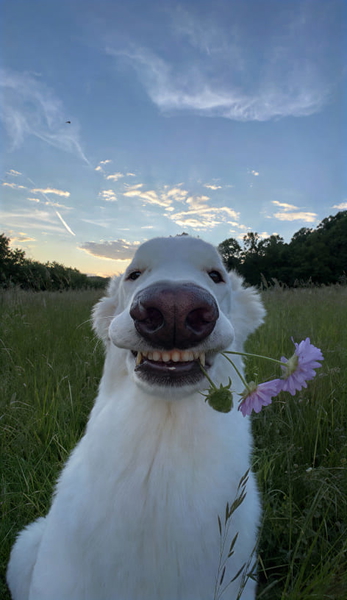
Detail that was never in the original, drawn in convincingly.
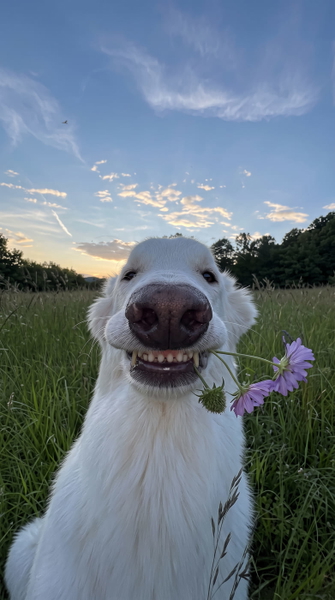
Detail that was never in the original, drawn in convincingly.
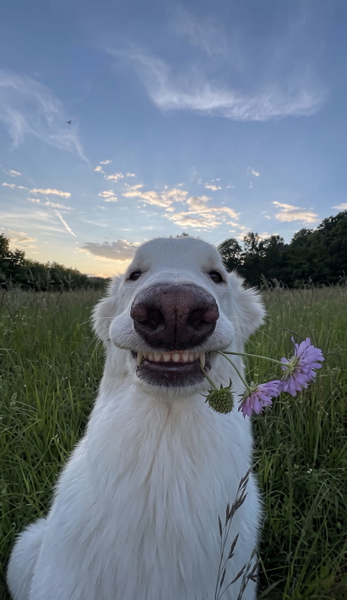
Colour or lighting materially changed from the source.
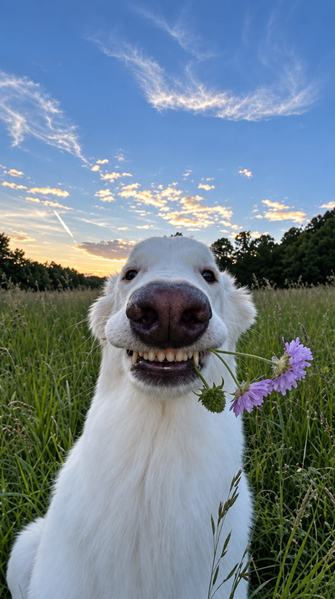
What this one tests: Dense dark fur with very little tonal separation.
Vehicles
Badges, grille slats and number plates: small legible structures on a body of smooth reflective paint.
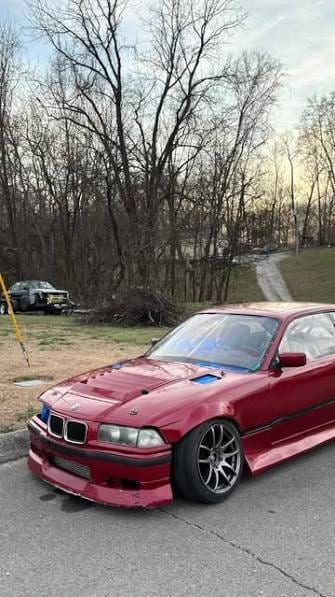
More pixels, nothing added that was not already there.
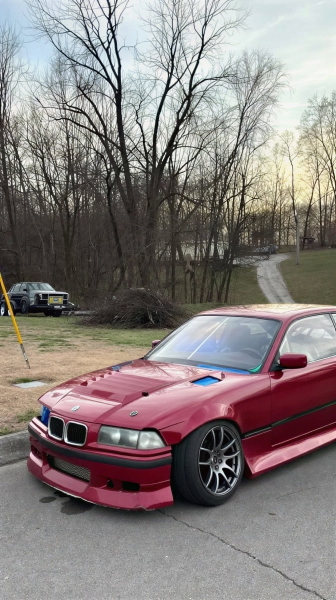
Real detail recovered — still the same photograph.
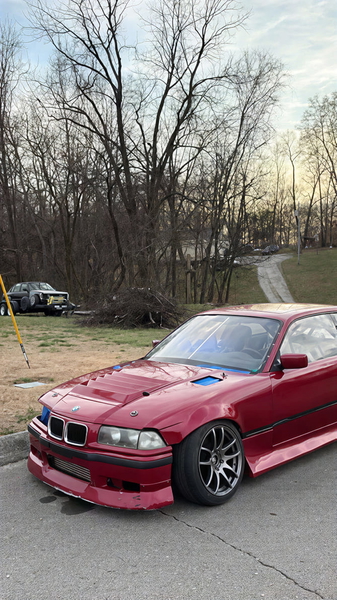
Colour or lighting materially changed from the source.
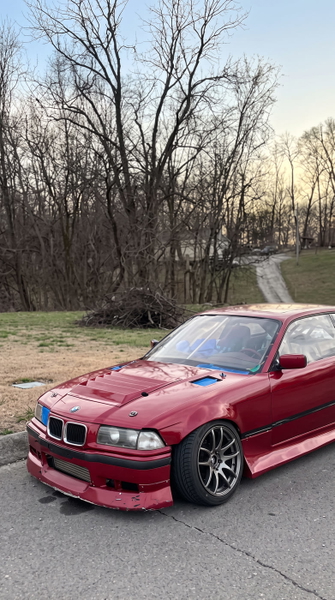
Colour or lighting materially changed from the source.
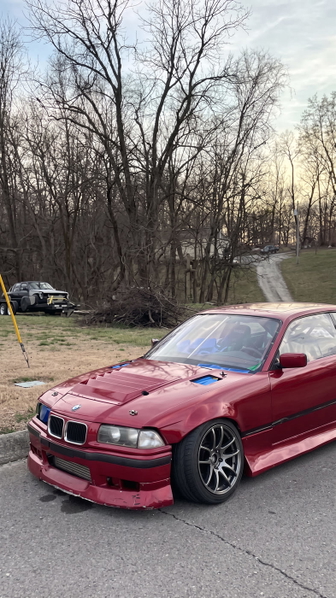
Colour or lighting materially changed from the source.
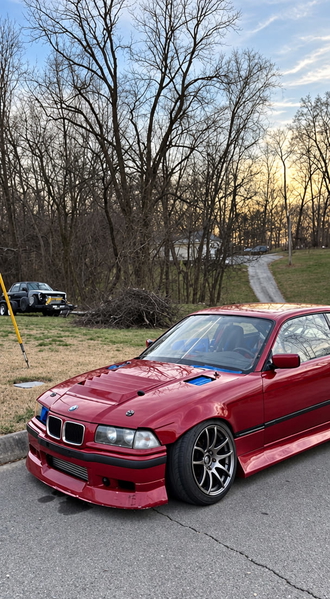
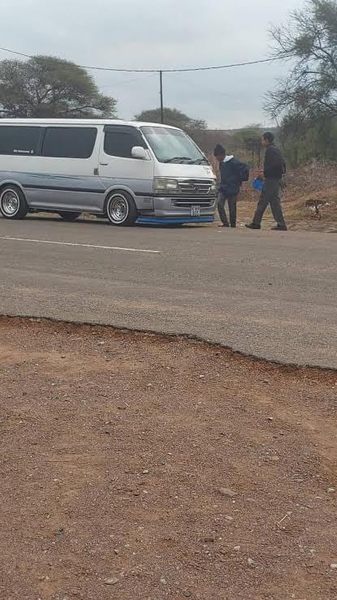
More pixels, nothing added that was not already there.
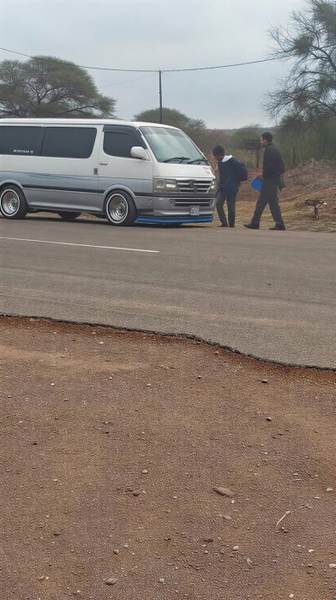
Real detail recovered — still the same photograph.
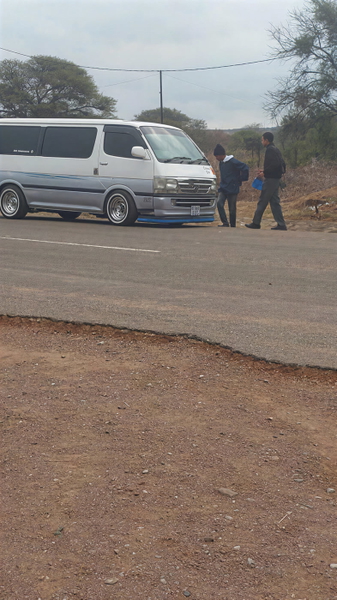
Colour or lighting materially changed from the source.
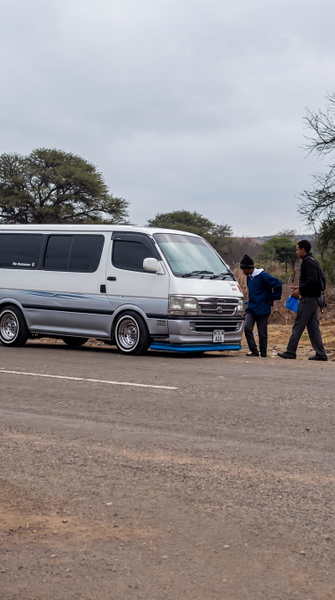
Colour or lighting materially changed from the source.
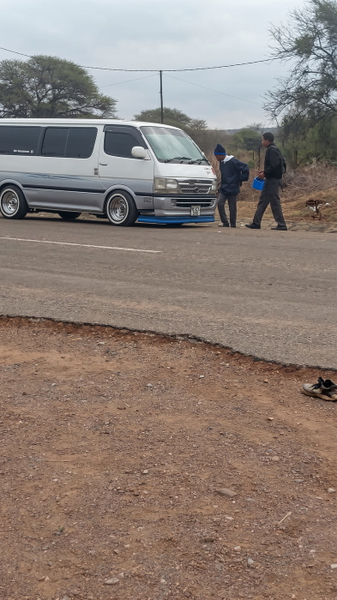
Colour or lighting materially changed from the source.
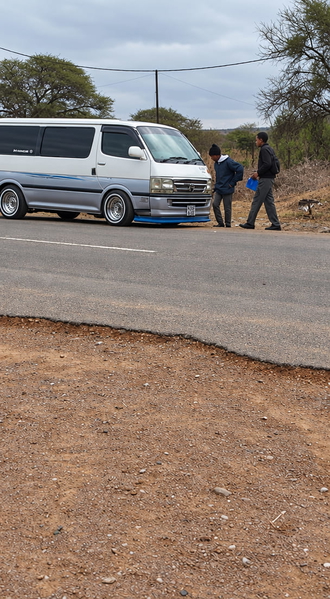
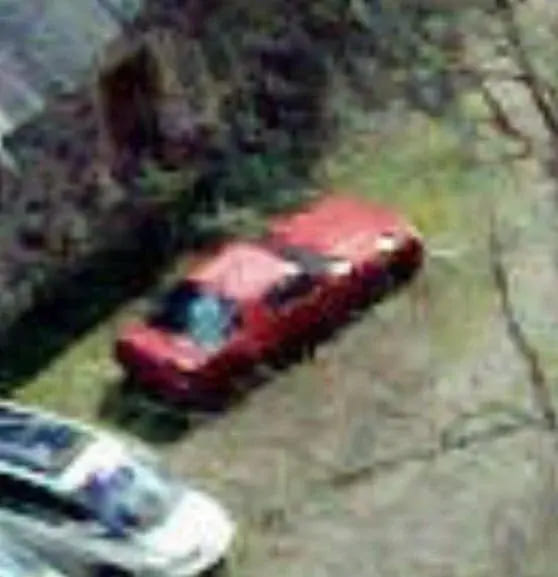
More pixels, nothing added that was not already there.
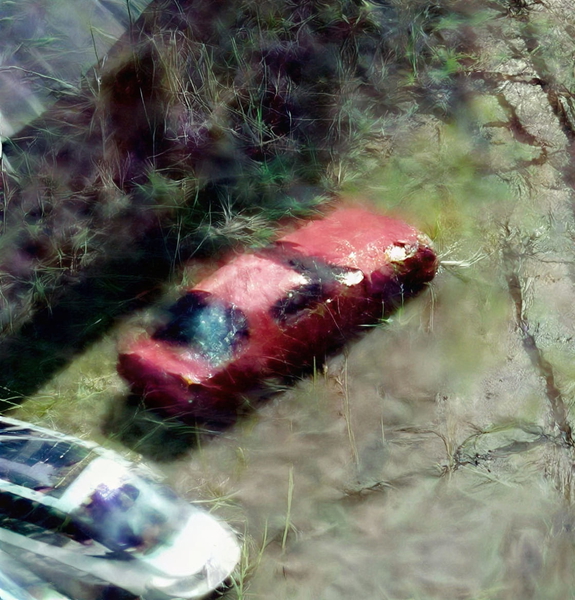
Real detail recovered — still the same photograph.
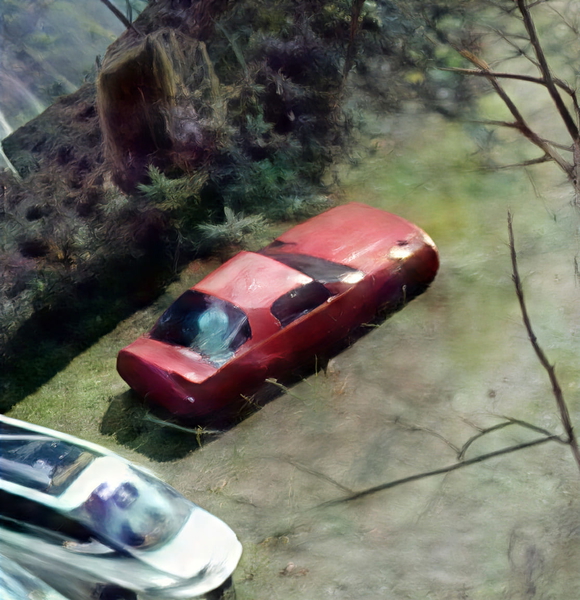
Colour or lighting materially changed from the source.
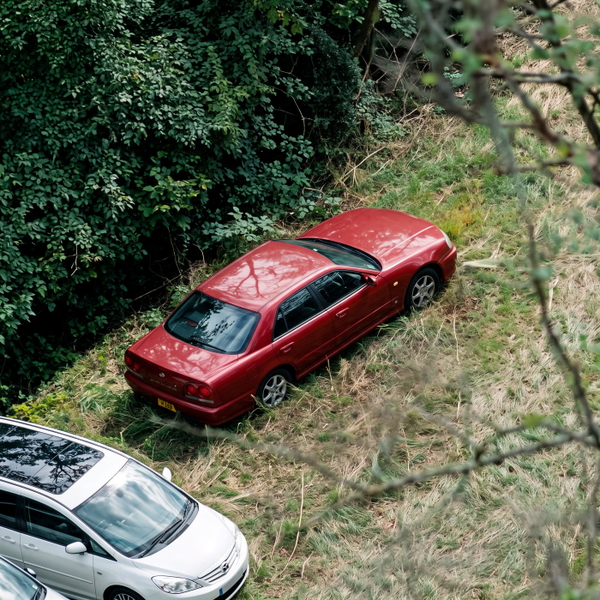
Colour or lighting materially changed from the source.
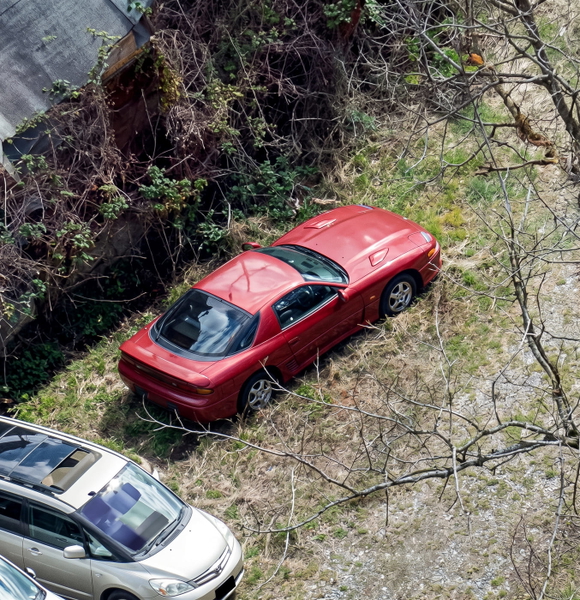
Colour or lighting materially changed from the source.
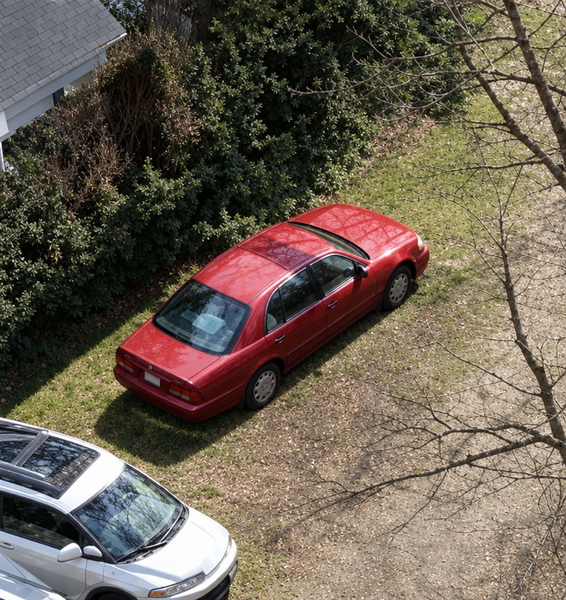
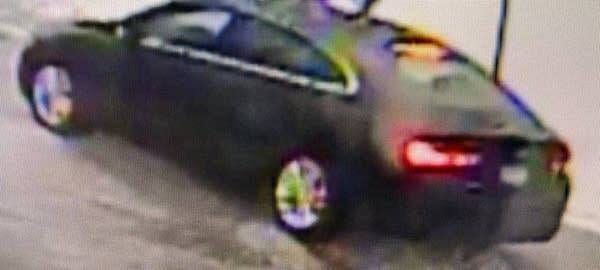
More pixels, nothing added that was not already there.
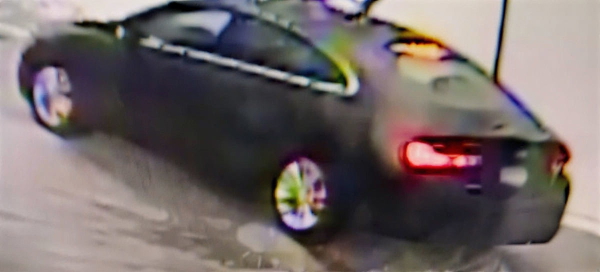
Real detail recovered — still the same photograph.
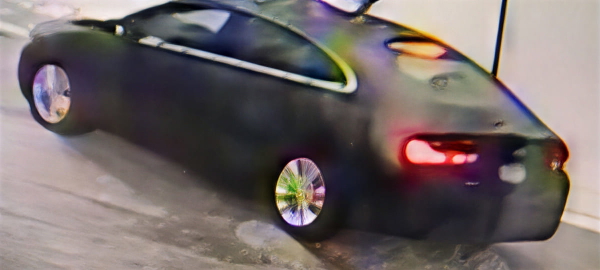
Colour or lighting materially changed from the source.
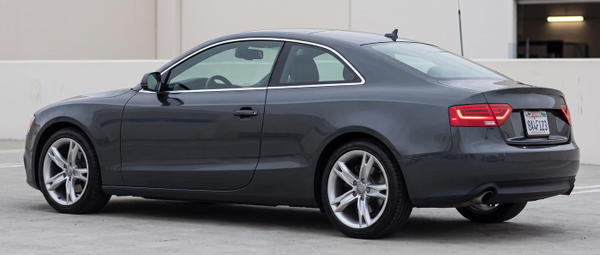
Colour or lighting materially changed from the source.
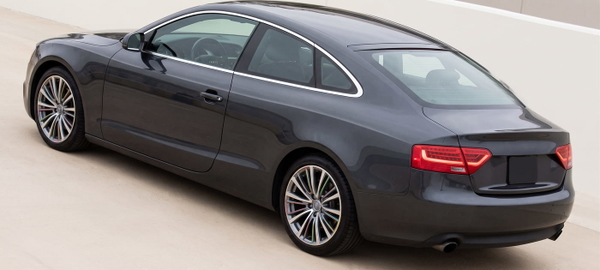
Colour or lighting materially changed from the source.
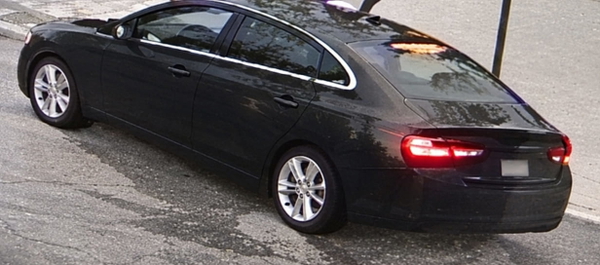
More pixels, nothing added that was not already there.
Real detail recovered — still the same photograph.
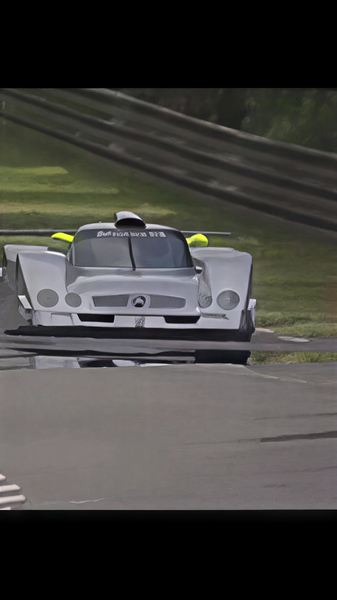
Colour or lighting materially changed from the source.
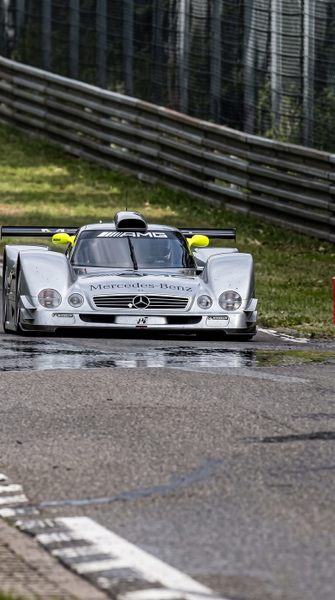
Colour or lighting materially changed from the source.
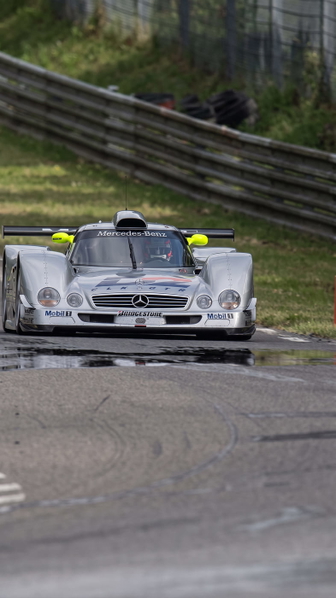
Colour or lighting materially changed from the source.
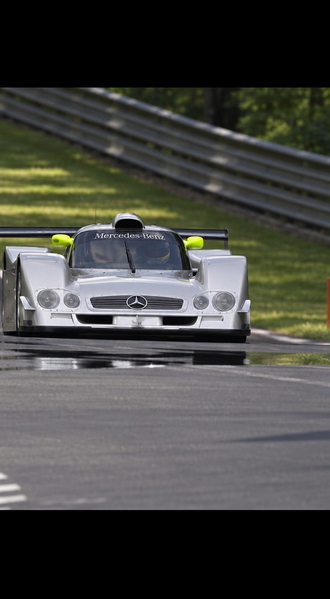
More pixels, nothing added that was not already there.
Real detail recovered — still the same photograph.
Colour or lighting materially changed from the source.
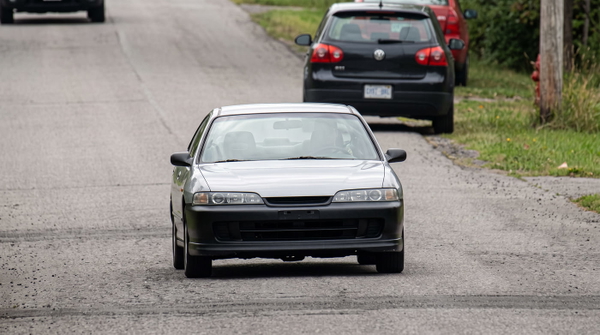
Colour or lighting materially changed from the source.
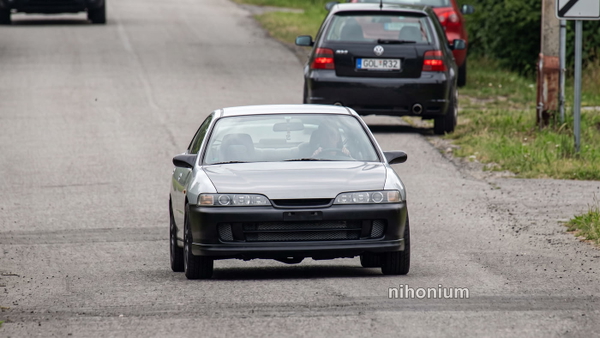
Colour or lighting materially changed from the source.
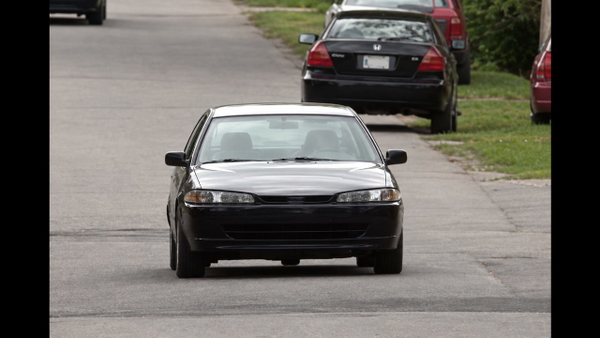
What this one tests: Bare branches — thin high-frequency lines against sky.
People
Faces at a few pixels each — the case where a model that redraws detail is redrawing somebody.
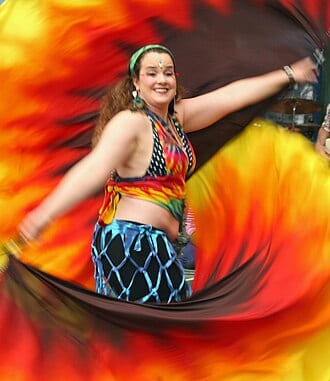
More pixels, nothing added that was not already there.
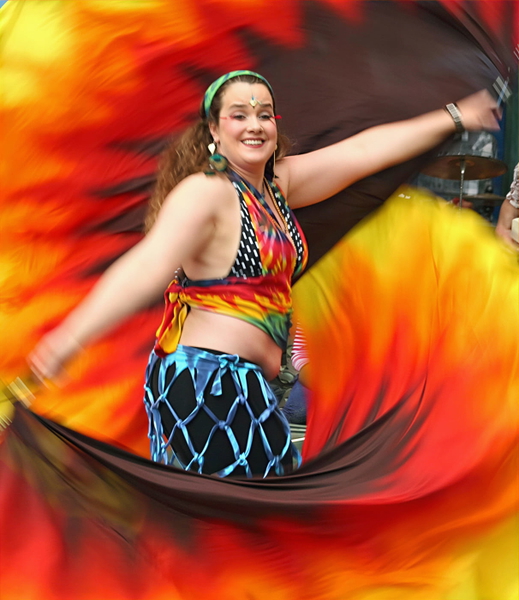
Real detail recovered — still the same photograph.
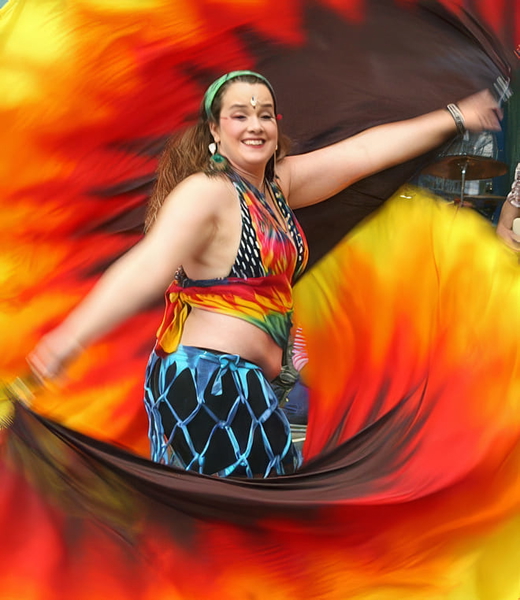
Detail that was never in the original, drawn in convincingly.
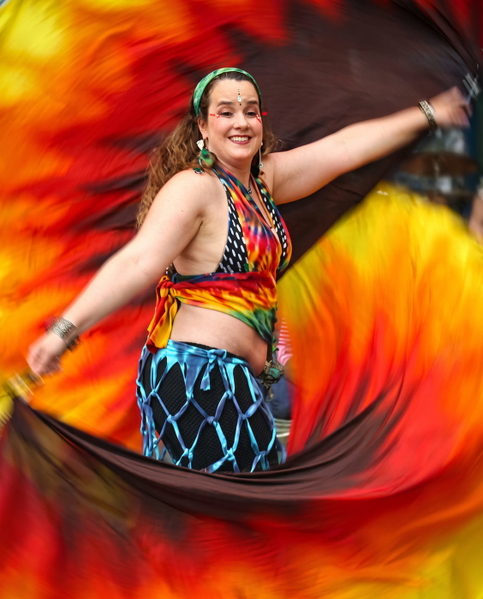
Detail that was never in the original, drawn in convincingly.
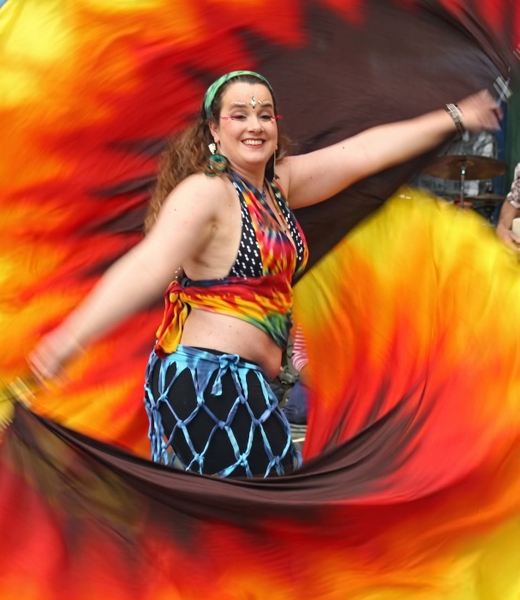
Detail that was never in the original, drawn in convincingly.
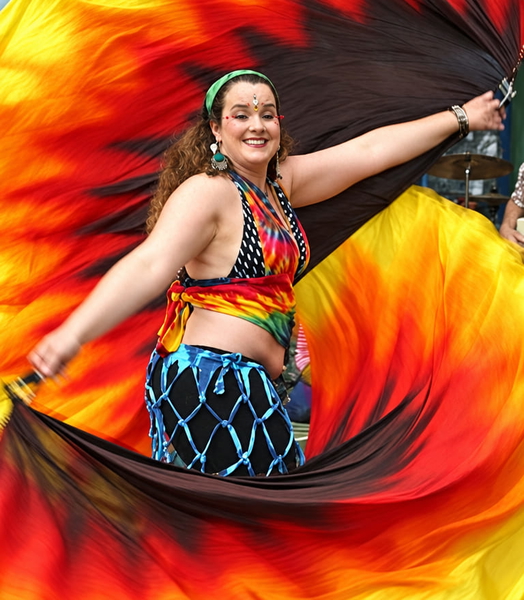
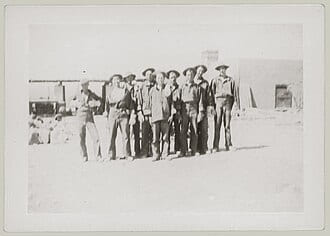
More pixels, nothing added that was not already there.
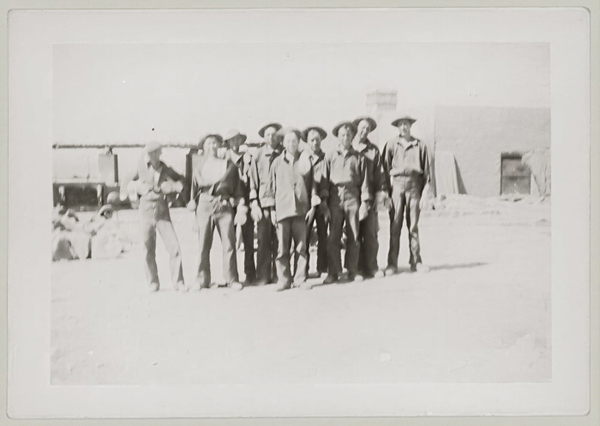
Real detail recovered — still the same photograph.
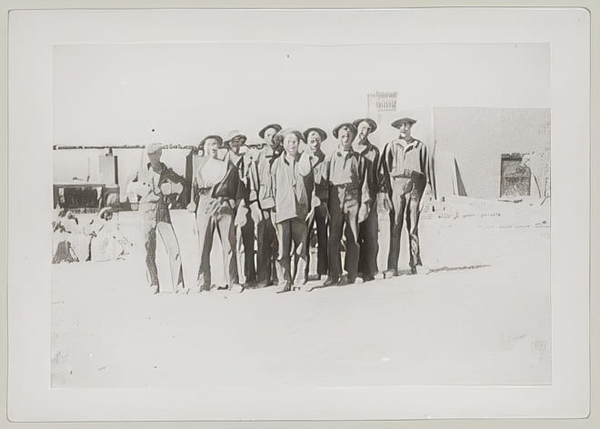
Detail that was never in the original, drawn in convincingly.
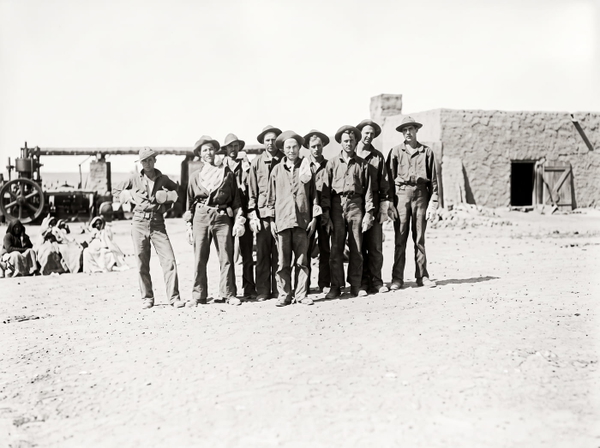
Detail that was never in the original, drawn in convincingly.
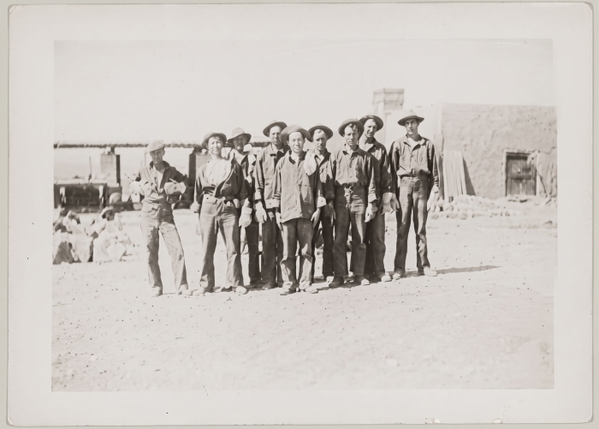
Detail that was never in the original, drawn in convincingly.
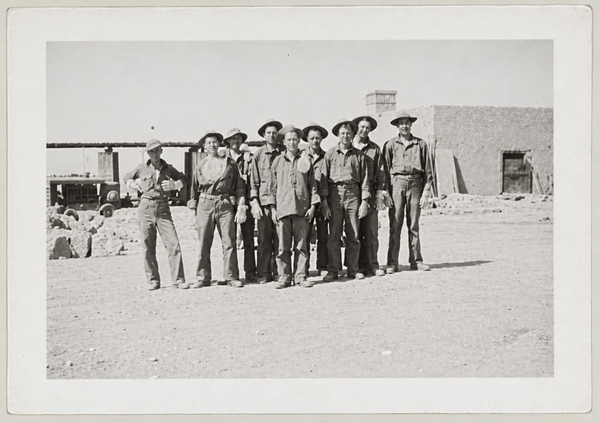
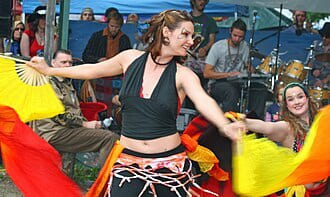
More pixels, nothing added that was not already there.
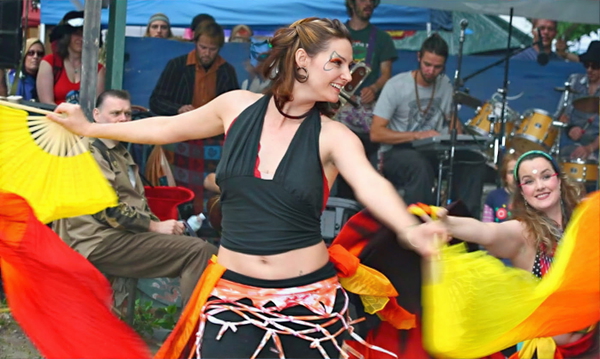
Real detail recovered — still the same photograph.
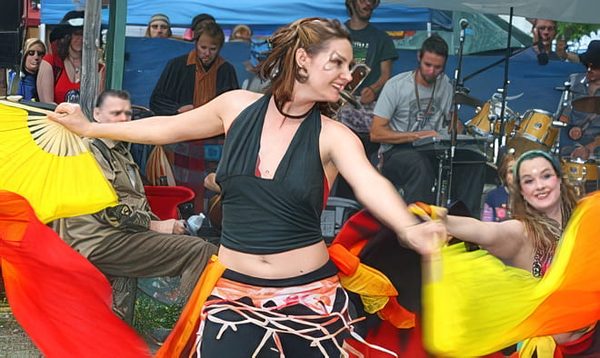
Detail that was never in the original, drawn in convincingly.
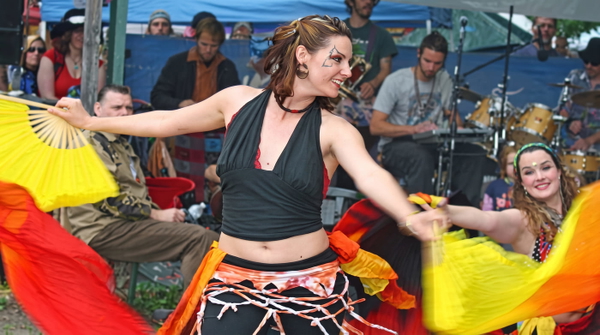
Detail that was never in the original, drawn in convincingly.
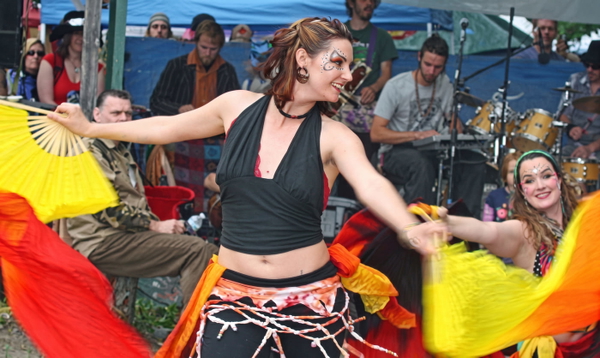
Detail that was never in the original, drawn in convincingly.
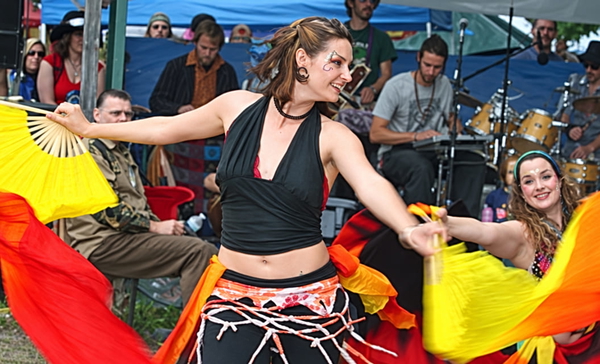
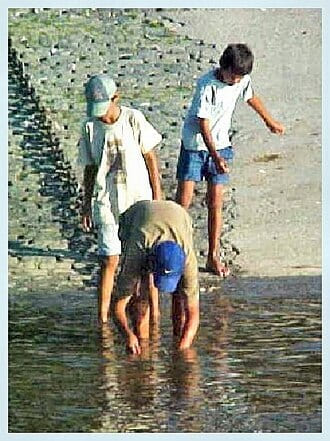
More pixels, nothing added that was not already there.
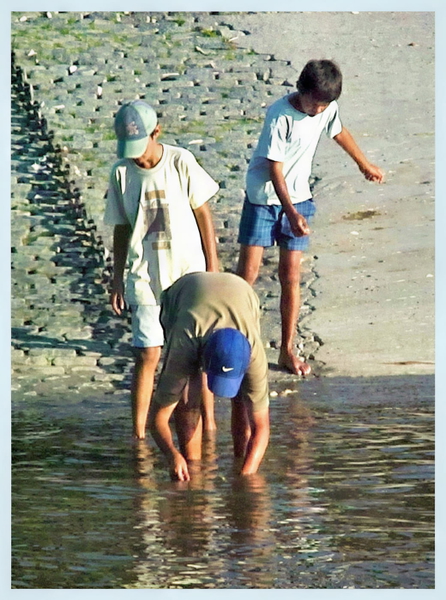
Real detail recovered — still the same photograph.
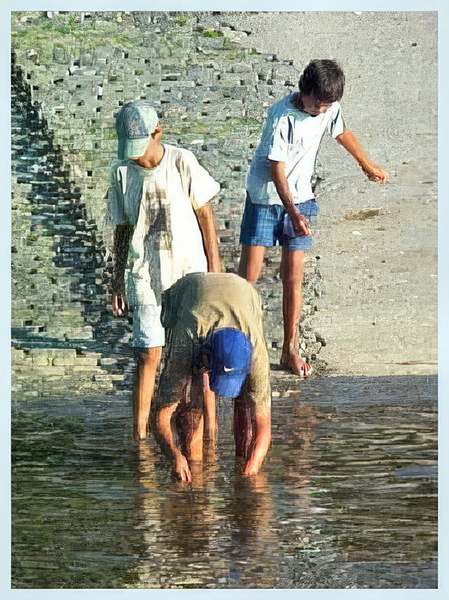
Detail that was never in the original, drawn in convincingly.
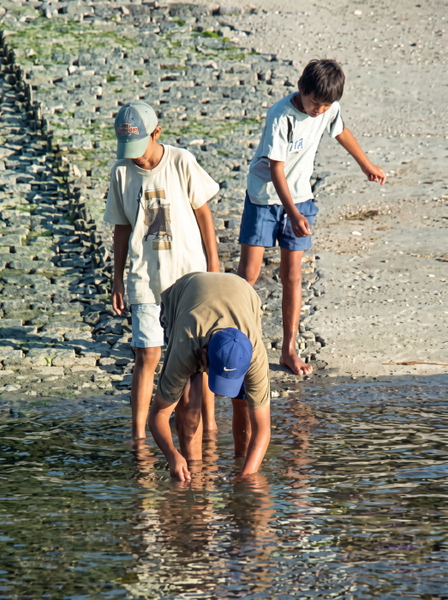
Detail that was never in the original, drawn in convincingly.
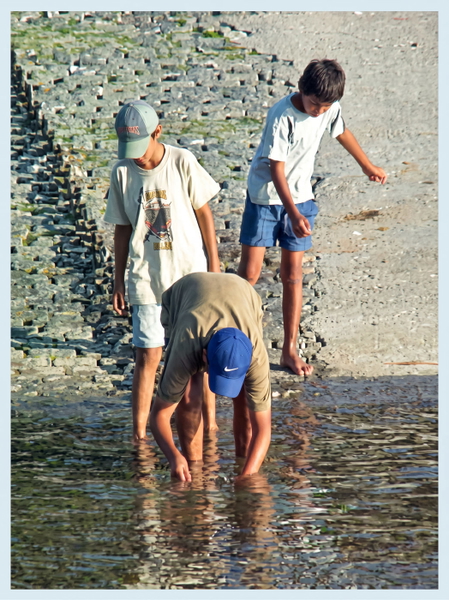
Detail that was never in the original, drawn in convincingly.
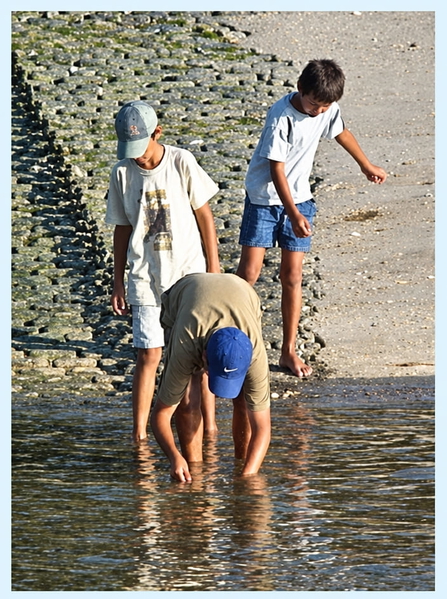
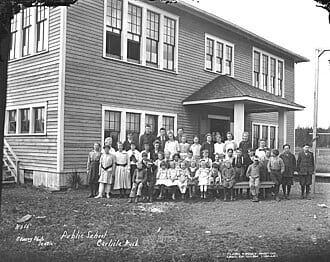
More pixels, nothing added that was not already there.
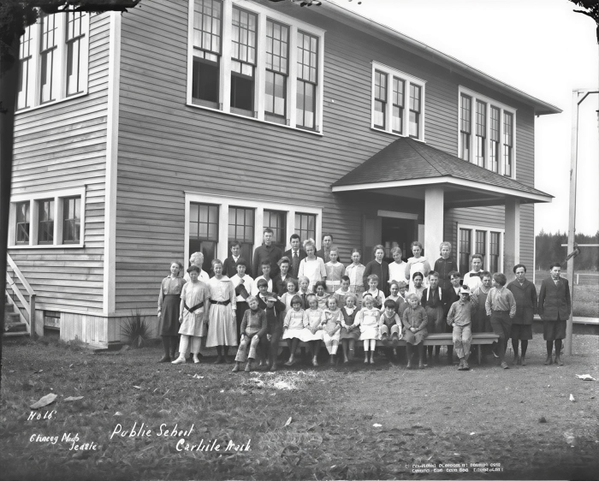
Real detail recovered — still the same photograph.
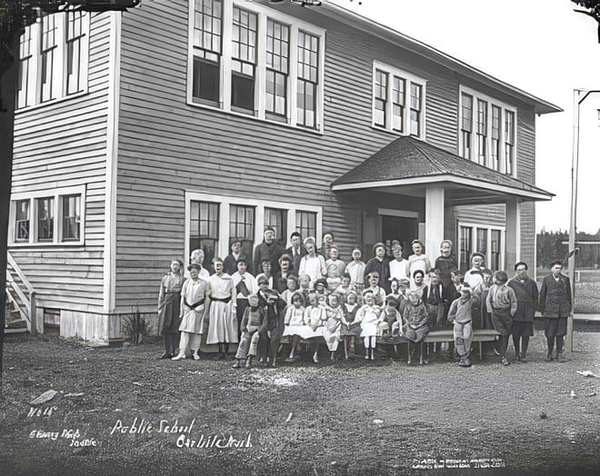
Detail that was never in the original, drawn in convincingly.
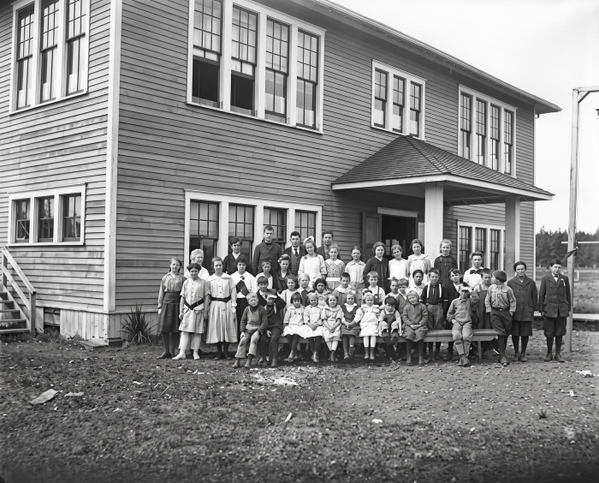
Detail that was never in the original, drawn in convincingly.
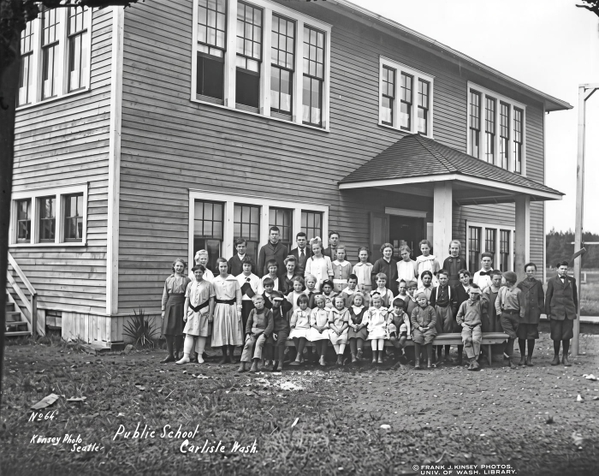
Detail that was never in the original, drawn in convincingly.
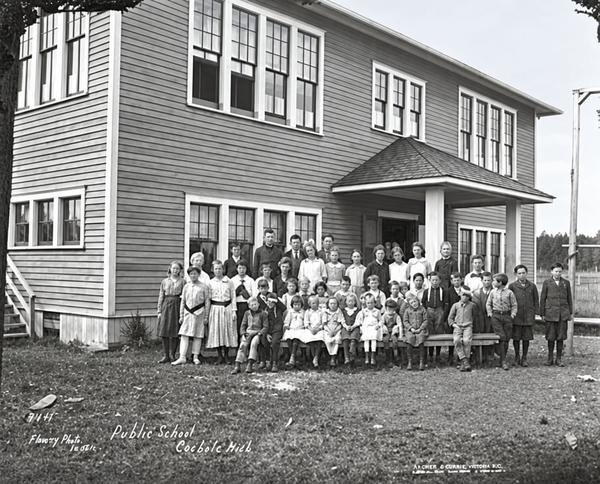
What this one tests: Saturated colour and motion-blurred fabric around a small face.
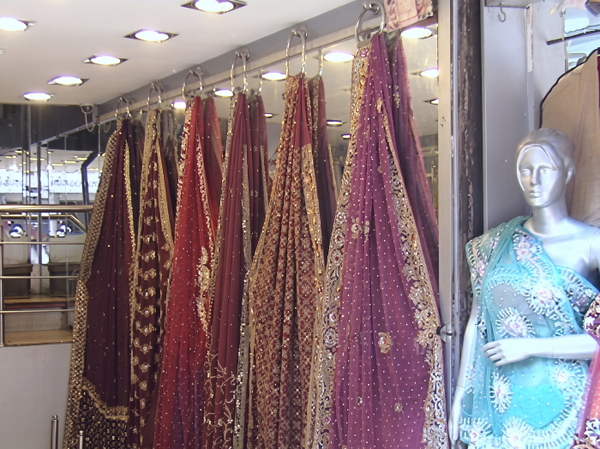
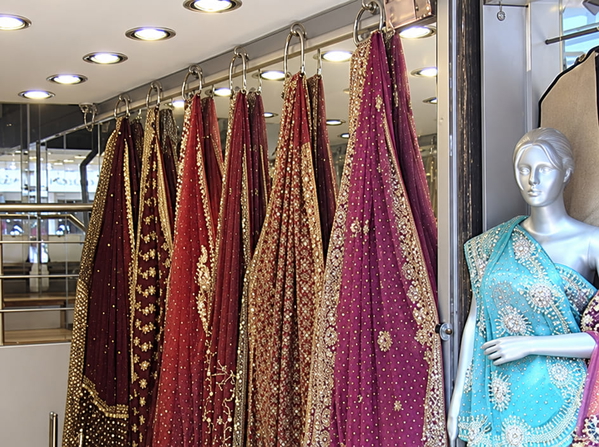
Apparel
Weave, embroidery and printed graphics — the product detail a clothing listing is actually selling.
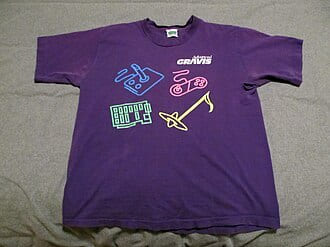
More pixels, nothing added that was not already there.
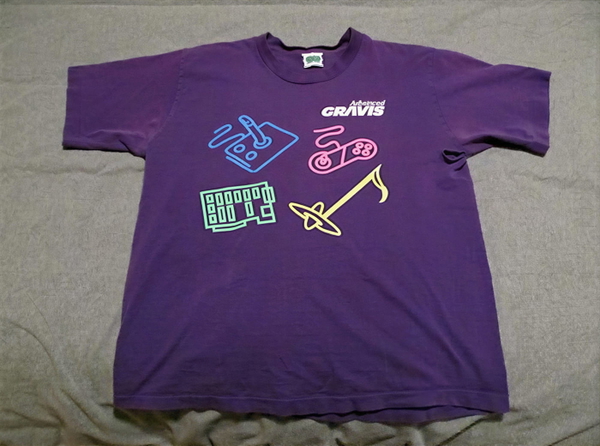
Real detail recovered — still the same photograph.
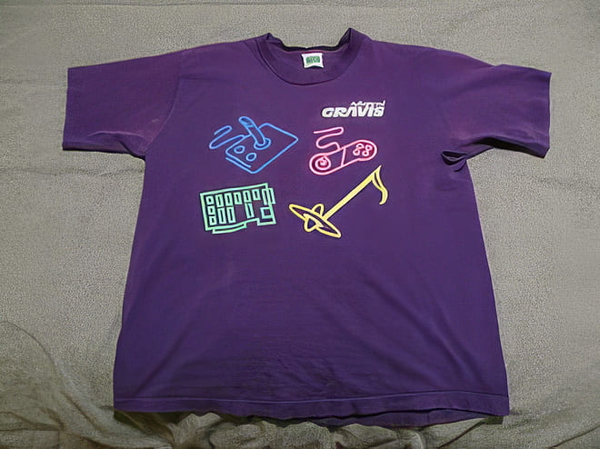
Detail that was never in the original, drawn in convincingly.
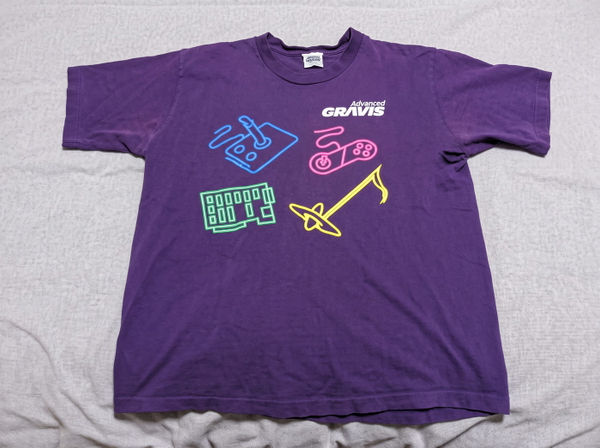
Detail that was never in the original, drawn in convincingly.
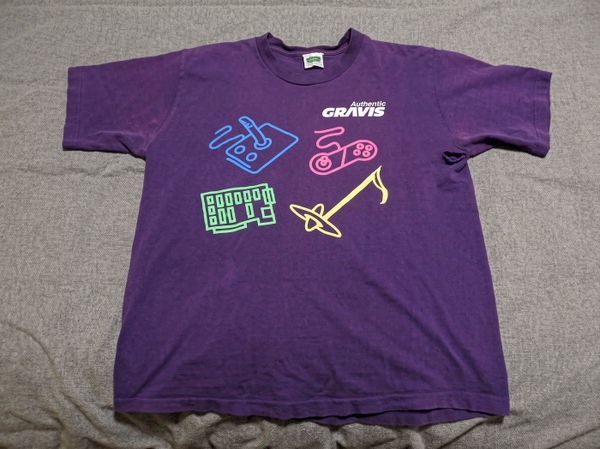
Colour or lighting materially changed from the source.
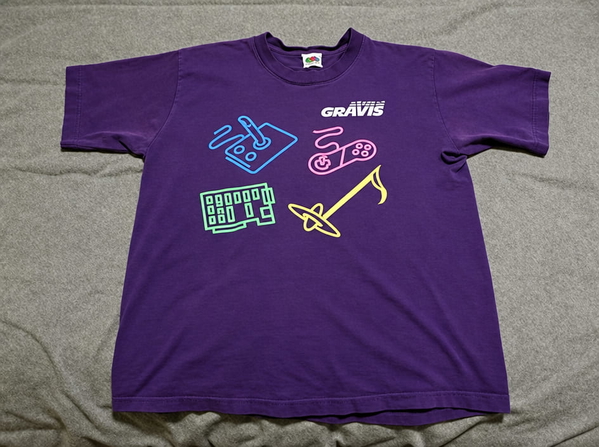
More pixels, nothing added that was not already there.
Real detail recovered — still the same photograph.
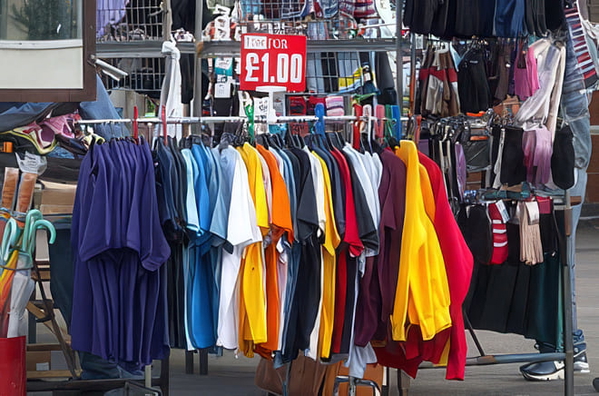
Detail that was never in the original, drawn in convincingly.
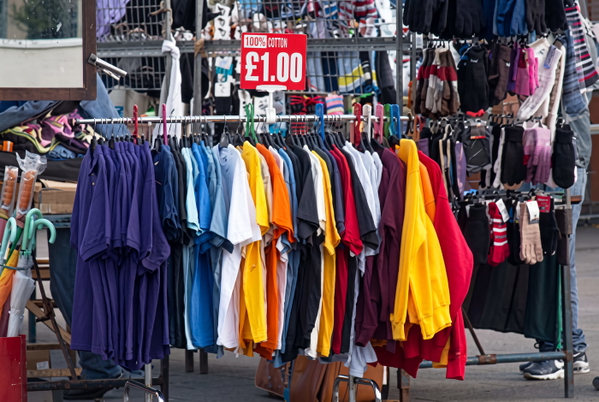
Detail that was never in the original, drawn in convincingly.
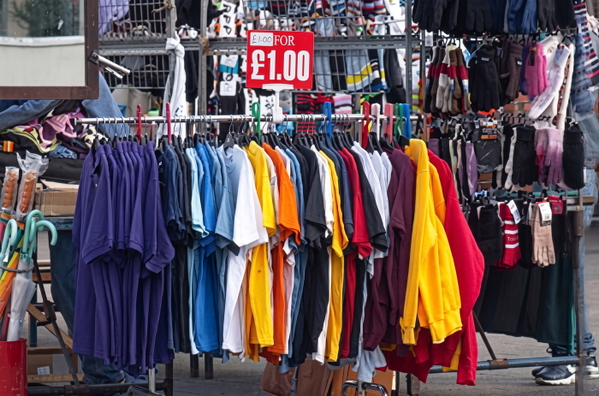
Colour or lighting materially changed from the source.
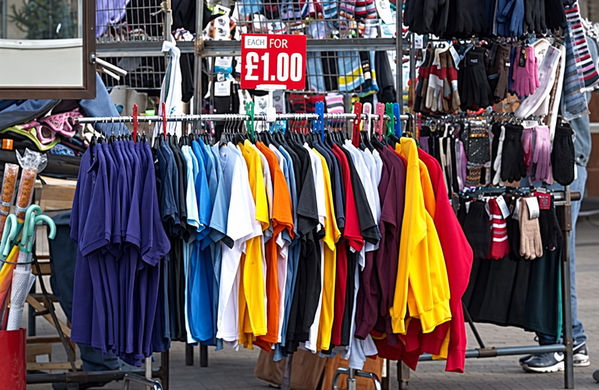
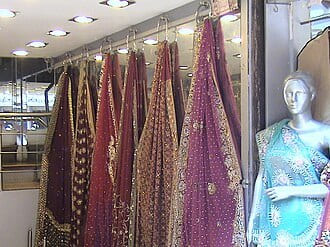
More pixels, nothing added that was not already there.
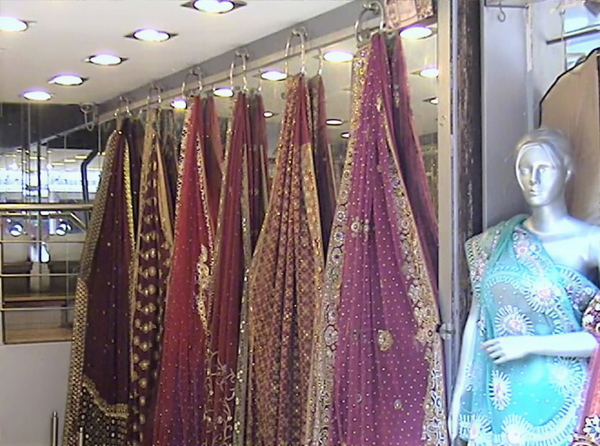
Real detail recovered — still the same photograph.
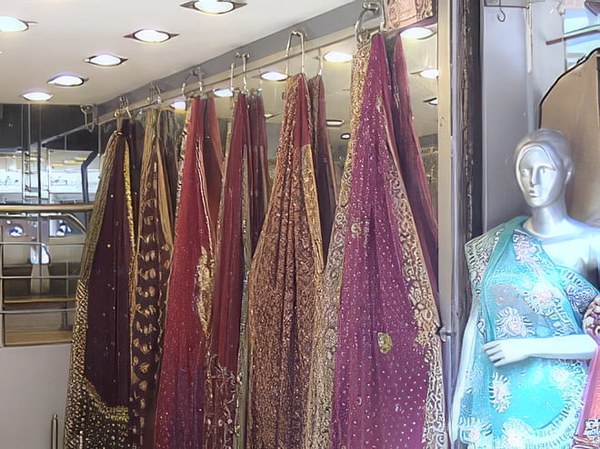
Detail that was never in the original, drawn in convincingly.
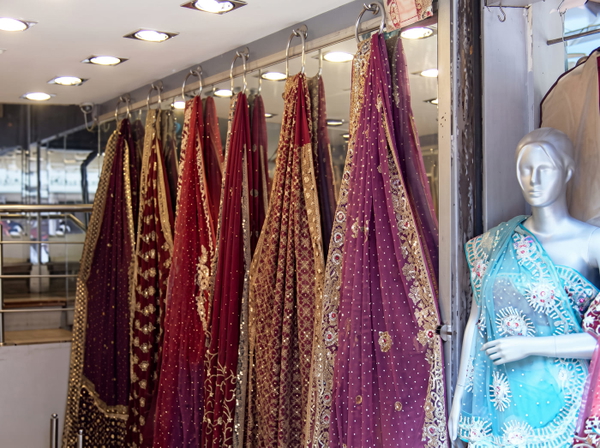
Detail that was never in the original, drawn in convincingly.
Colour or lighting materially changed from the source.
More pixels, nothing added that was not already there.
Real detail recovered — still the same photograph.
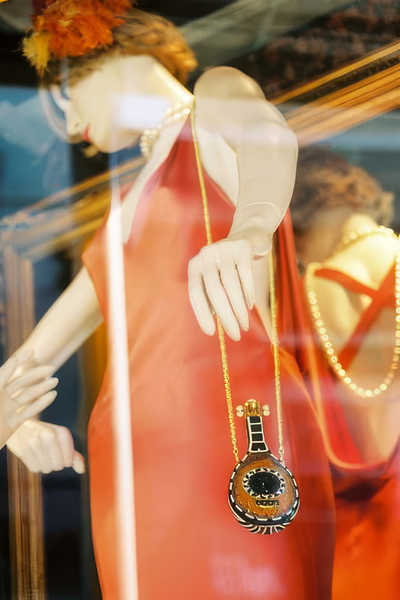
Detail that was never in the original, drawn in convincingly.
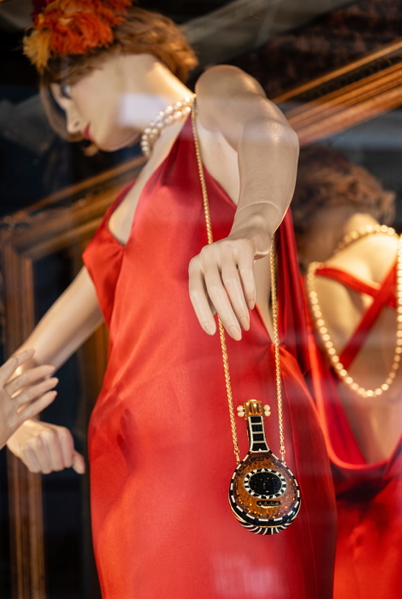
Detail that was never in the original, drawn in convincingly.
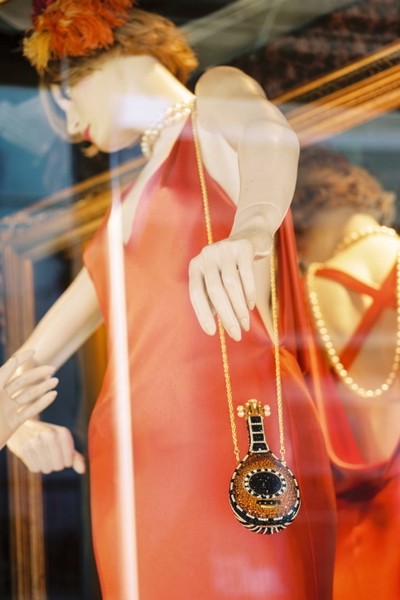
Colour or lighting materially changed from the source.
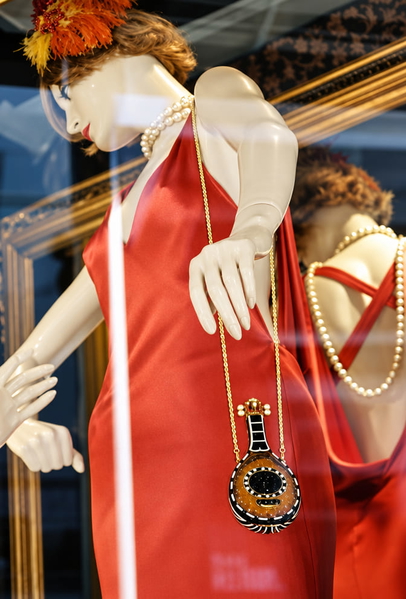
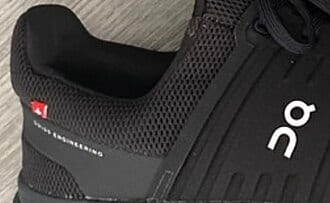
More pixels, nothing added that was not already there.
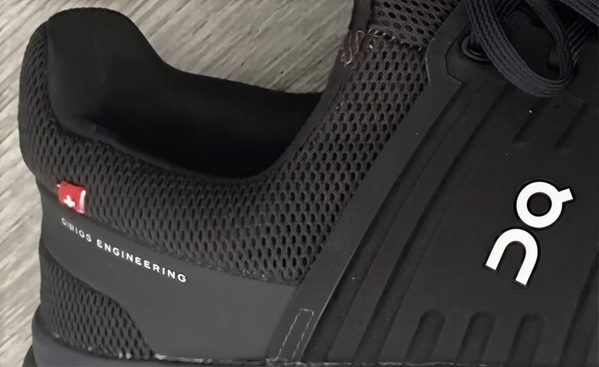
Real detail recovered — still the same photograph.
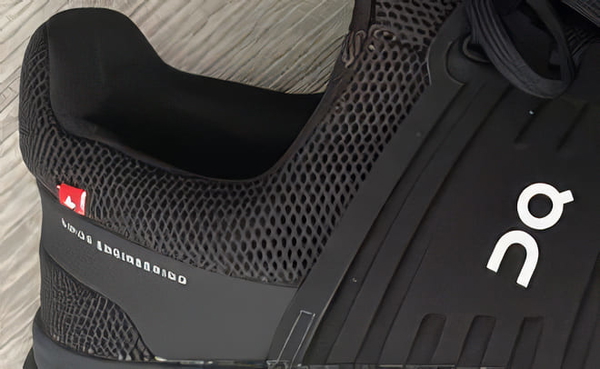
Detail that was never in the original, drawn in convincingly.
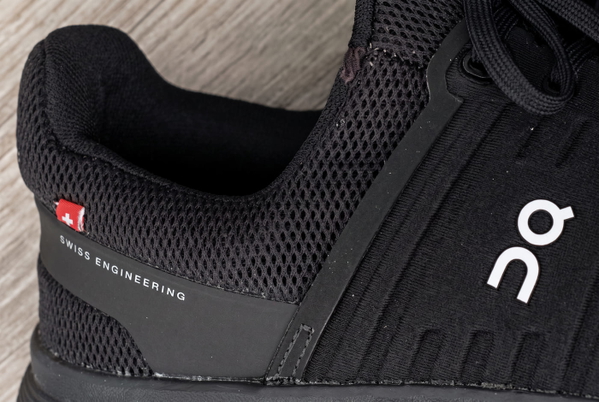
Detail that was never in the original, drawn in convincingly.
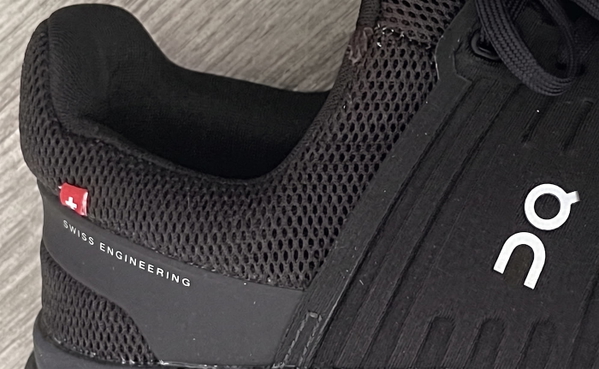
Colour or lighting materially changed from the source.
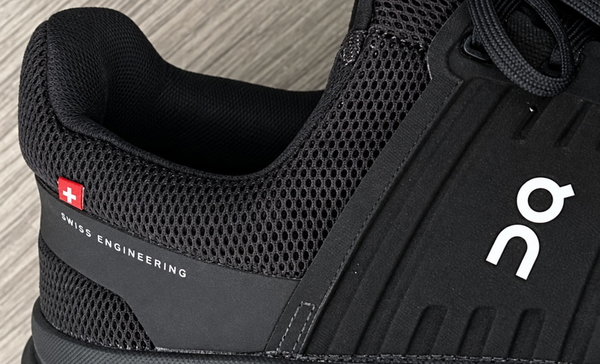
What this one tests: A flat graphic print: edges a model should keep, not restyle.
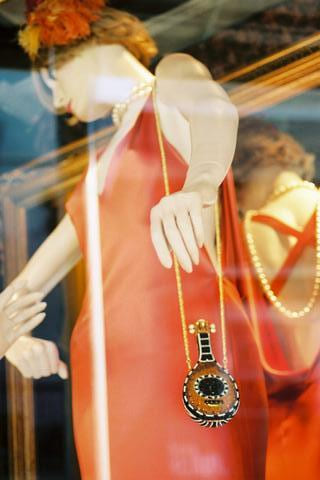
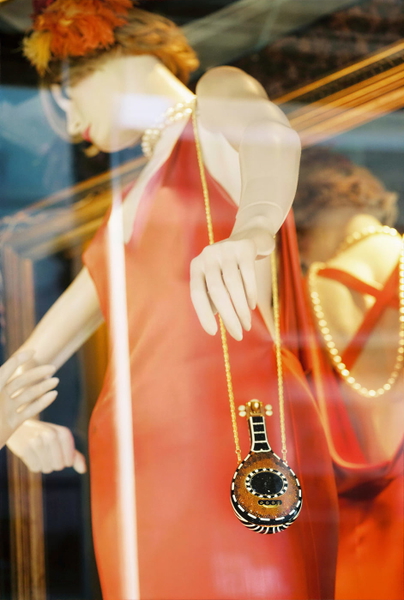
Jewelry
Stones, settings and metal finish, where an added sparkle is not an improvement but a different piece.
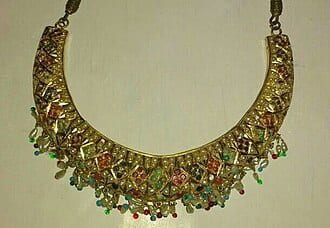
More pixels, nothing added that was not already there.
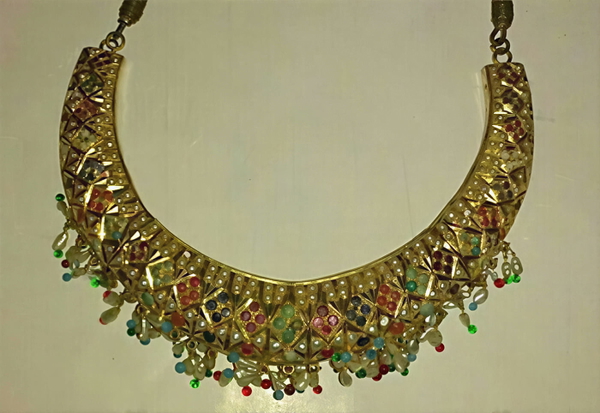
Real detail recovered — still the same photograph.
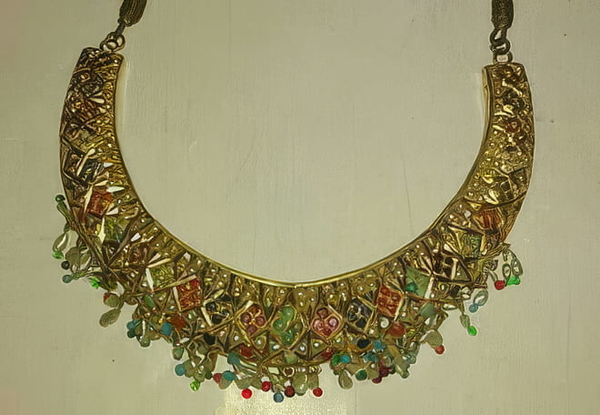
Detail that was never in the original, drawn in convincingly.
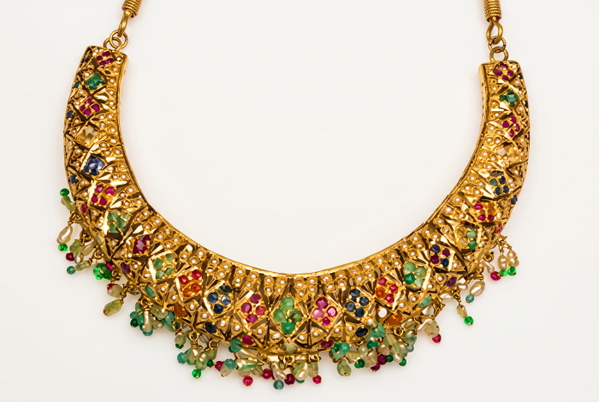
Colour or lighting materially changed from the source.
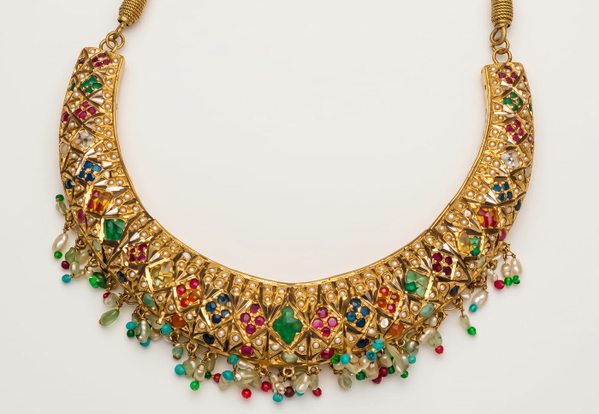
Detail that was never in the original, drawn in convincingly.
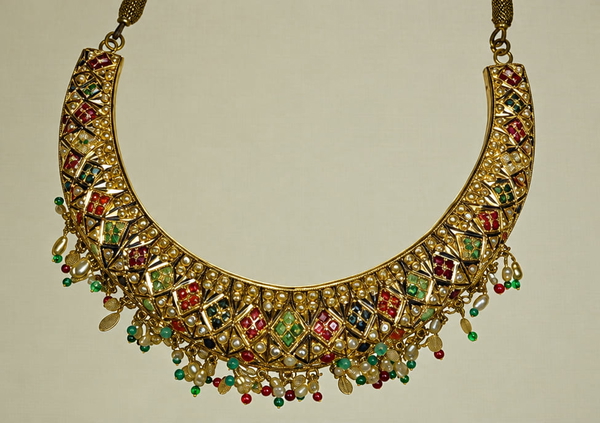
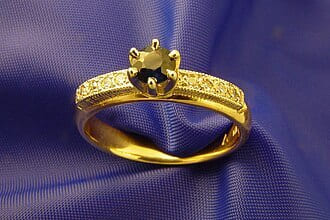
More pixels, nothing added that was not already there.
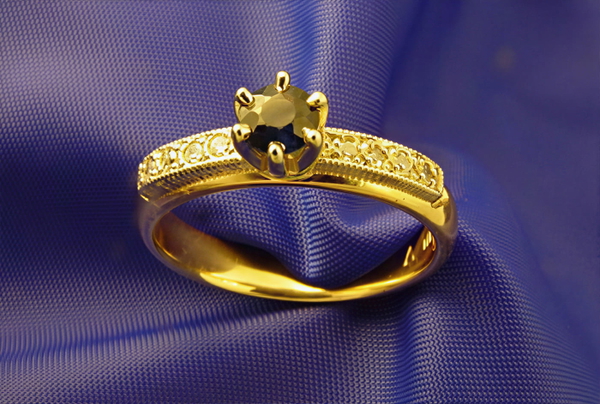
Real detail recovered — still the same photograph.
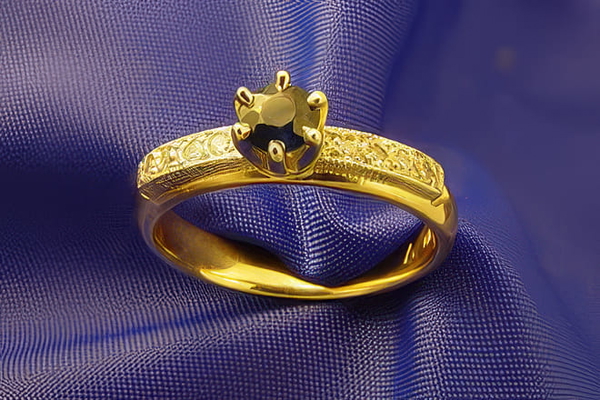
Detail that was never in the original, drawn in convincingly.
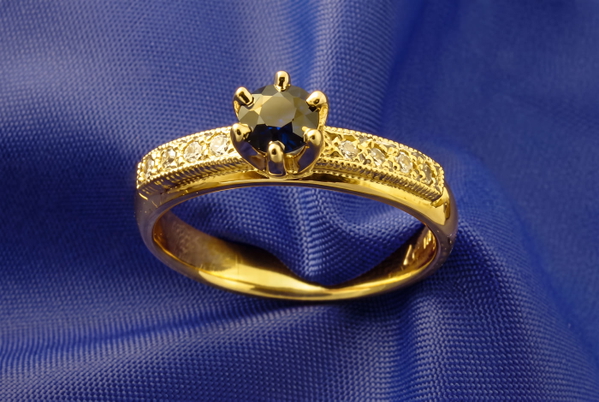
Colour or lighting materially changed from the source.
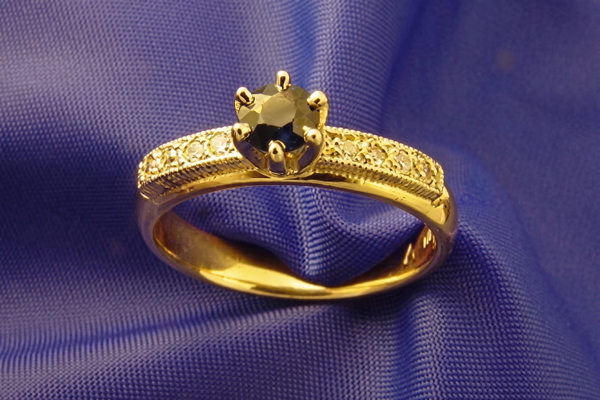
Detail that was never in the original, drawn in convincingly.
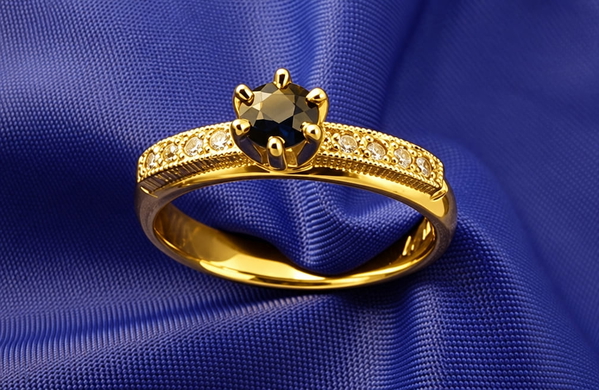
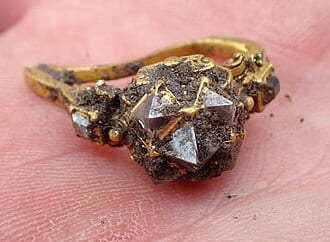
More pixels, nothing added that was not already there.
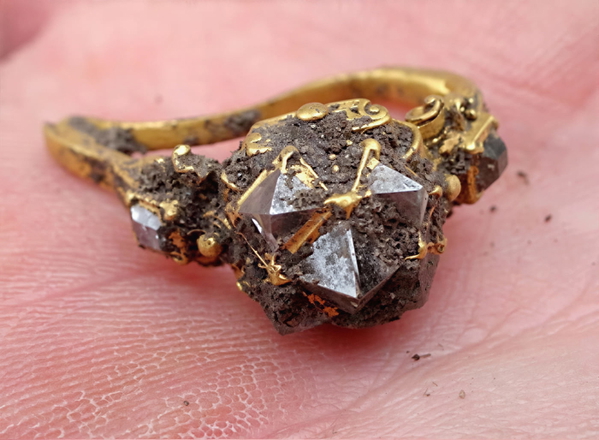
Real detail recovered — still the same photograph.
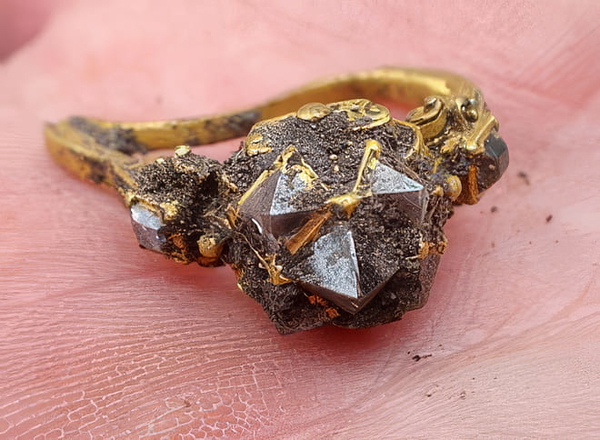
Detail that was never in the original, drawn in convincingly.
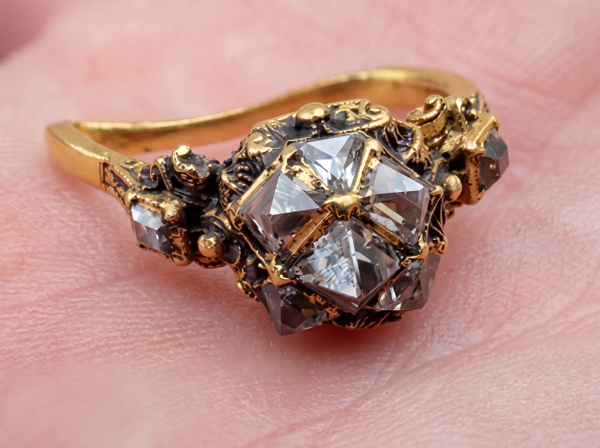
Colour or lighting materially changed from the source.
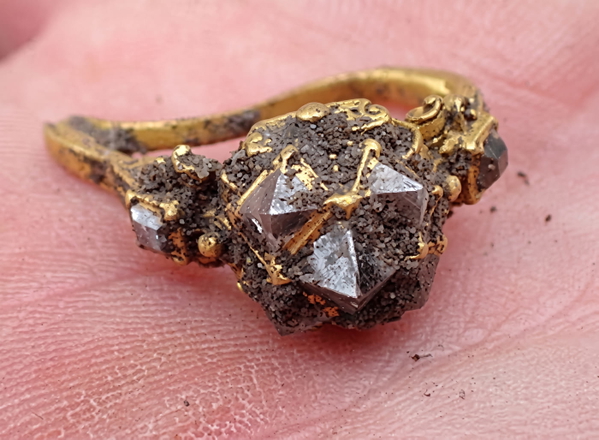
Detail that was never in the original, drawn in convincingly.
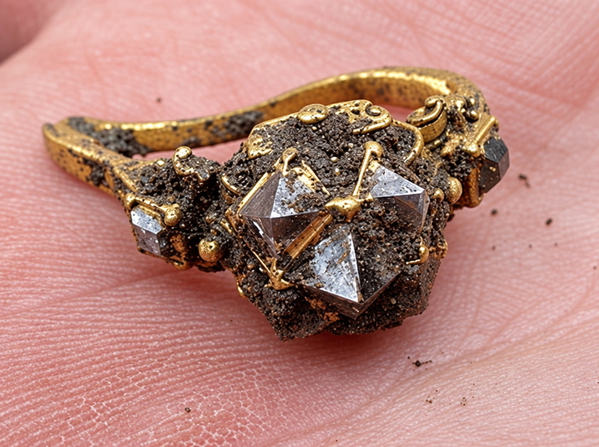
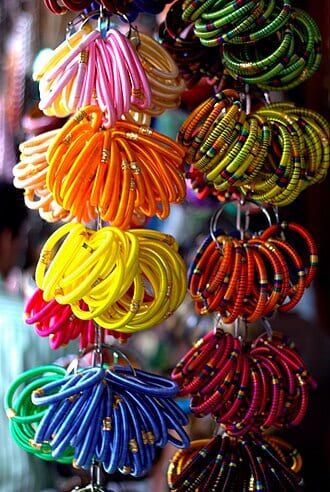
More pixels, nothing added that was not already there.
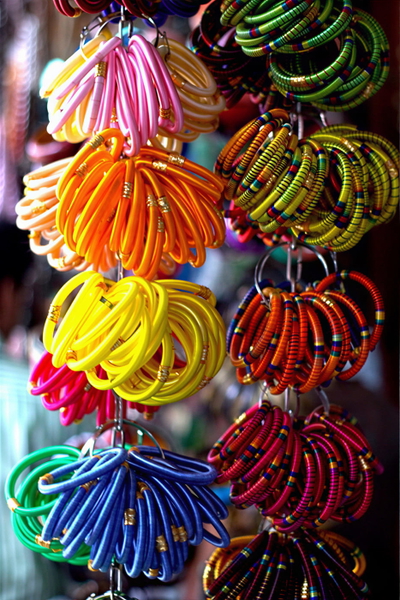
Real detail recovered — still the same photograph.
Detail that was never in the original, drawn in convincingly.
Colour or lighting materially changed from the source.
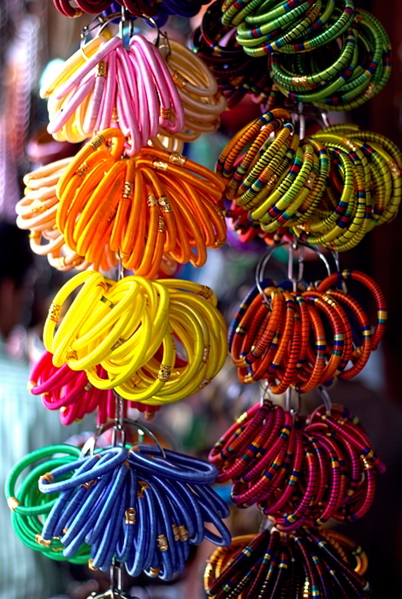
Detail that was never in the original, drawn in convincingly.
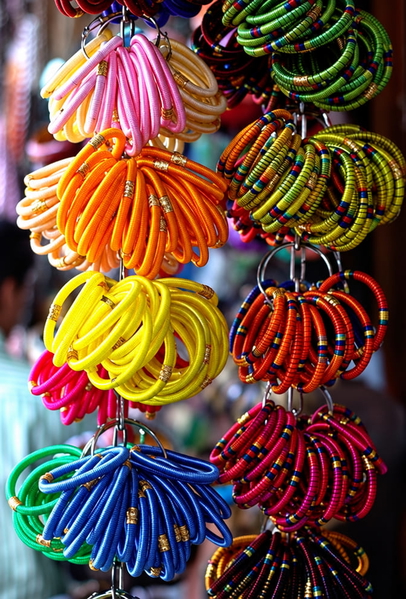
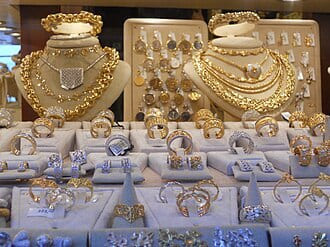
More pixels, nothing added that was not already there.
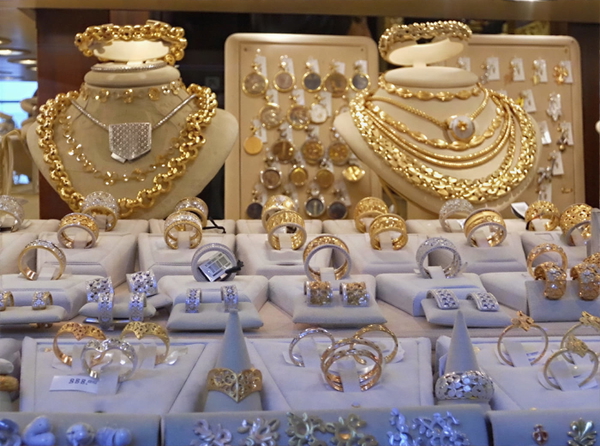
Real detail recovered — still the same photograph.
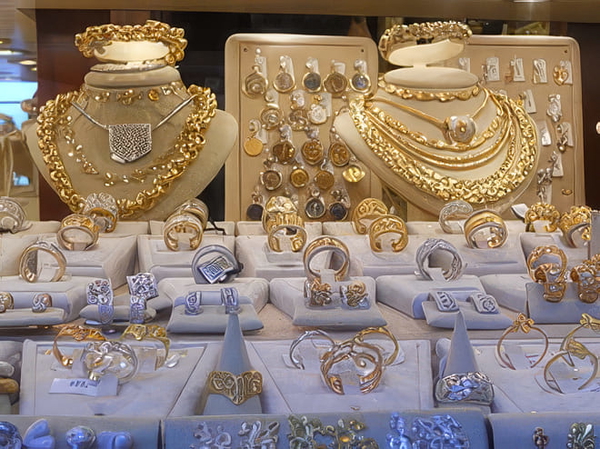
Detail that was never in the original, drawn in convincingly.
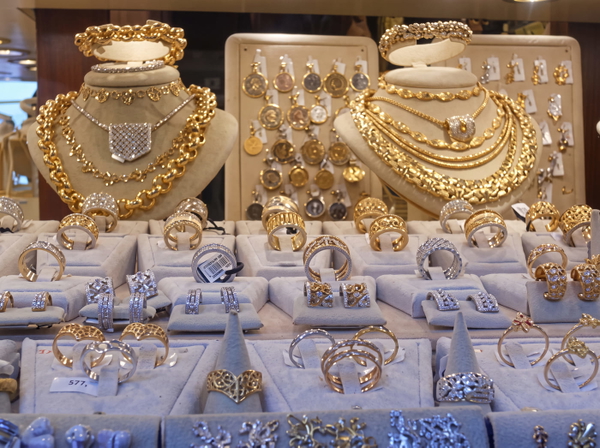
Colour or lighting materially changed from the source.
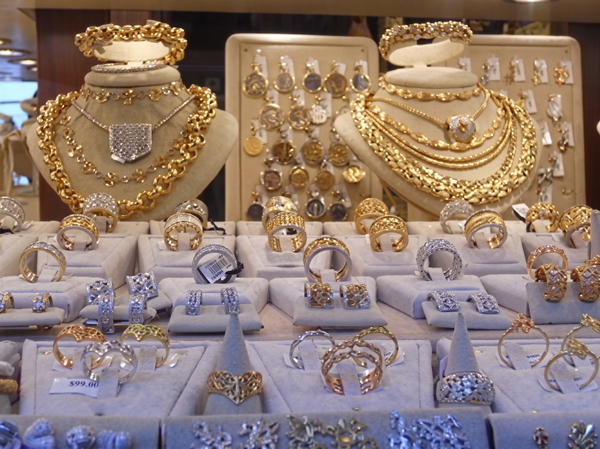
Detail that was never in the original, drawn in convincingly.
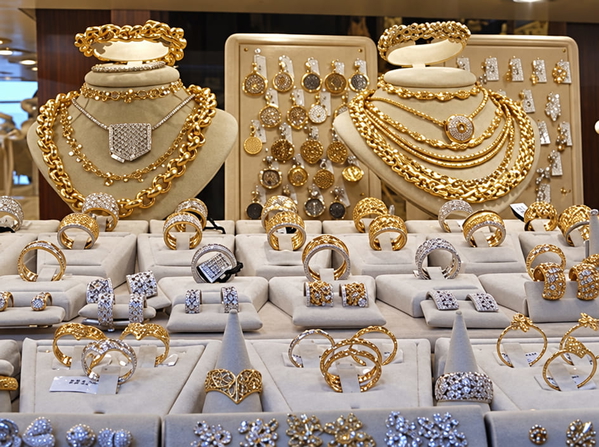
What this one tests: A plain backdrop that should stay exactly the colour it was.
Cosmetics
Glossy packaging and small printed labels — where an unreadable line of text is the honest result.
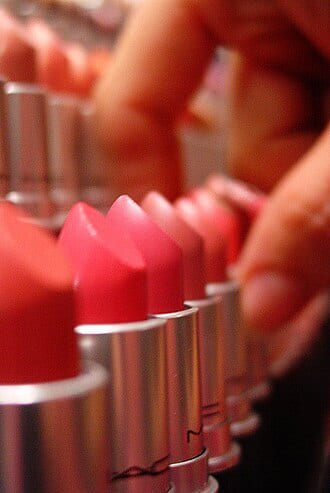
More pixels, nothing added that was not already there.
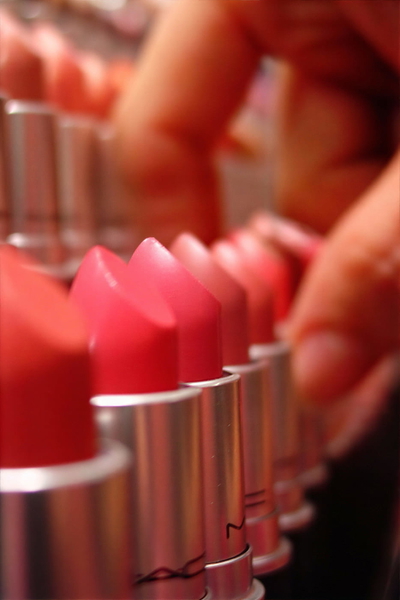
Real detail recovered — still the same photograph.
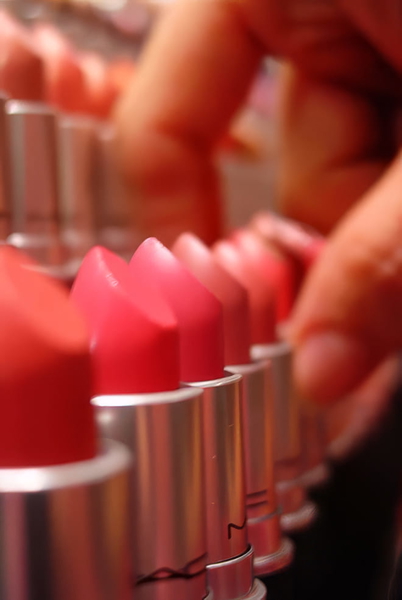
Detail that was never in the original, drawn in convincingly.
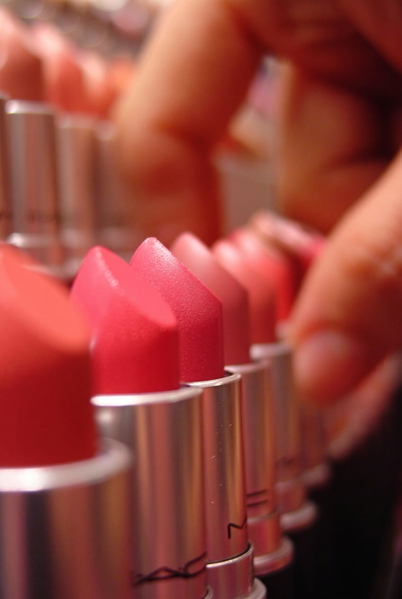
Detail that was never in the original, drawn in convincingly.
Detail that was never in the original, drawn in convincingly.
More pixels, nothing added that was not already there.
Real detail recovered — still the same photograph.
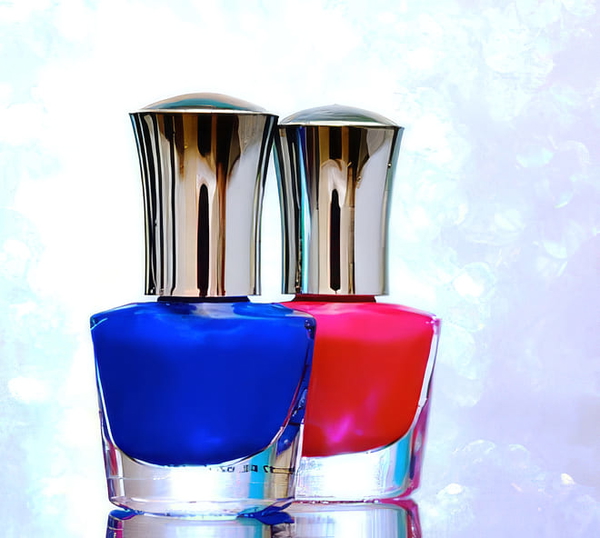
Detail that was never in the original, drawn in convincingly.
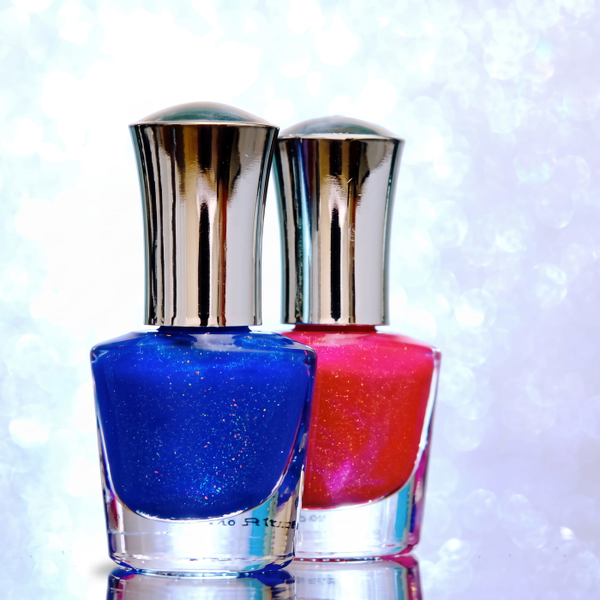
Detail that was never in the original, drawn in convincingly.
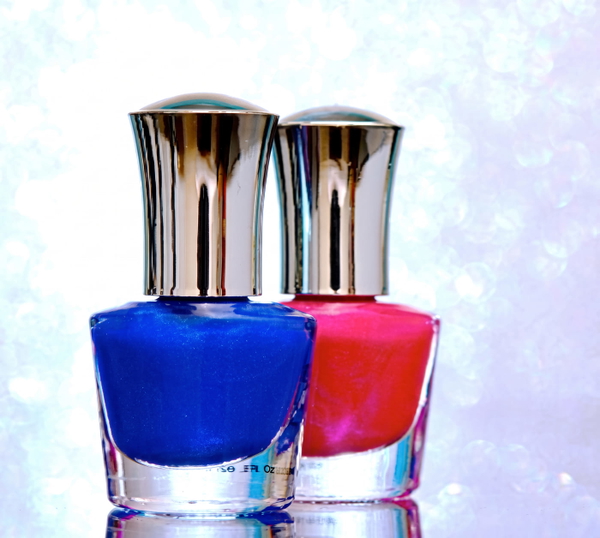
Detail that was never in the original, drawn in convincingly.
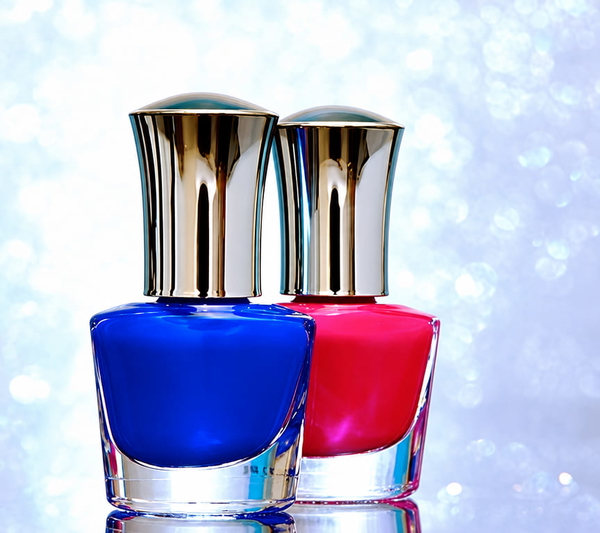
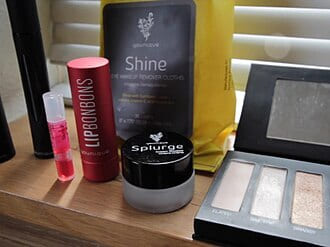
More pixels, nothing added that was not already there.
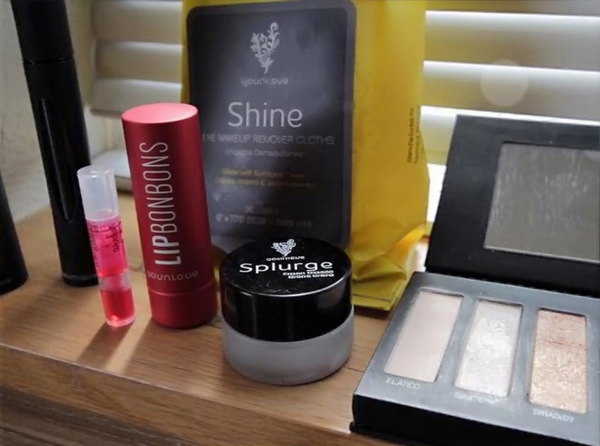
Real detail recovered — still the same photograph.
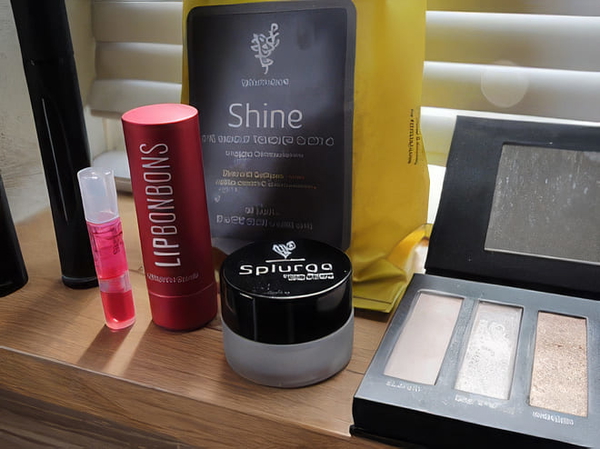
Detail that was never in the original, drawn in convincingly.
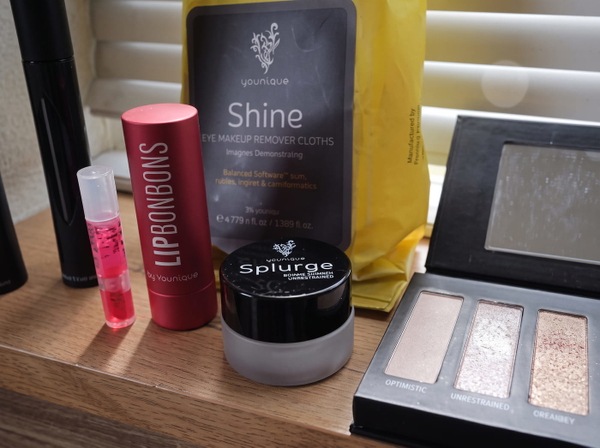
Detail that was never in the original, drawn in convincingly.
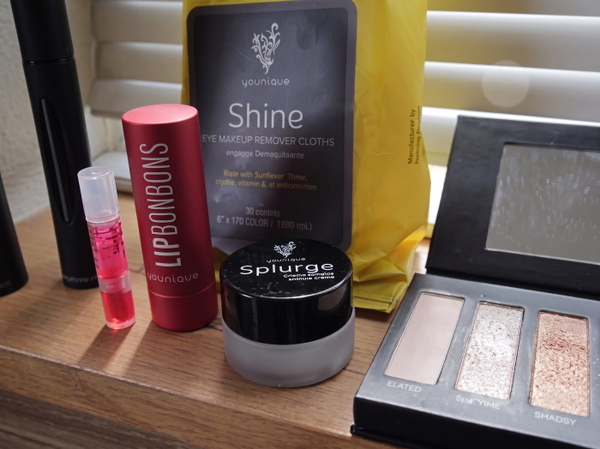
Detail that was never in the original, drawn in convincingly.
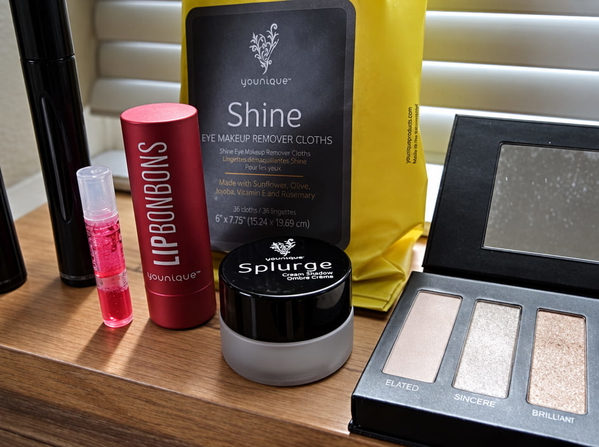
More pixels, nothing added that was not already there.
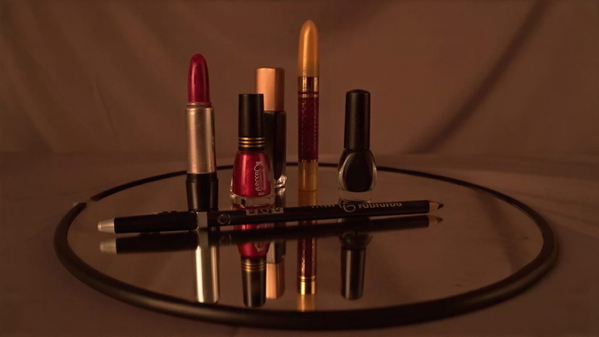
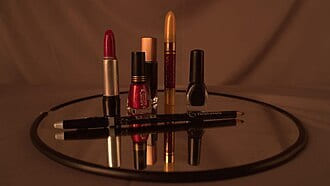
Real detail recovered — still the same photograph.
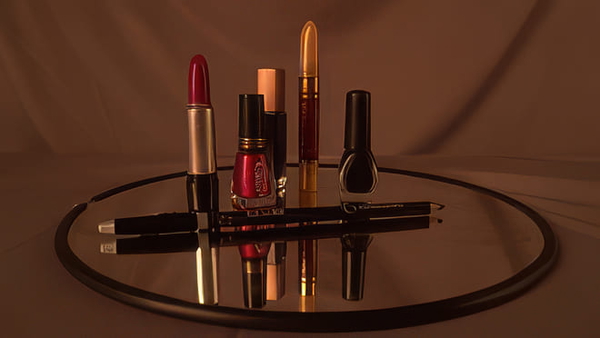
Detail that was never in the original, drawn in convincingly.
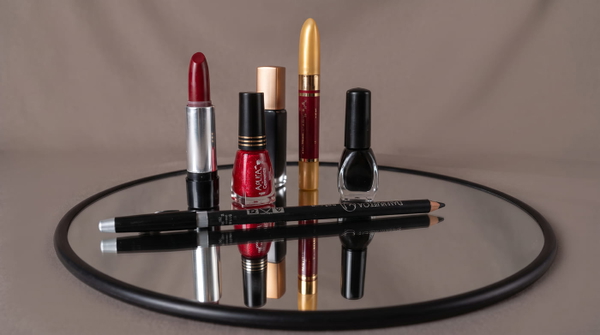
Detail that was never in the original, drawn in convincingly.
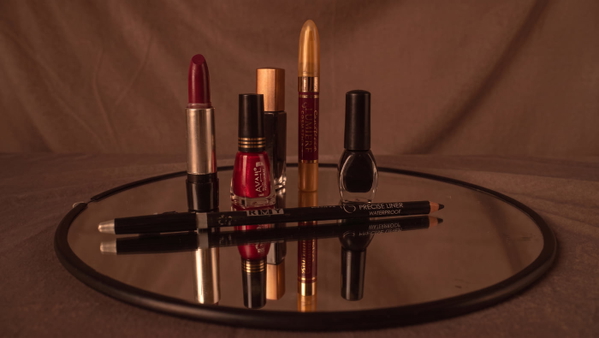
Detail that was never in the original, drawn in convincingly.
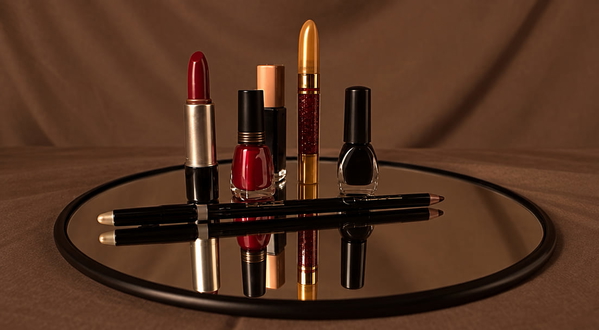
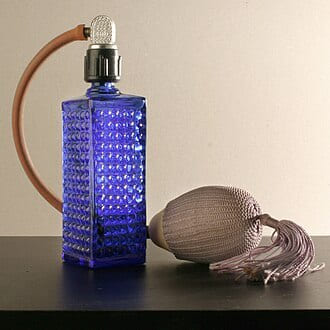
More pixels, nothing added that was not already there.
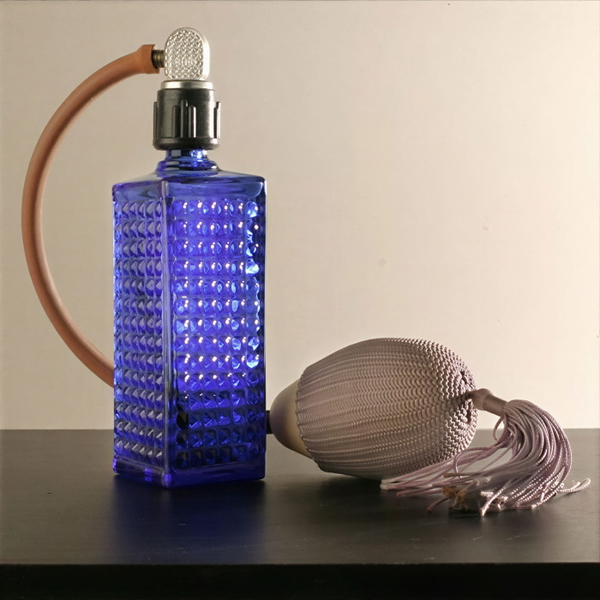
Real detail recovered — still the same photograph.
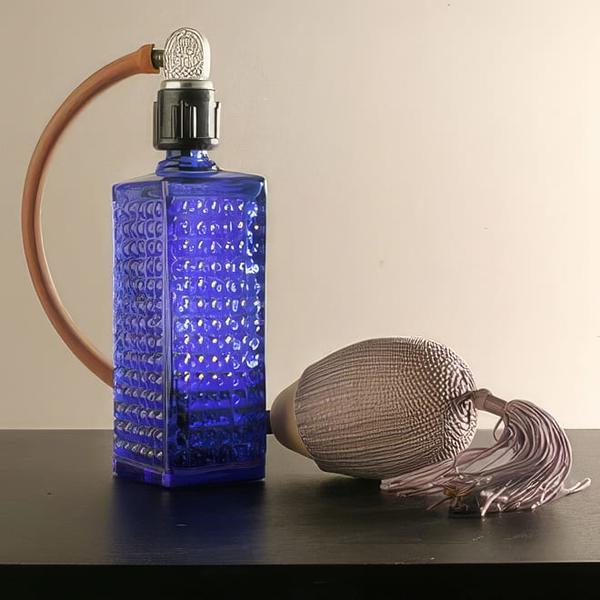
Detail that was never in the original, drawn in convincingly.
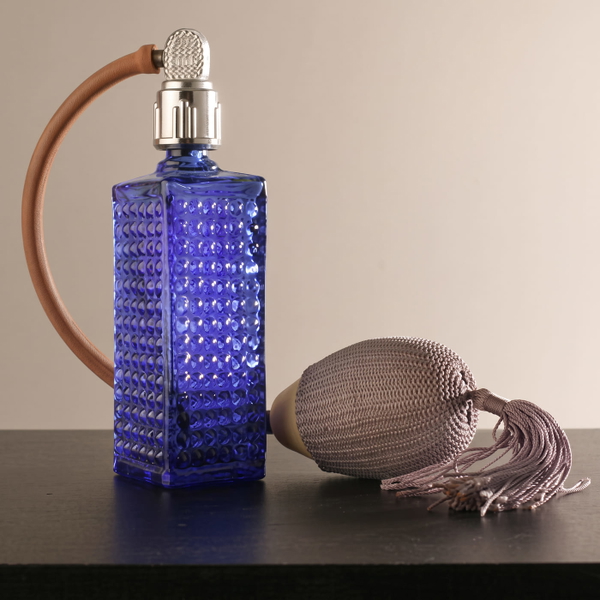
Detail that was never in the original, drawn in convincingly.
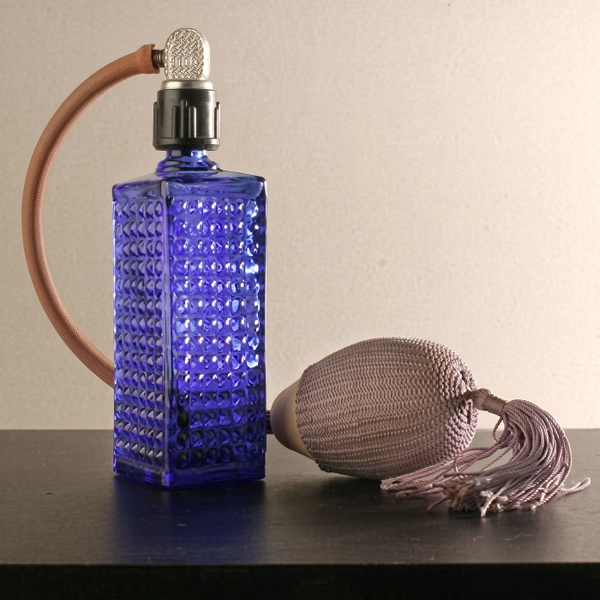
Detail that was never in the original, drawn in convincingly.
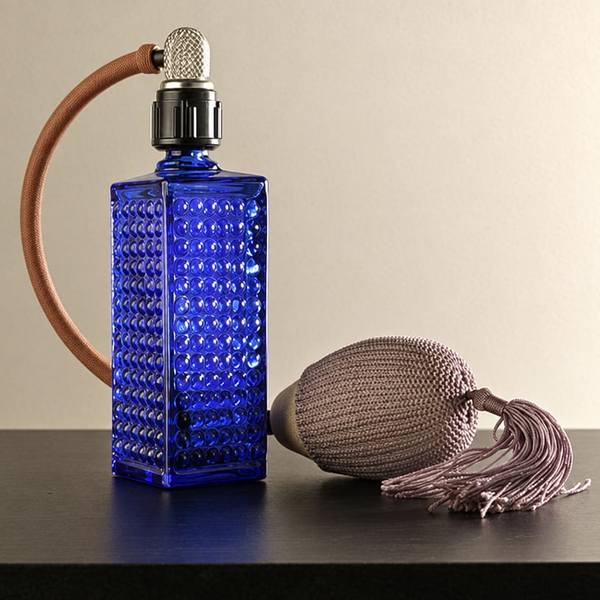
What this one tests: Out-of-focus areas that should stay out of focus.
Furniture
Leather, wood grain and lacquer: the finish is the product, so a changed colour is a changed listing.
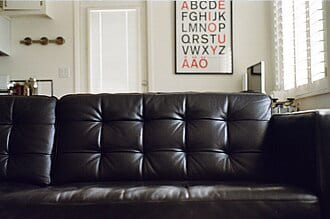
More pixels, nothing added that was not already there.
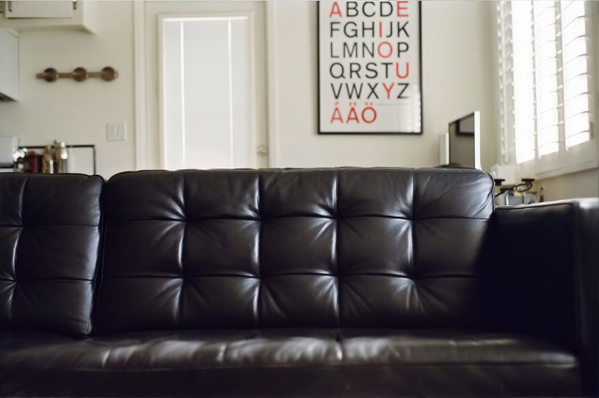
Real detail recovered — still the same photograph.
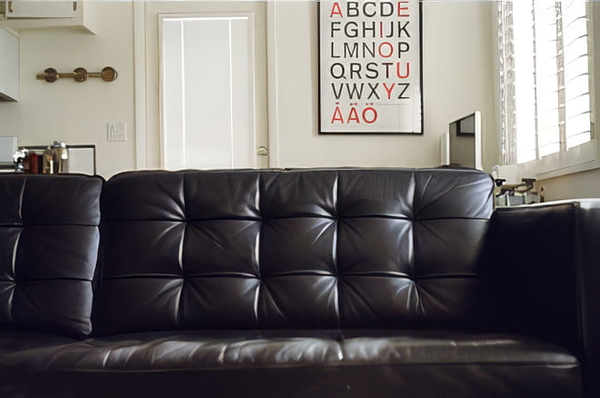
Colour or lighting materially changed from the source.
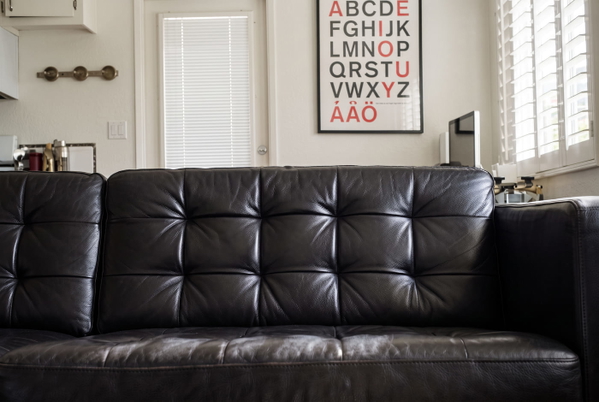
Detail that was never in the original, drawn in convincingly.
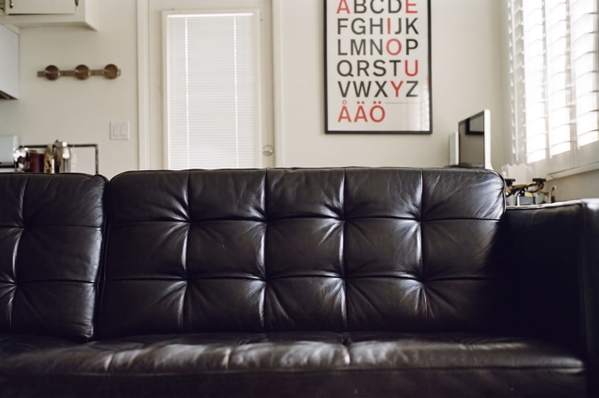
Colour or lighting materially changed from the source.
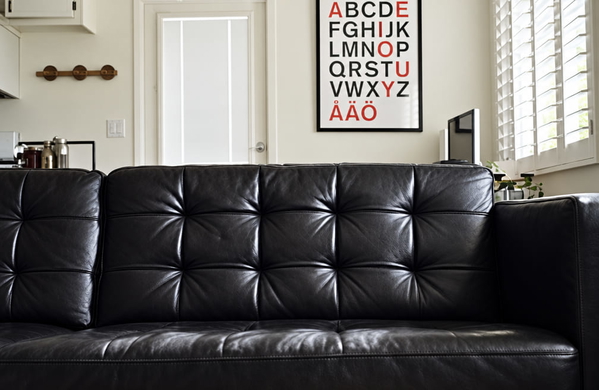
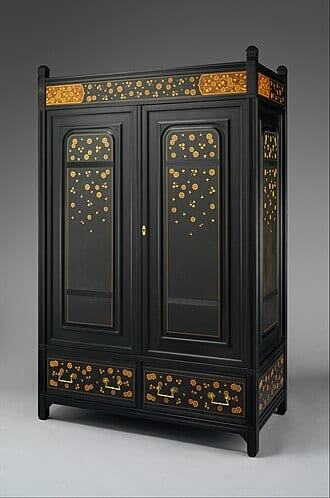
More pixels, nothing added that was not already there.
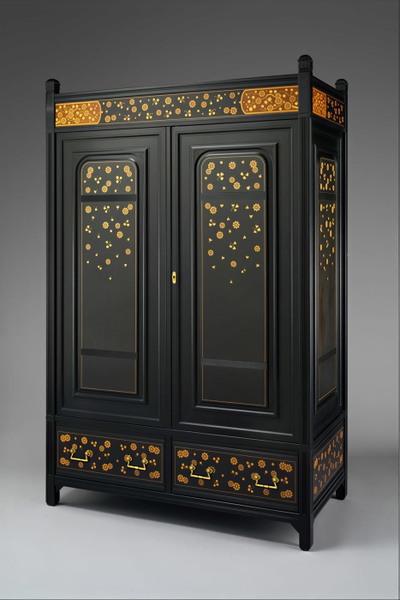
Real detail recovered — still the same photograph.
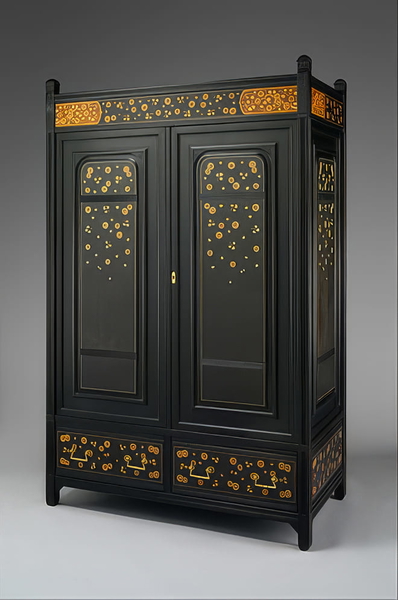
Colour or lighting materially changed from the source.
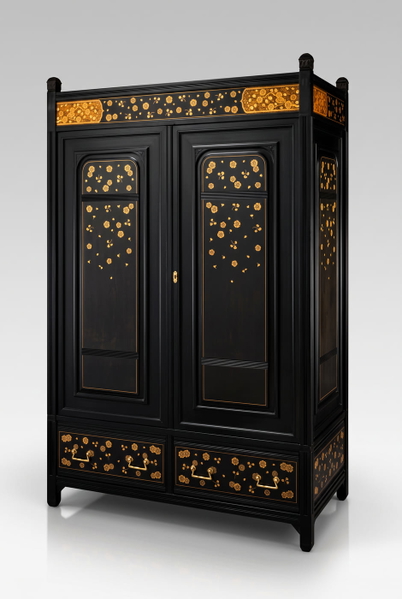
Detail that was never in the original, drawn in convincingly.
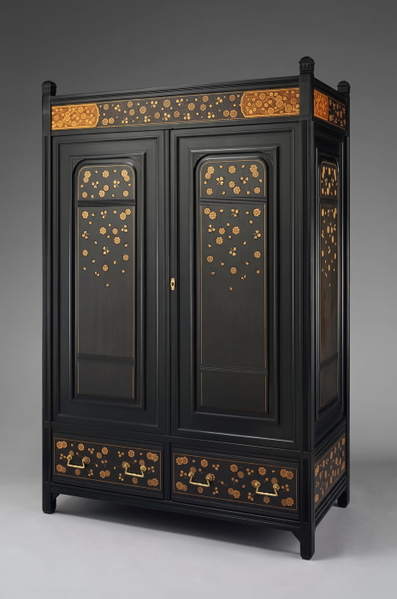
Colour or lighting materially changed from the source.
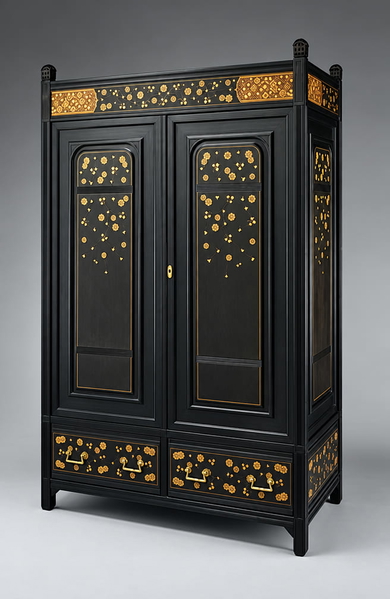
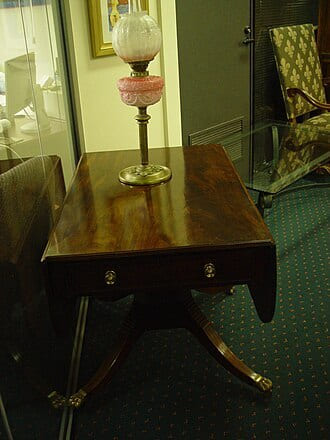
More pixels, nothing added that was not already there.
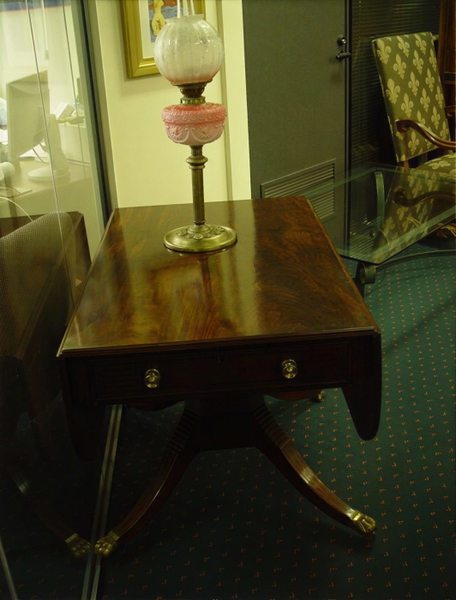
Real detail recovered — still the same photograph.
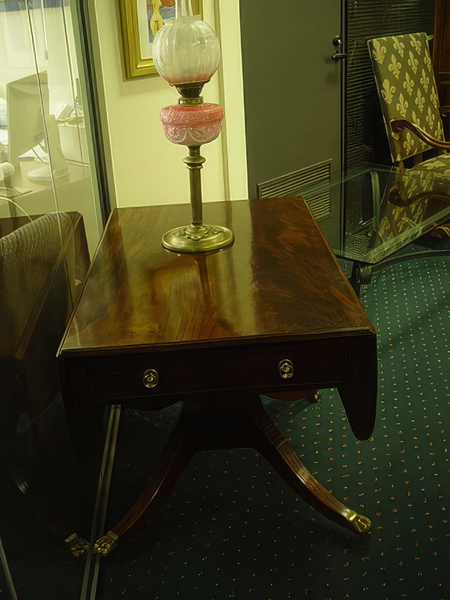
Colour or lighting materially changed from the source.
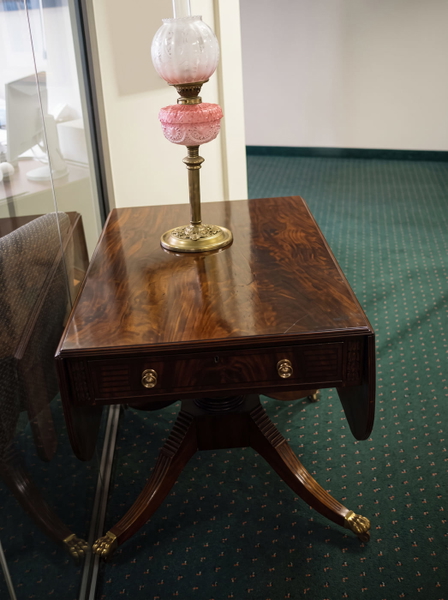
Detail that was never in the original, drawn in convincingly.
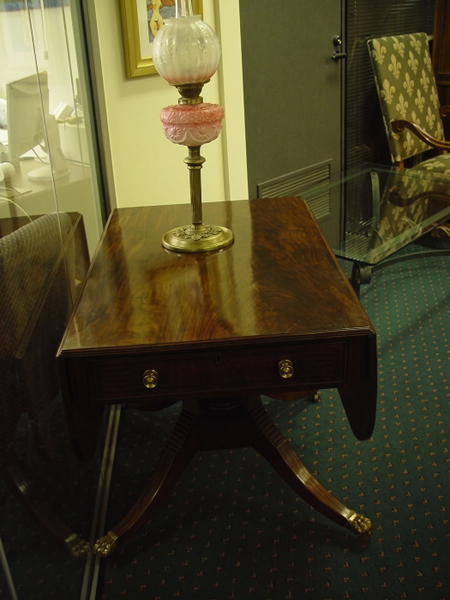
Colour or lighting materially changed from the source.
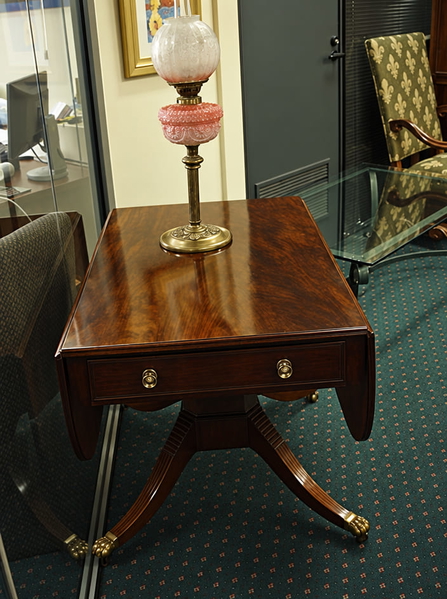
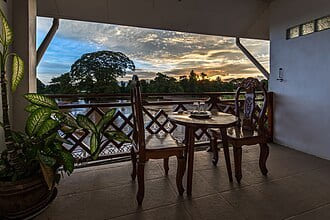
More pixels, nothing added that was not already there.
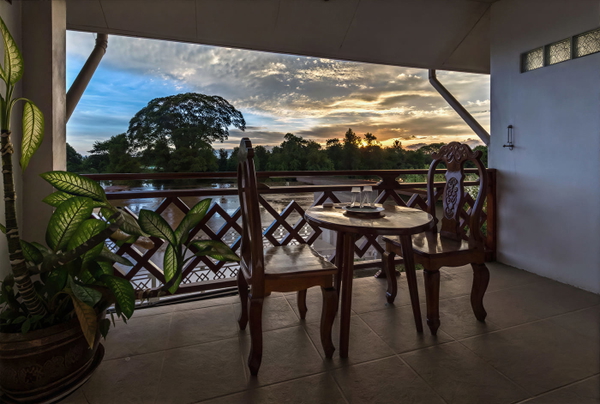
Real detail recovered — still the same photograph.
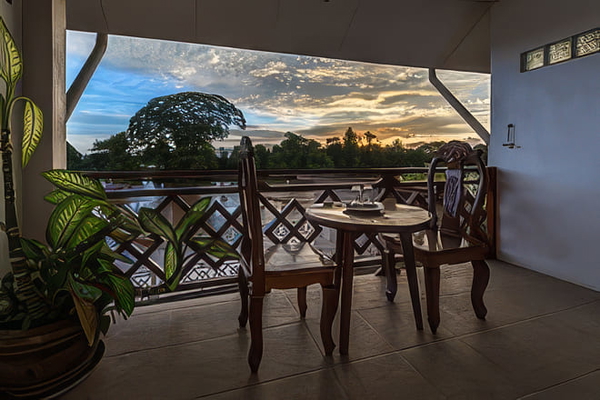
Colour or lighting materially changed from the source.
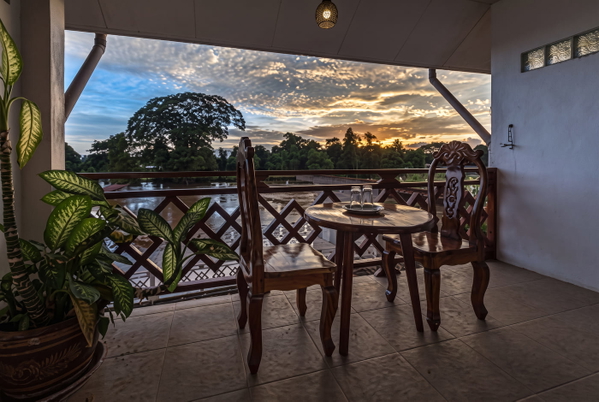
Detail that was never in the original, drawn in convincingly.
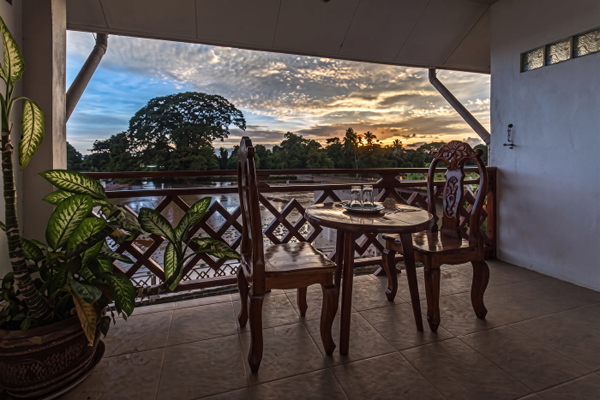
Colour or lighting materially changed from the source.
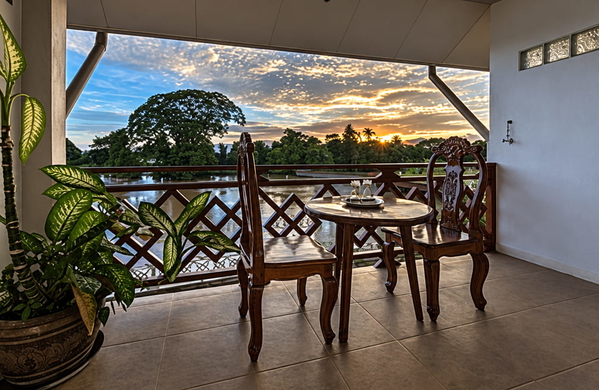
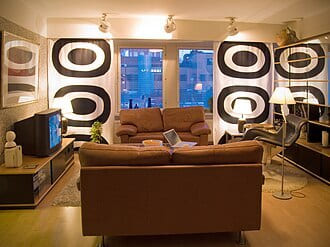
More pixels, nothing added that was not already there.
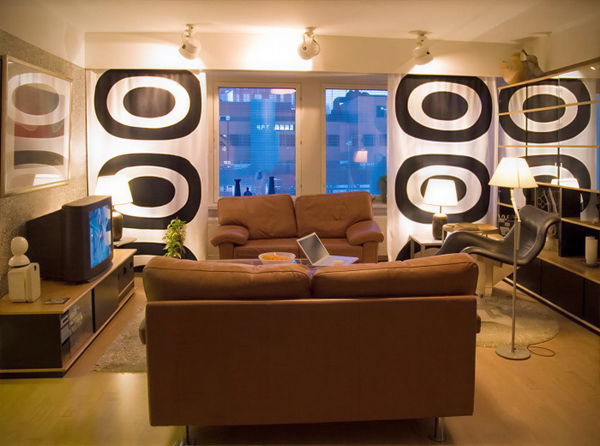
Real detail recovered — still the same photograph.
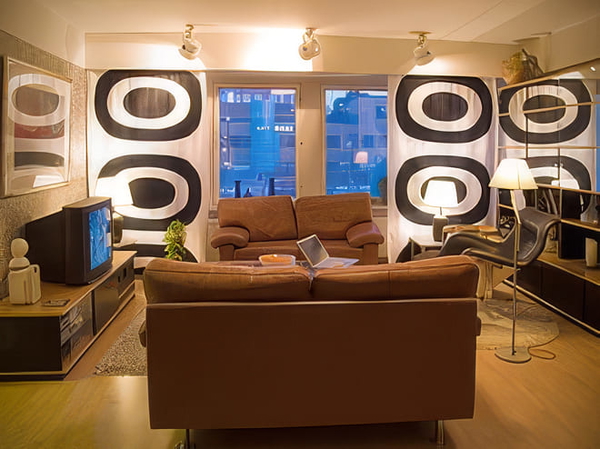
Colour or lighting materially changed from the source.
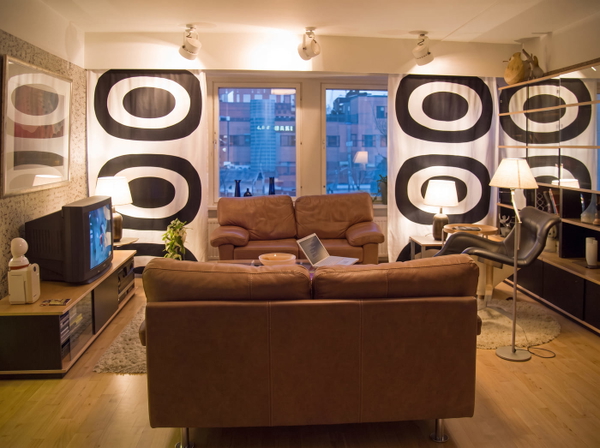
Detail that was never in the original, drawn in convincingly.
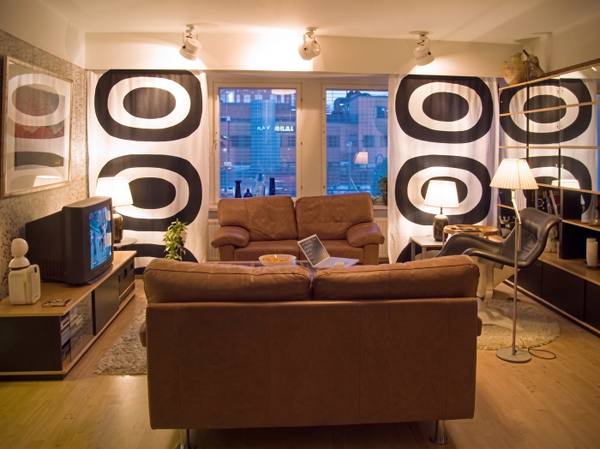
Colour or lighting materially changed from the source.
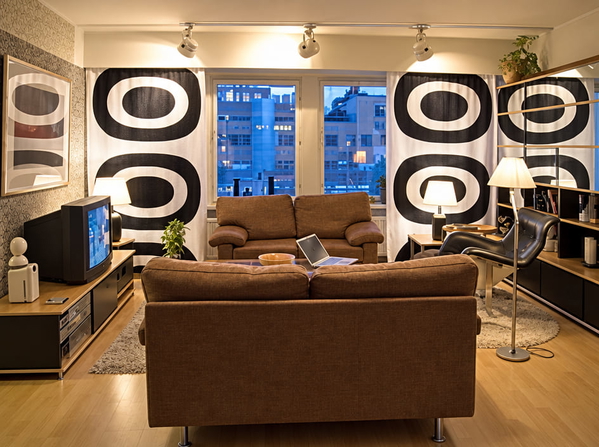
What this one tests: Deep blacks with soft highlights on leather.
Home decor
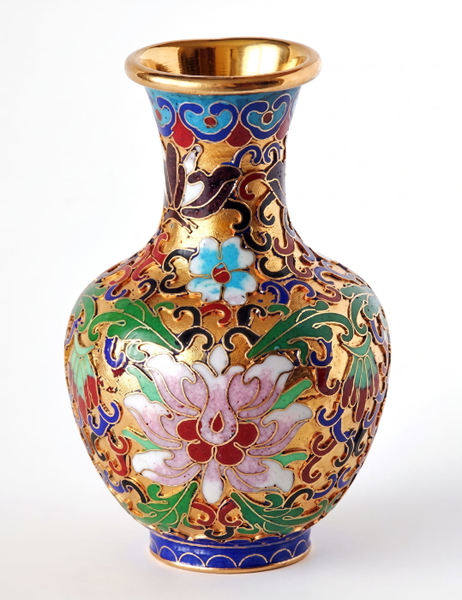
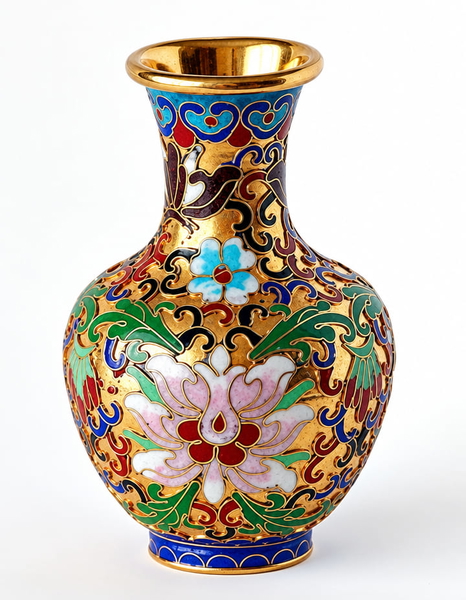
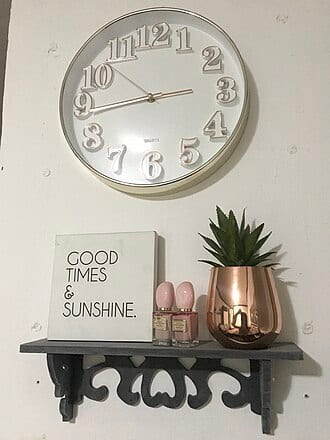
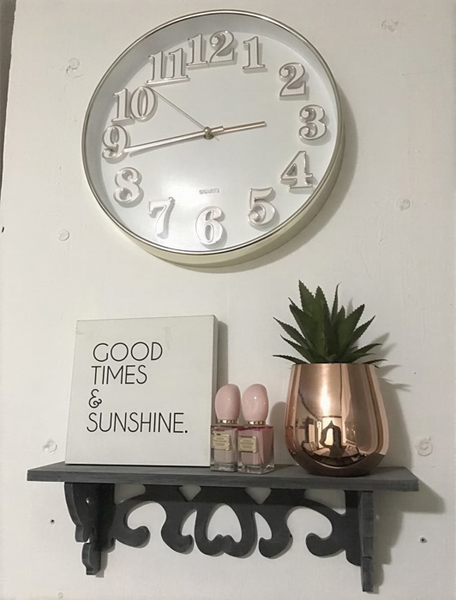
Ornament, candlelight and small objects on shelves — the lifestyle shot, at the size it is usually found online.
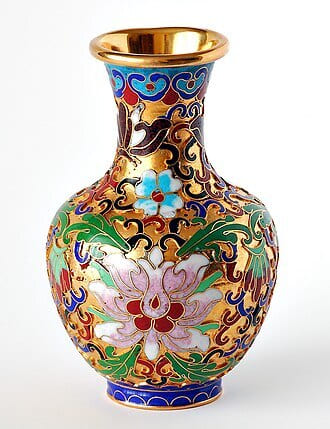
More pixels, nothing added that was not already there.
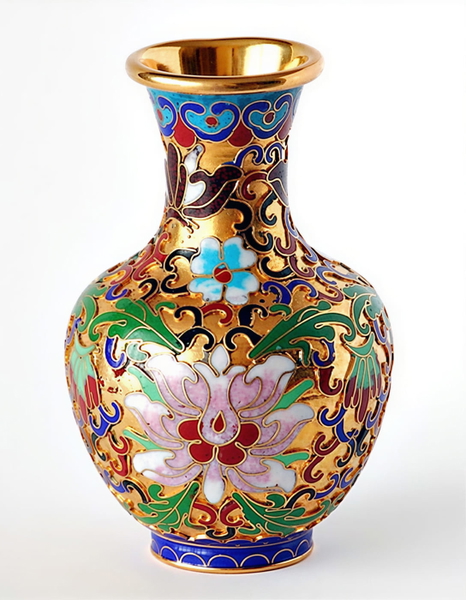
Real detail recovered — still the same photograph.
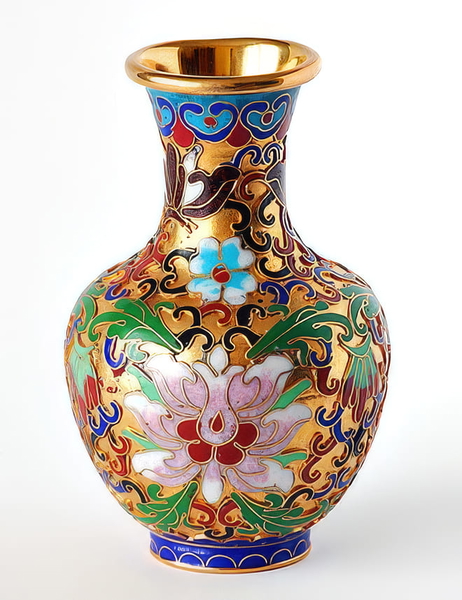
Colour or lighting materially changed from the source.
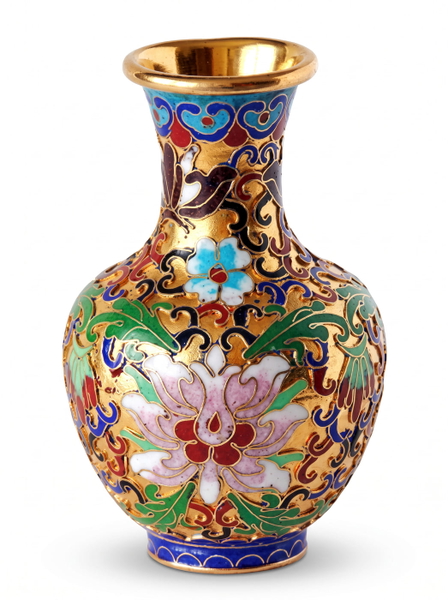
Detail that was never in the original, drawn in convincingly.
Colour or lighting materially changed from the source.
More pixels, nothing added that was not already there.
Real detail recovered — still the same photograph.
Colour or lighting materially changed from the source.
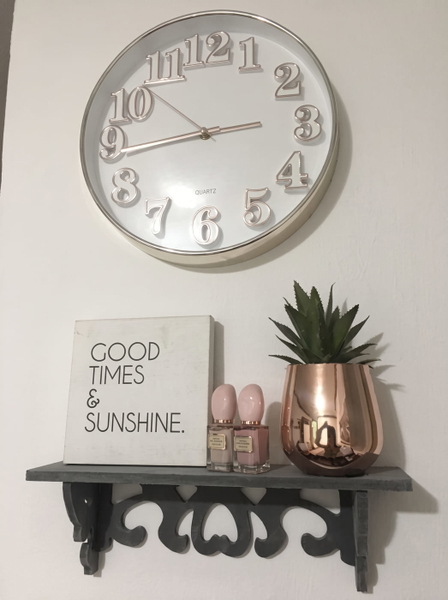
Detail that was never in the original, drawn in convincingly.
Colour or lighting materially changed from the source.
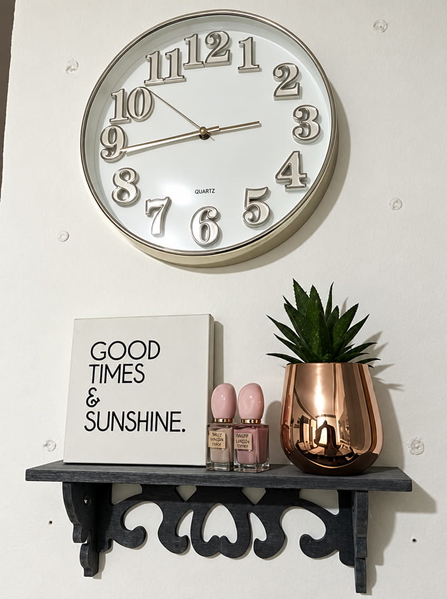
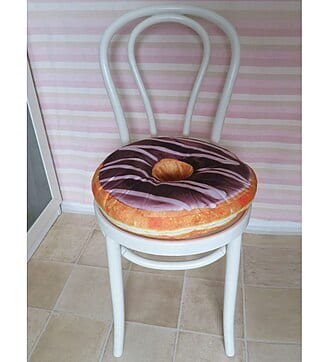
More pixels, nothing added that was not already there.
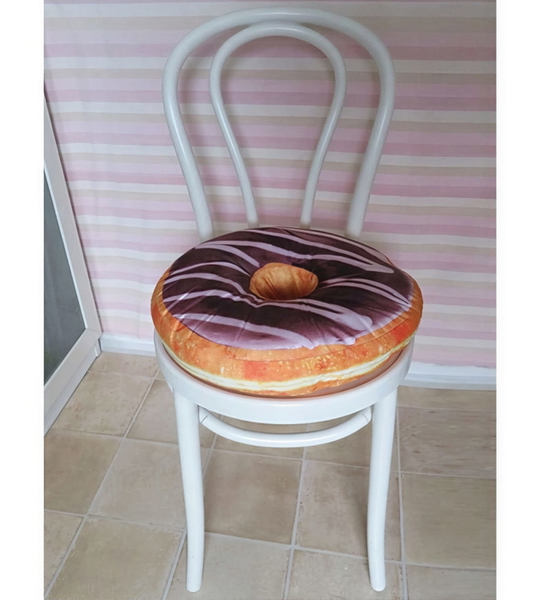
Real detail recovered — still the same photograph.
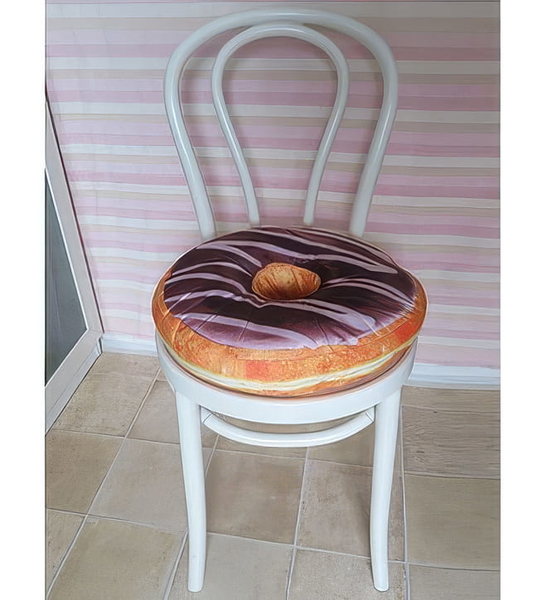
Colour or lighting materially changed from the source.
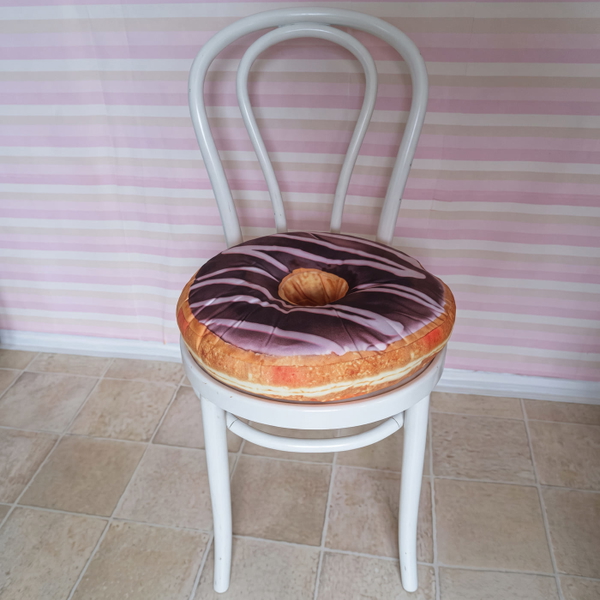
Detail that was never in the original, drawn in convincingly.
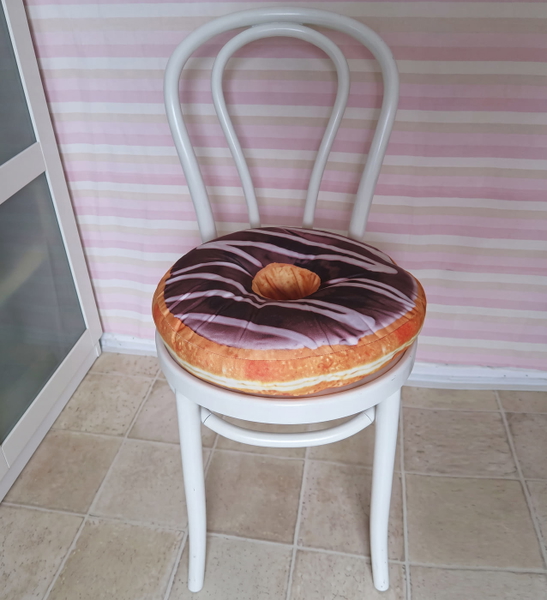
Colour or lighting materially changed from the source.
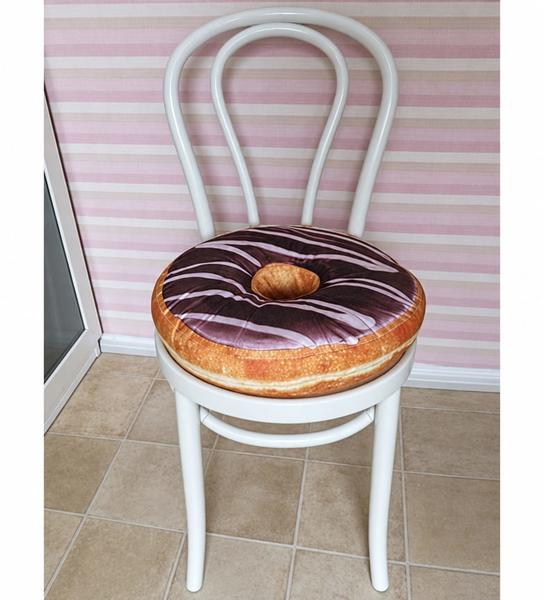

More pixels, nothing added that was not already there.

Real detail recovered — still the same photograph.

Colour or lighting materially changed from the source.

Detail that was never in the original, drawn in convincingly.

Colour or lighting materially changed from the source.

More pixels, nothing added that was not already there.
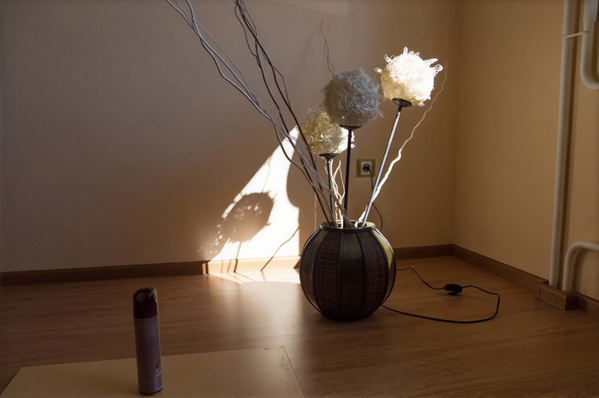
Real detail recovered — still the same photograph.
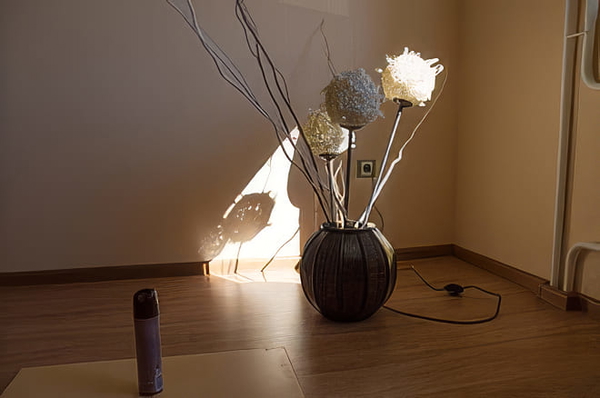
Colour or lighting materially changed from the source.
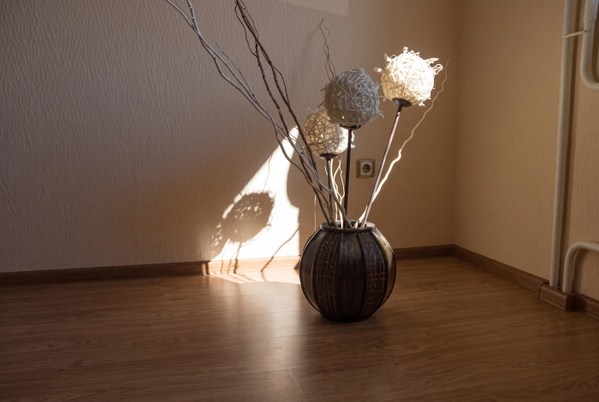
Detail that was never in the original, drawn in convincingly.
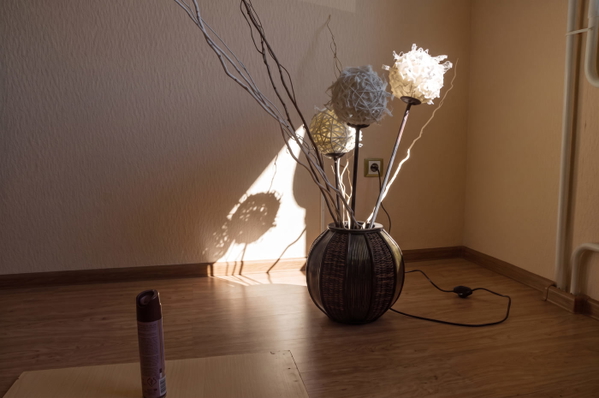
Colour or lighting materially changed from the source.
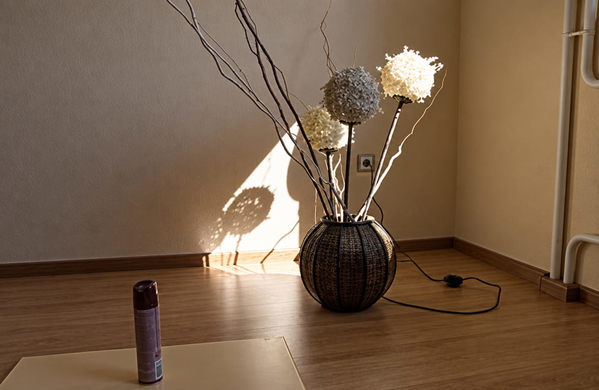
What this one tests: Dense enamel pattern with thin gold wire outlines.
Results
One verdict per model per category, in the six words above. It is a judgement about pictures, so it is ours and you can disagree with it — every image it was formed from is on this page at full size.
| Category | GoStudio Lite | GoStudio Pro | GoStudio Advanced | Nano Banana 2 | GPT Image 2.5 |
|---|---|---|---|---|---|
| Text & documents | Invented | Sharper | Invented | Invented | Invented |
| Industrial & machinery | Soft | Sharper | Invented | Invented | Invented |
| Landscape & nature | Faithful | Sharper | Invented | Re-lit | Re-lit |
| Food & product | Faithful | Sharper | Invented | Invented | Reduced |
| Animals & fur | Faithful | Sharper | Invented | Invented | Re-lit |
| Vehicles | Faithful | Sharper | Re-lit | Re-lit | Re-lit |
| People | Faithful | Sharper | Invented | Invented | Invented |
| Apparel | Faithful | Sharper | Invented | Invented | Re-lit |
| Jewelry | Faithful | Sharper | Invented | Re-lit | Invented |
| Cosmetics | Faithful | Sharper | Invented | Invented | Invented |
| Furniture | Faithful | Sharper | Re-lit | Invented | Re-lit |
| Home decor | Faithful | Sharper | Re-lit | Invented | Re-lit |
The pattern holds across all twelve categories. Pro never invents. Lite held every photo but one: on the 1906 newspaper it redrew headline letters — URGENT became ORGENE — which is why Text & documents scores it Invented. On the very smallest sources the upscalers’ honesty shows up as a result that is still soft. The three fixed-canvas models always produce the more impressive picture, and on sources below about 0.3 MP a great deal of what makes it impressive was not photographed.
What this means for your photo
The honest summary is that there is no best model here, only a right one for what you are holding.
- A large photo that needs to be larger — use an upscaler. A fixed-canvas model will reduce it, and no amount of added sharpness compensates for losing three quarters of the pixels.
- A small photo that needs to be usable at all — a fixed-canvas model will transform it, and you should know that the detail it adds is plausible rather than recovered.
- Documents, archives, evidence, anything where the content must be what was on the paper — use Pro, and check the lettering. Pro kept every letter in this test; Lite changed one newspaper headline, and the models that redraw are very good at redrawing, which is the problem.
- Product and food photography — use an upscaler, then judge whether the result needs enhancing. Seasoning that was not on the plate is a returns problem, not a styling choice.
Upscale an imageEnhance an imageUpscaler examplesThe background remover benchmark
Frequently Asked Questions
How large can an AI upscaler make an image?
On GoStudio the ceiling is 96 megapixels, roughly 9800 x 9800 pixels — about three times 8K, which is 33 megapixels. Two controls reach it: a target size returning exactly 720p, 1080p, 1440p or 2160p whatever you upload, or a scale factor from 2x to 10x that multiplies the photo you have. Where your own photo lands depends on where it starts, because both routes share that one ceiling: a 600 x 600 image takes the full 10x, while a 24 megapixel photo has room for 2x. Input goes up to 40 MB and must be at least 512 pixels on each side.
Which AI image upscaler is best?
It depends on what is wrong with your photo, because the two failure modes need opposite tools. If the image is too small — you want to print it, crop into it, or fill a large screen — use a true upscaler: in this test GoStudio’s Lite and Pro modes multiplied the input by a median of ×4.0; Pro never added anything that was not already there and recovered more real detail at the same factor, while Lite changed letters in one newspaper headline. If the size is fine and the photo simply looks poor, a re-rendering mode such as Advanced will produce a more striking picture, as long as you accept that some of what it adds was not photographed.
What is the difference between upscaling and enhancing an image?
Upscaling changes the size: it increases the resolution so the photo stays sharp when enlarged, cropped or printed. Enhancing changes the quality at the size you already have — colour, lighting, sharpness and noise. The test on this page measured the difference rather than asserting it: the two upscalers returned a median of ×4.0 the input pixels, while the three enhancers re-rendered onto a fixed canvas regardless of what they were given.
Can enhancing an image make it smaller?
Yes, and it is the result most people do not expect. A mode that re-renders onto a fixed canvas returns that canvas whatever you feed it. In this test a 17.26 MP photograph came back from Advanced at about 4.3 MP — a quarter of its pixels — and from one comparison model at 0.68 MP, which is 4% of what went in. If your photo is already large, enhancing it can cost you resolution.
Does AI upscaling invent detail that was not in the photo?
Some do and some do not, and the difference is the most useful thing on this page. Across 61 photos, Pro reconstructed only what the existing pixels implied, and Lite did on every photo but one — on a 1906 newspaper page it turned “URGENT” into “ORGENE”. The three fixed-canvas models drew in detail that the source could not have held — on a 0.12 MP photograph of spices they rendered hundreds of individually defined grains, and on a plain fried egg two of them added black pepper and browned edges that are not in the original. For archives, documents, evidence or product photography, that is a reason to use an upscaler instead — and for text, Pro.
Which model should I use to upscale an image for printing?
A true upscaler, because printing is a resolution problem. Scale factor is what matters: the two upscalers here were run at 2× per side and returned four times the input pixels, and the largest result in the test was 69 MP from a 17.26 MP original. A fixed-canvas enhancer would have reduced that same file, which is the opposite of what a print needs.
Is it better to upscale first or enhance first?
Upscale first when size is the problem. An enhancer re-renders onto its own canvas, so running it after an upscale can discard the resolution you just paid for — and running it first, then upscaling, keeps the larger file. If the photo is already big enough, skip the upscale entirely: adding pixels to a photo that has enough of them only makes the file heavier.